Study insights
The comprehensive Study Insights dashboard shows the statistical charts and visual representation for all your studies and their various aspects, helping you analyze and track the dynamics and specifics of your investigational processes.
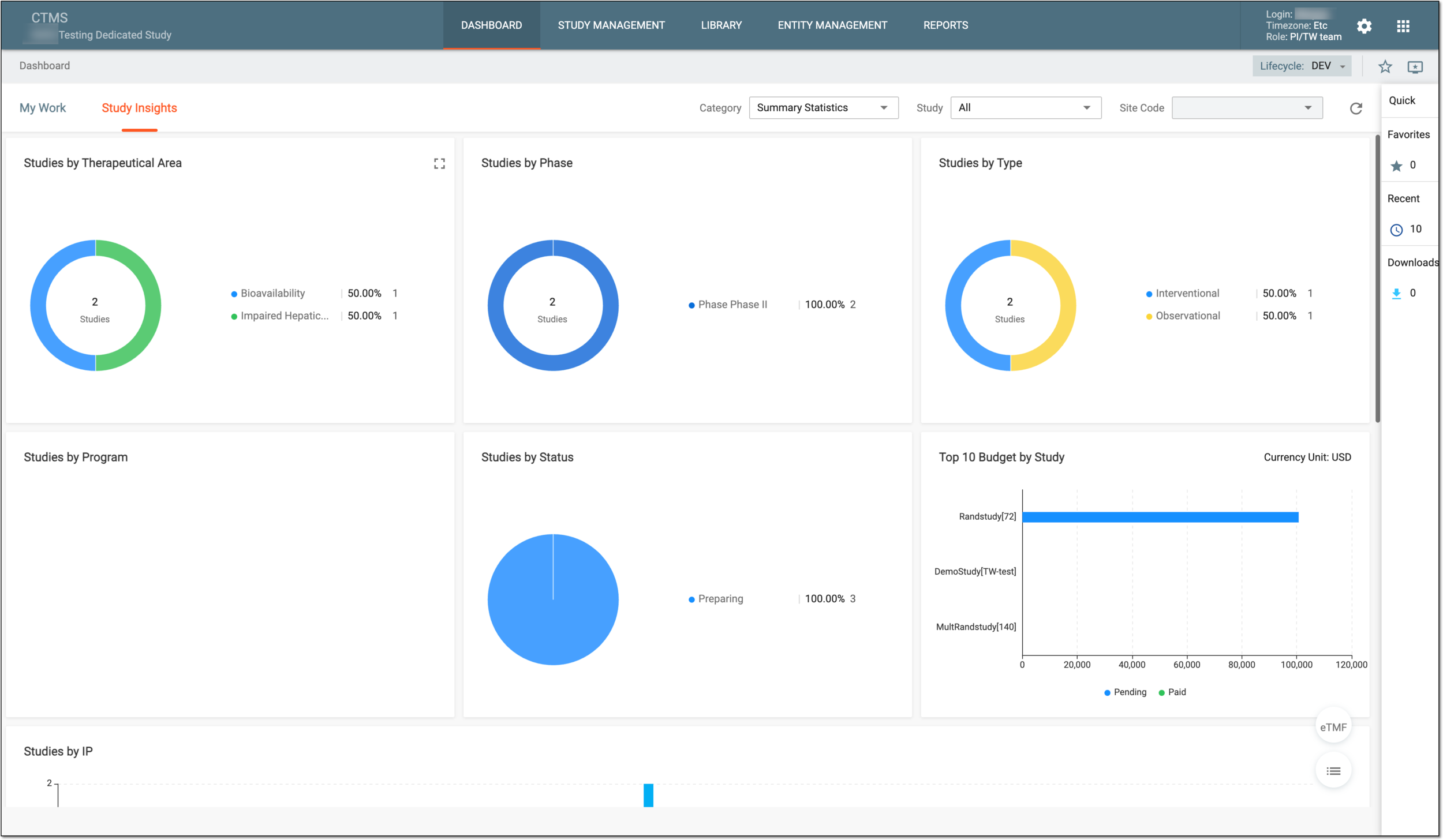
Each category available on the dashboard comprises detailed statistics of the specific aspect by which you can measure and analyze your investigational activities as follows:
-
Summary Statistics: this dashboard helps you analyze the summary of all your studies, categorize them, and access detailed statistics.
-
Clinical Study: this dashboard comprises two categories—Operational Data Overview and Study Quality Control—and provides you with useful statistical charts on the site preparation and data collection progress, monitoring and quality review, and other statistical details per study or site.
-
Clinical Sites: this dashboard contains statistical charts on issues and action items related to monitoring processes in your study or by site.
-
Subjects: this dashboard comprises two categories—Subject Phase and Subject Enrollment—and provides subject-related statistical data per study or site.
There are also some useful tools to help you utilize these dashboards most effectively:
-
Category: from this dropdown menu, select the specific category of data that you want to review.
-
Study: from this dropdown menu, select the specific study whose data you want to review.
-
Site Code: from this dropdown menu, select the specific study site whose data you want to review.
-
Refresh
 : select this icon to get the latest data on all the charts and schemas of the page.
 -
Show Reports
 : select this option to access the reports pertinent to the specific dashboard category with which you are currently
working.
: select this option to access the reports pertinent to the specific dashboard category with which you are currently
working.