View unblinded report on dispensing prediction
The Unblind Dispensing Prediction report of the IWRS application helps you review upcoming dispensations for the subjects of your study according to their existing scheduled dispensing plan.
Important
To view this report, you must have the Unblind Dispensing Prediction permission granted to your user role via the ADMIN application.
The Unblind Dispensing Prediction report can be sorted by the estimated dispensation date, country, or site for you to review the most targeted data. It is also split into Total Need and Prediction Details tabs for you to get the details on the number of items required for upcoming dispensation or get into more details on what is needed for each subject in particular.
-
In the IWRS application header, select the REPORT tab.
-
On the page that opens, in the left pane, select Dispensation Report > Unblind Dispensing Prediction.
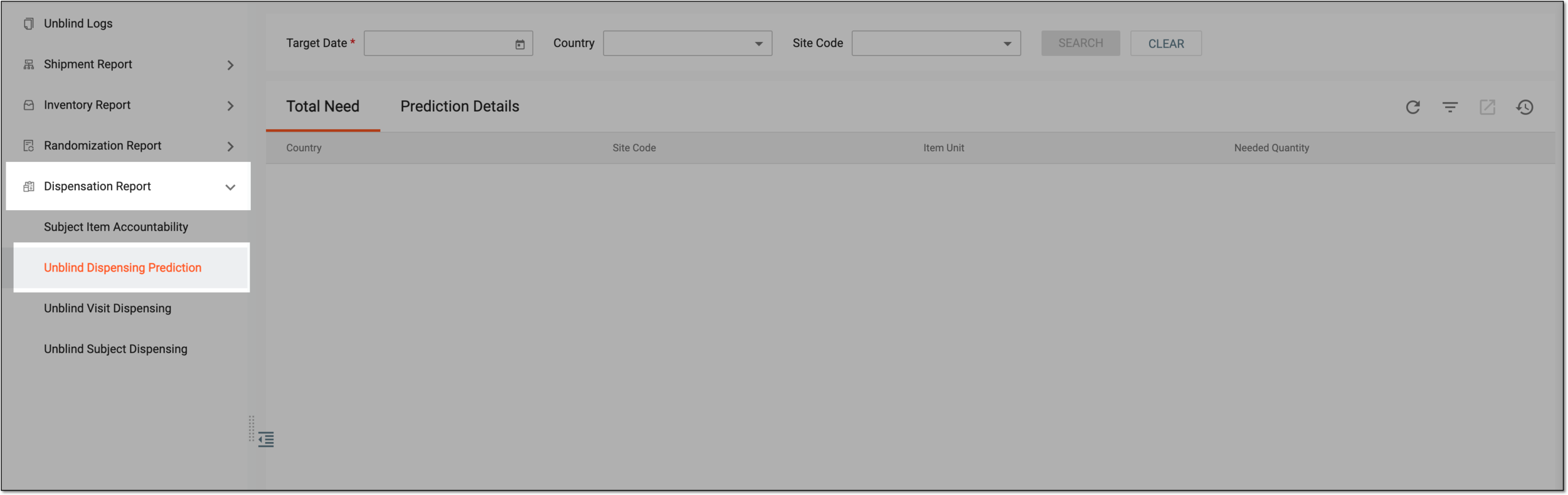 Figure 1. Accessing unblinded dispensation prediction report
-
On the report page, in the filter block, select the parameters according to which you want to sort the dispensing data as explained in the following table.
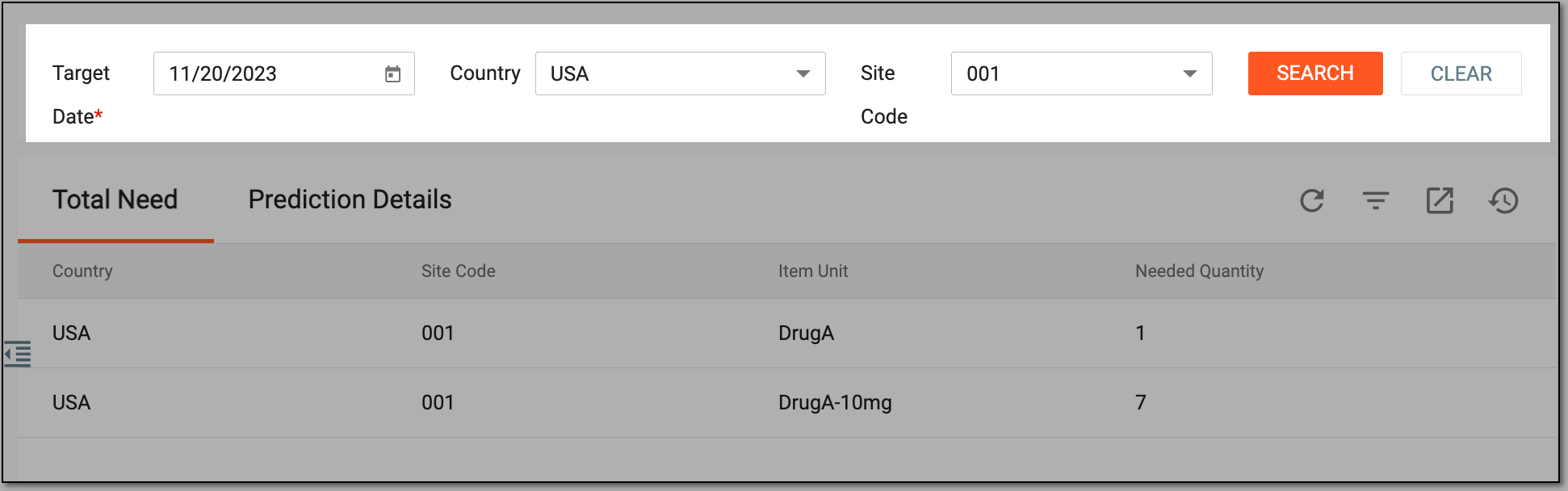 Figure 2. Sorting dispensing prediction report
Tip
In the following table, mandatory elements are marked with an asterisk (*).
Element
Details
Target Date*
Select a target date to view all dispensations that are scheduled or may occur between today and that date.
The report also includes the dispensations whose earliest date falls between today and the target date, even if the scheduled date of dispensation is not within this period.
Country
Select the country where the dispensing sites of your interest are located.
Site Code
Select the site for which you want to view the upcoming dispensation data.
SEARCH
Select
 to show search results that match your parameters.
CLEAR
Select
 to clear all the fields of the filter block and start over.
Tip
If your applied sorting parameters have no dispensing data to display, you see the respective note in your contents panel.
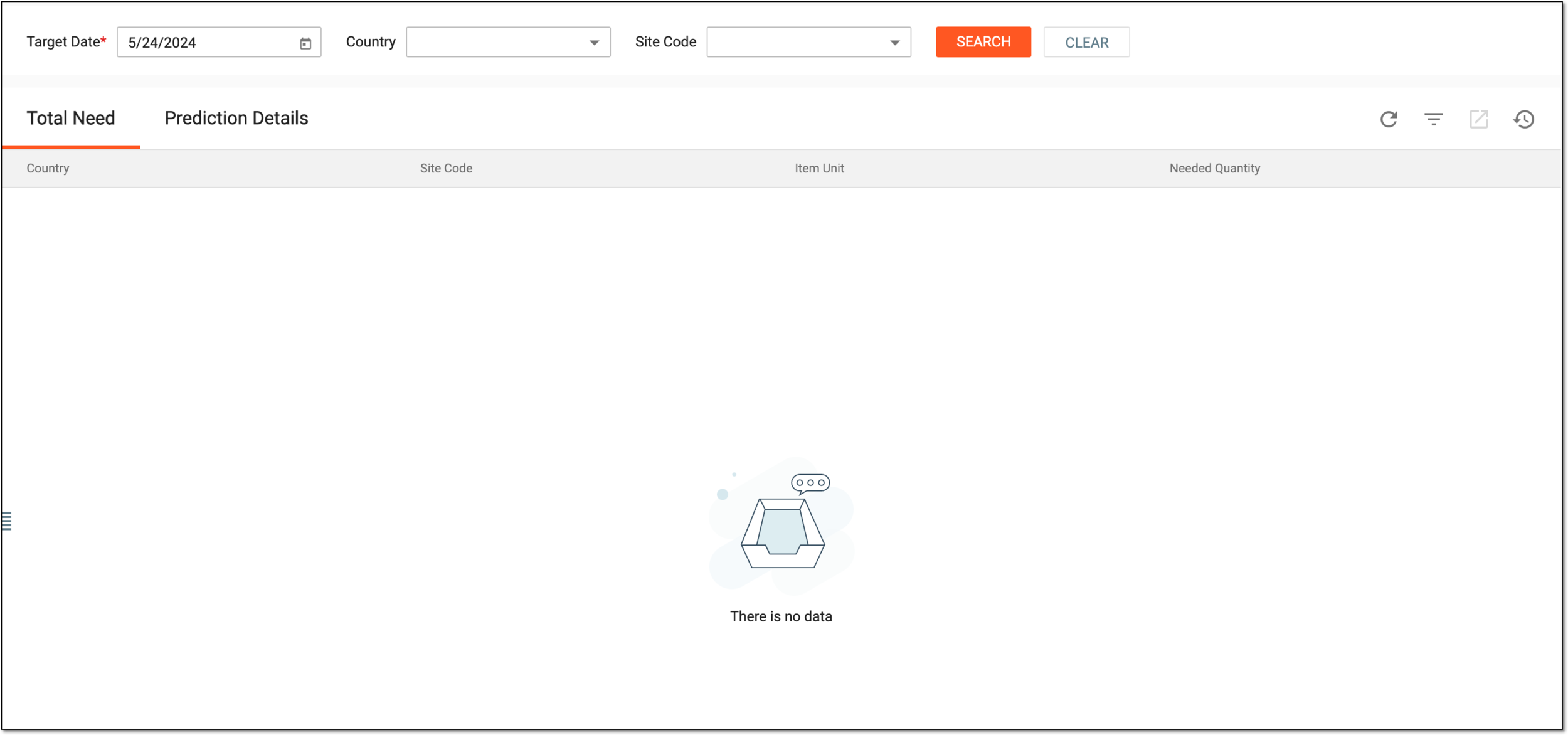 Figure 3. Displaying no data for dispensing
-
In the resulting reports under the Total Need and Prediction Details tabs, view the estimated dispensation data for the selected time frame, country, or site, as explained in the following table.
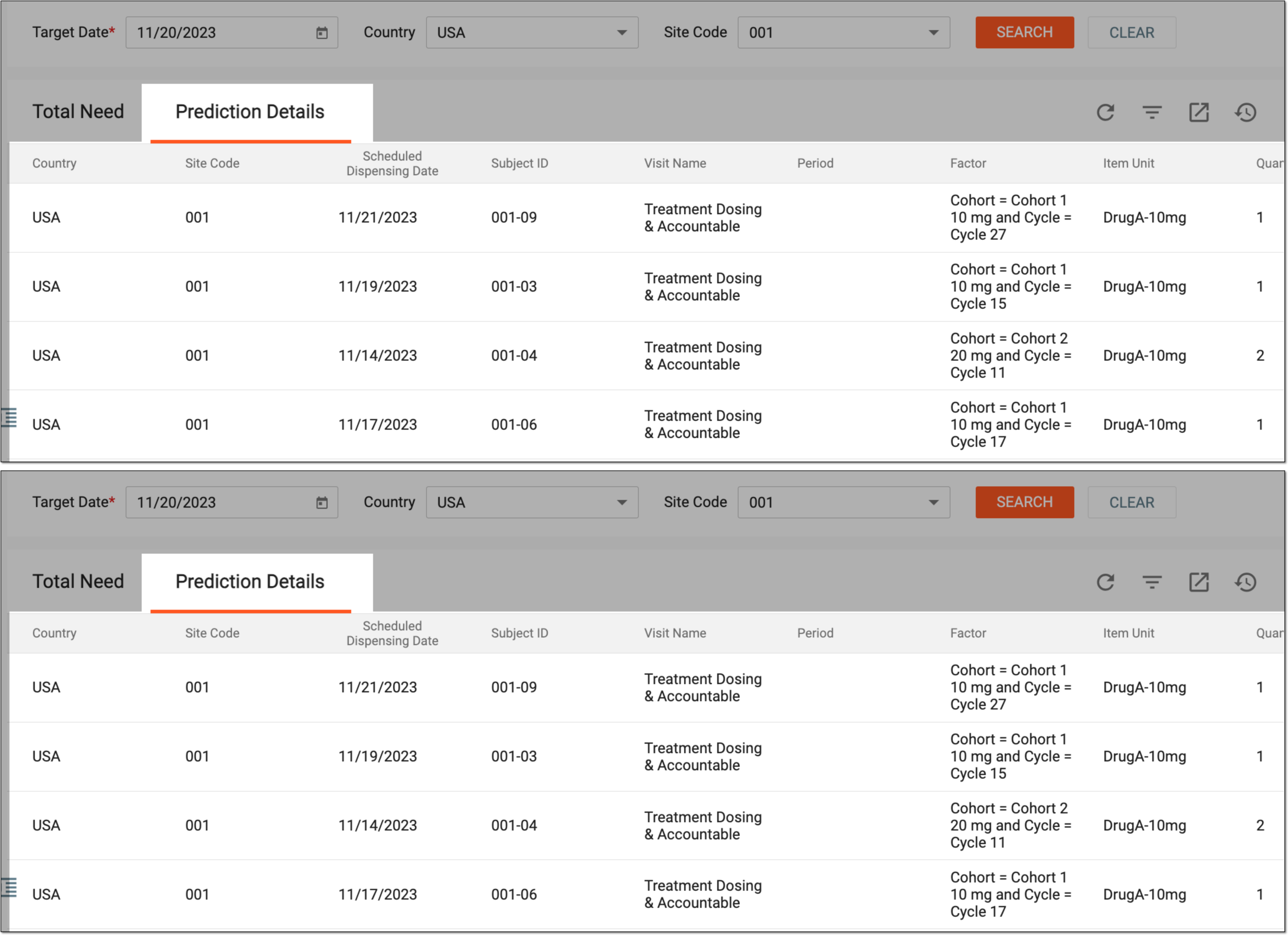 Figure 4. Viewing upcoming dispensation details
Column
Details
Total Need
Country
Represents the country where the dispensation sites are located.
Site Code
Represents the unique code of the site at which the dispensation should occur.
Item Unit
Represents the item unit that is to be dispensed.
Needed Quantity
Represents the quantity of items that must be available in a site inventory to suffice for the upcoming dispensation.
Prediction Details
Country
Represents the country where the dispensation sites are located.
[Unique ID Label]
Represents the unique code of the site at which the dispensation should occur.
The column name depends on the unique ID label configuration of your study.Scheduled Dispensing Date
Represents the scheduled date when the dispensation is scheduled to occur.
Subject ID
Represents the subject ID of a subject to whom the items should be dispensed.
Visit Name
Represents the name of a visit at which the dispensation should occur.
Period
Represents the name of a clinical trial period at which the dispensation should occur.
Factor
Represents the factor according to which the items should be dispensed to the subject.
Item Unit
Represents the item unit that is required in a site inventory for the upcoming dispensation.
Quantity
Represents the number of items required in a site inventory to suffice for the upcoming dispensation.
Required Minimum Expiry Date
Represents the expiry date of an item that is the earliest to be valid for the dispensation.
You have viewed the unblinded report on dispensing prediction. You can also export the report data to work with it offline.