Report management
For the company that is conducting a clinical trial and testing a specific drug (in IWRS, also known as an "item unit", "item", or "unit"), it is vital to have a system of comprehensive reports disclosing various details and aspects of the ongoing study. It becomes very convenient that at any time the dedicated personnel can check, for instance, if a certain subject is enrolled and randomized, whether the drugs requested at a site have been delivered there and in what quantity, whether the drug has already been dispensed to a subject participating in a trial or got lost or damaged, and so on.
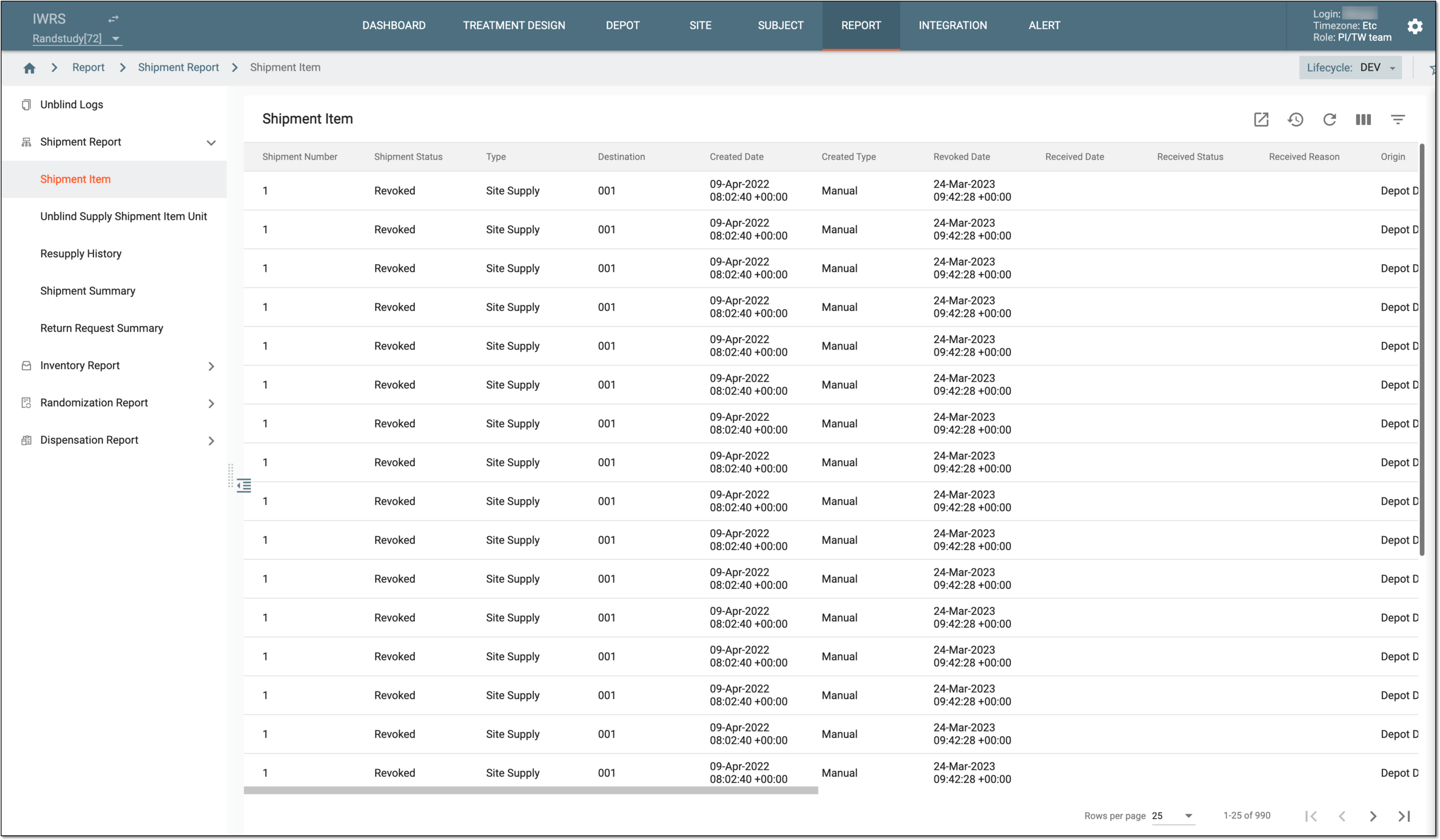
The REPORT tab of the IWRS application comprises the following report groups:
-
Unblinded log: this report helps you keep track of all operations performed by all users across the IWRS system.
-
Shipment reports: this group of reports provides you with various summaries of shipments and shipment requests held in the system, including their details, such as item quantity, status, location, and so on.
-
Inventory reports: this group of reports provides you with detailed information on item (drug) inventory and accountability in the IWRS system, including such details as item number, status, location, expiry date, and so on.
-
Randomization reports: this group of reports helps you track the randomization numbers across all the cohorts and periods of the study, as well as keep track of randomized subjects.
-
Dispensation reports: this group of reports helps you track the occurred dispensations of drugs and predict the upcoming ones to build a clear picture for your site/depot supply.
Important
To view each of the reports, you must have the respective permission granted to your user role via the ADMIN application.
Before delving into these reports, pay attention to the Blind and Unblind user roles.
-
Blind users can view details of the reports that contain data that is hidden.
-
Unblind users can view details of the reports that do not contain hidden data.
For example, in the Shipment Item report, when accessed by a blind user, the Item Unit column is hidden, and the user analyzing the report can see that the drug has been shipped but does not know which item unit exactly. When an unblind user views this report, this column is visible, and the user analyzing the report sees which drug has been shipped.