Manage depot details
A depot is a warehouse to which the drug manufacturer supplies drugs (items) to further distribute them between sites. In IWRS, you can review and manage the details of a depot if, for example, you want to know the depot's location, check the inventory, create or confirm shipments made for the depot, and so on.
-
In the IWRS application header, select the DEPOT tab.
-
On the Depot List page that opens, in the table, go to the depot for which you need to view the details and select it.
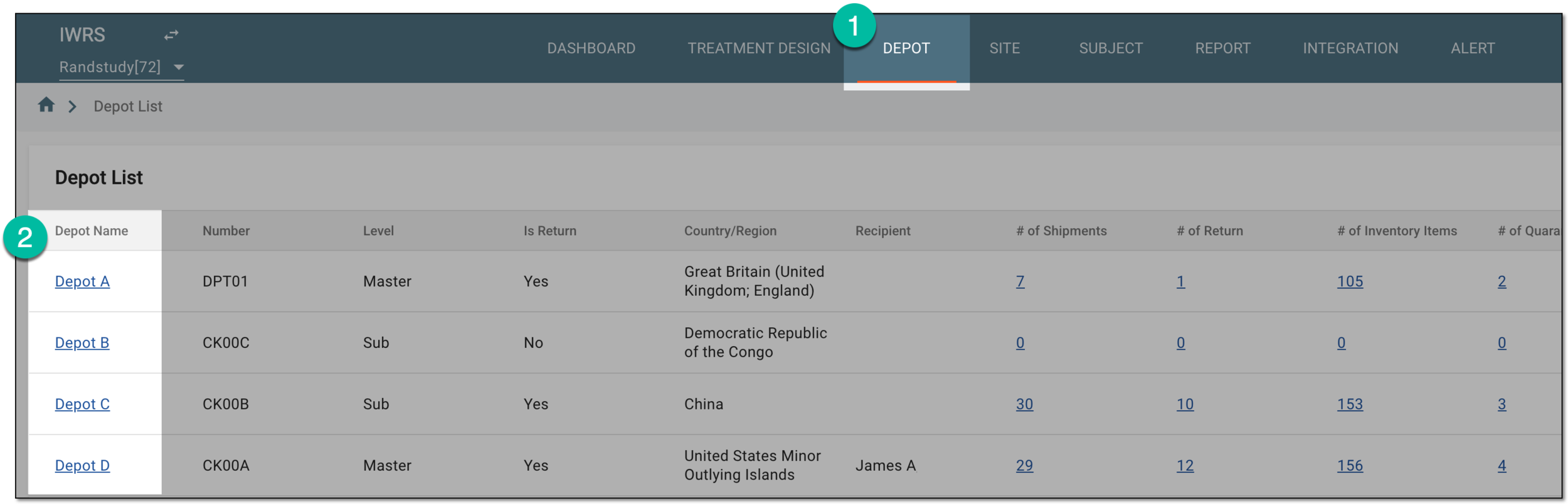 Figure 1. Selecting depot to open its details
-
On the page that opens, navigate between the available depot management pages explained in the following table.
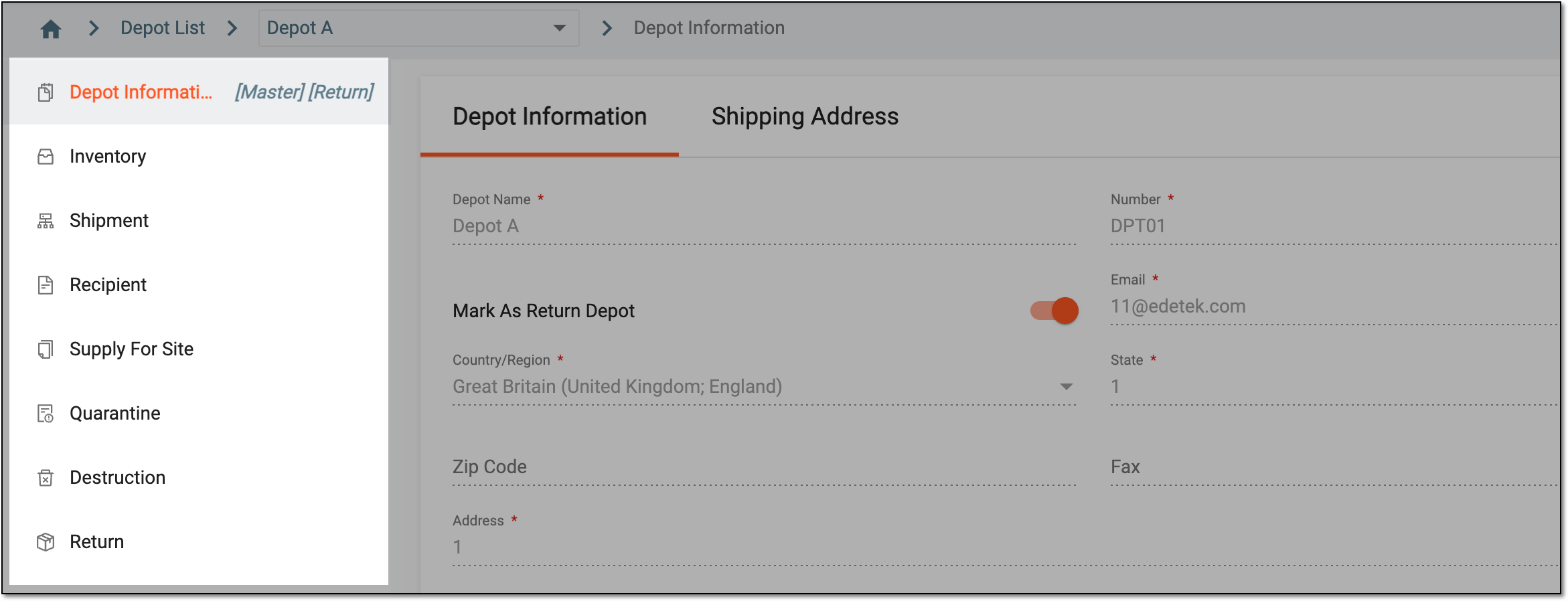 Figure 2. Depot management subtabs
Page
Details
Access the basic depot information, such as its name and contact details, mark the depot as a return, and view the depot's shipping address.
Access the drug inventory statistics organized by summary, by lot, or by item and manage item statuses.
View the list of shipments made from or to the depot, as well as manage their statuses—accept or decline incoming shipments, dispatch the outgoing ones, or create new shipment requests.
Define the supply relationship between the depot and the sites.
Access the list of existing quarantines created for compromized depot items, as well as confirm item damage or release items from quarantine.
Destroy the items that are ready for disposal.
Return the items to the supplier if they are damaged or extra.
You have accessed the depot management functionality of IWRS.