View and manage study information
In the Medical Coding module, the Study Information page provides an overview of essential study-specific details and configurations. The primary purpose of this page is to present a consolidated view of all relevant study information and settings that impact the medical coding process. By centralizing these details, the page ensures that you have easy access to key information necessary for the accurate and efficient handling of medical coding within a study.
-
In the Medical Coding application header, select the CONFIGURATION tab.
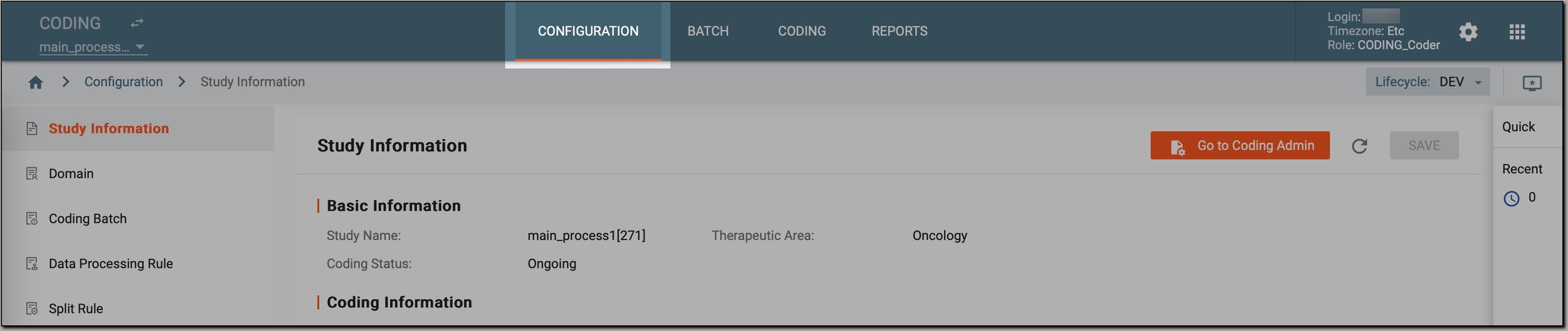 Figure 1. Accessing coding configurations
-
In the left pane, select Study Information.
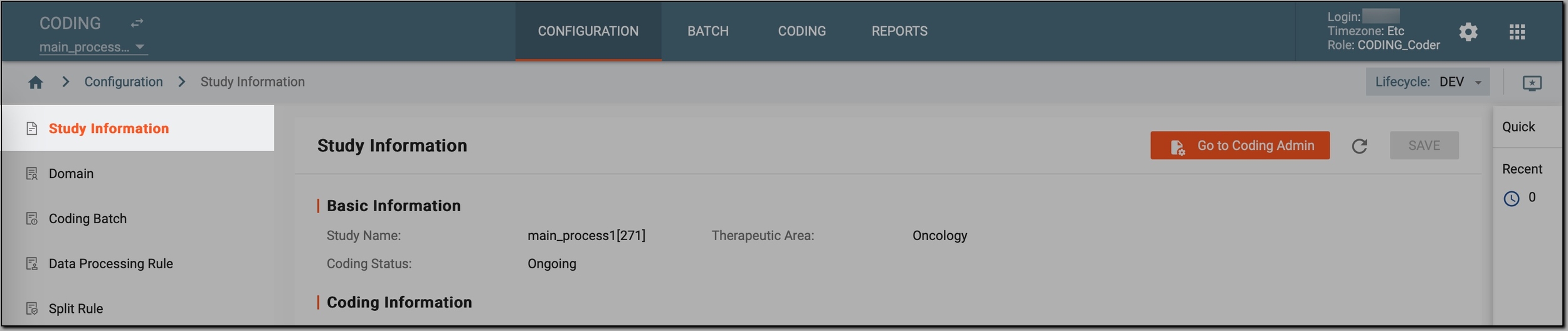 Figure 2. Accessing study information
-
On the Study Information page that opens, view and manage all relevant study information and settings as described in the following table.
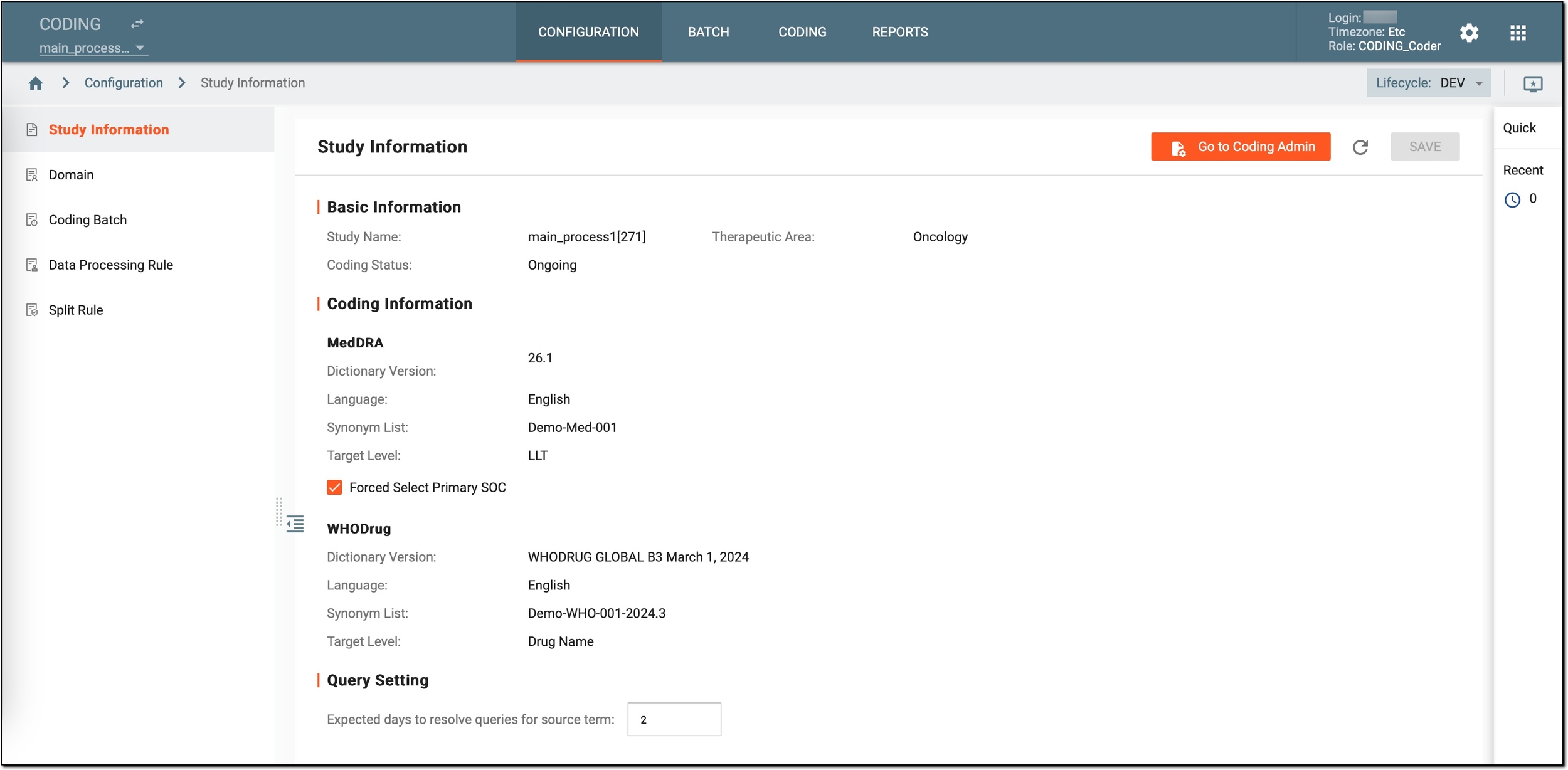 Figure 3. Viewing and managing study information
Element
Details
Workspace toolbar
Go to Coding Admin
Select
 to get redirected to the Coding Admin module, specifically to the STUDY MANAGEMENT tab and access the following features:
Refresh
Select
 to refresh the page to ensure you are viewing the most up-to-date study information.
SAVE
If any changes are made on the page, select
 to save those changes.
Basic information
Study Name
A read-only field that represents the name of the study.
Coding Status
A read-only field that shows the current coding status of the study:
-
Not Started: indicates that coding has not yet begun for this study.
-
Ongoing: indicates that the study is currently in the coding phase.
-
Upgraded: indicates that the study is being updated with the latest coding standards or data.
-
Locked: indicates that the coding for this study is complete and the data is locked from further modifications.
Initially, study status is set by the EDETEK administrator through the Coding Admin module.Therapeutic Area
A read-only field that shows the medical area the study focuses on.
Coding information
Essential details about the coding configurations for both MedDRA and WHODrug dictionaries.
Initially, all these configurations are set by the EDETEK administrator through the Coding Admin module.MedDRA
Dictionary Version
A read-only field that shows the current version of the MedDRA dictionary in use.
Language
A read-only field that displays the language used for MedDRA coding.
Synonym List
A read-only field that indicates the synonym list applied for MedDRA terms.
Target Level
A read-only field that specifies whether the coding is performed at the Lower Level Term (LLT) or Preferred Term (PT) level.
Forced Select Primary SOC
Select or clear the checkbox to control whether the system automatically uses the Primary System Organ Class (SOC) for coding:
-
If selected, the system automatically matches the Primary SOC path in the dictionary during the autocoding of verbatim terms (VTs).
-
If cleared, a VT can be matched to an LLT with multiple SOC paths. In this case, the match type is Multi Matched, requiring the coder to manually select a path as the coding result.
Forced Select Current LLTs
Select or clear the checkbox to control whether the system automatically uses only the current Lowest Level Terms (LLTs) for coding:
-
If selected, the system automatically returns only the current LLTs—that are still valid and not retired in the latest version of the MedDRA dictionary—during the coding of verbatim terms (VTs).
-
If cleared, the system returns all LLTs—both current and retired—during the coding of verbatim terms (VTs).
WHODrug
Dictionary Version
A read-only field that shows the current version of the WHODrug dictionary in use.
Language
A read-only field that displays the language used for WHODrug coding.
Synonym List
A read-only field that indicates the synonym list applied for WHODrug terms.
Target Level
A read-only field that specifies whether the coding is performed at the Lower Level Term (LLT) or Preferred Term (PT) level.
Query Setting
Expected days to resolve queries for source term
Enter how many days are anticipated for resolving queries related to verbatim terms.
It helps you manage and monitor the query resolution process more effectively.
-
Now, you have ensured that all key study information is properly reviewed, managed, and accessible for effective medical coding.