Form overview
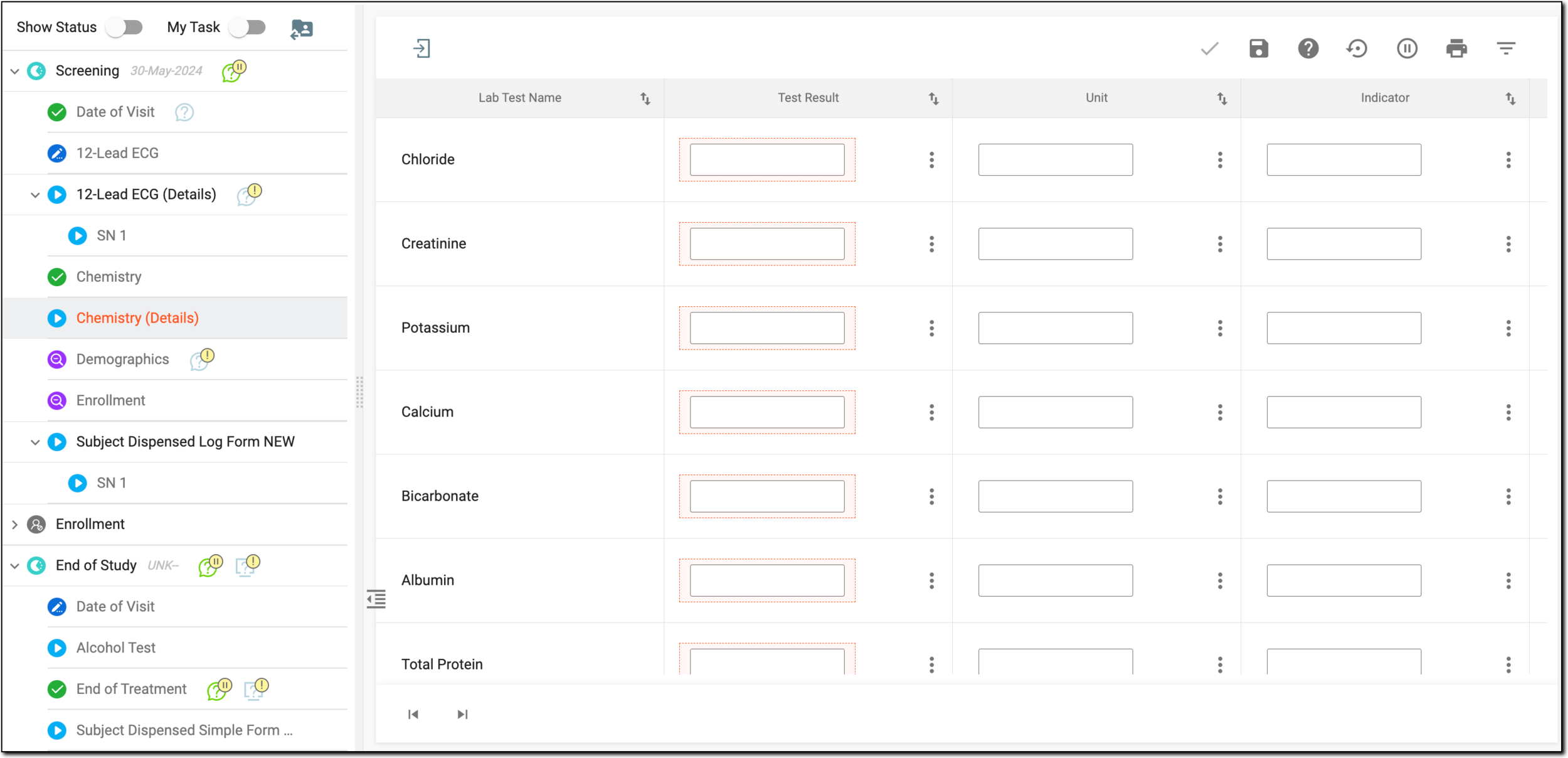
Forms (CRFs) are a mechanism that you use to collect study data. You use forms to enter, correct, or update data for the subject visit.
Important
Only users with the clinical research coordinator (CRC) role are allowed to enter, clear, or update information in the forms.
If you are responsible for data entry in EDC, for your convenience all the tasks on CRF completion appear in the Requiring Completion section of the My Work dashboard.
In EDC, you enter data into five types of forms, as follows:
Tip
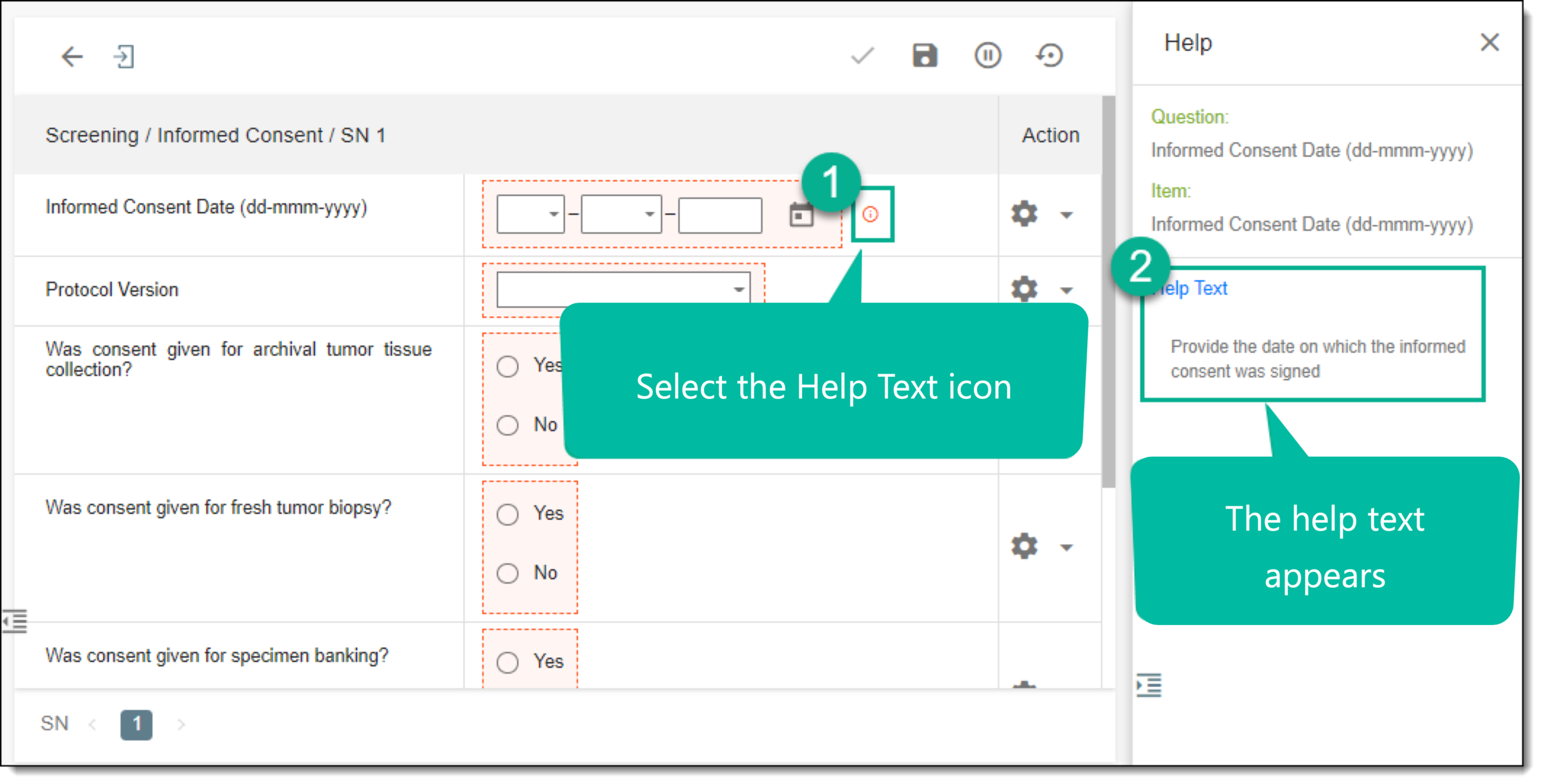
Helpful information is available for the guidance of the clinical research coordinator (CRC) while they enter data into the forms. When a field or a question has Help Text  next to it, select the icon to view the helpful information. This help text is configured from the Study Designer application.
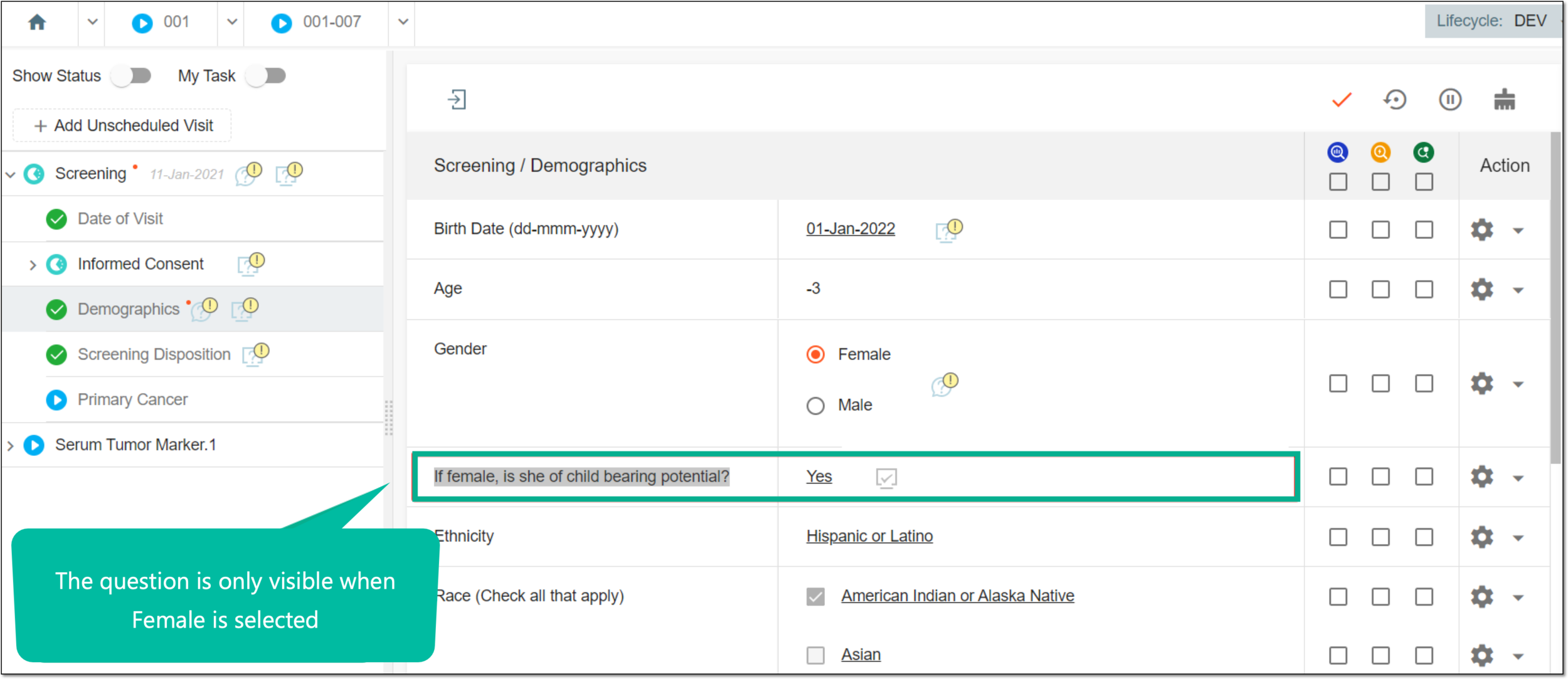
Regardless of the form type, some fields of the form can be hidden. It depends on whether this field is disabled by a specific rule set by the clinical data manager (CDM) in the Study Designer application when designing CRF.
For example, the question "If female, is she of childbearing potential?" should obviously not be a question for a male subject, so the question will be hidden from the male subject form.
Some forms or individual fields can also be blinded via the Study Designer settings, so in EDC, only the specific users with the respective permissions can view such forms and fields.
The assignment of user roles that can view and manage the blind forms and fields occurs under the STUDY INFO > Study Information module of EDC.