Delete data acknowledgment task
Data acknowledgment before the end of the study is a process of confirming the receipt and accuracy of data and findings collected during a clinical trial.
In EDC, a data acknowledgment task must be created and assigned to a certain user or a group of users (user role) to be completed. The task completion means that the system document must acknowledged and downloaded by the assignee.
However, there can be cases, when the task is created by mistake and must be deleted.
For instance, the data acknowledgment task for a DM role is created. The DM user sees that the task is created prematurely and the system document within is not ready for its final validation. Thus, DM deletes the task to prevent some other DM user from accidentally acknowledging the unfinished system document.
Important
To delete the data acknowledgment task, you must have the System Document > Delete permission granted to your user role via the ADMIN application.
A task cannot be deleted if the system document is already acknowledged by the assignee.
-
In the EDC application header, select the REPORTS tab.
-
On the page that opens, in the left pane, select End of Study > System Document.
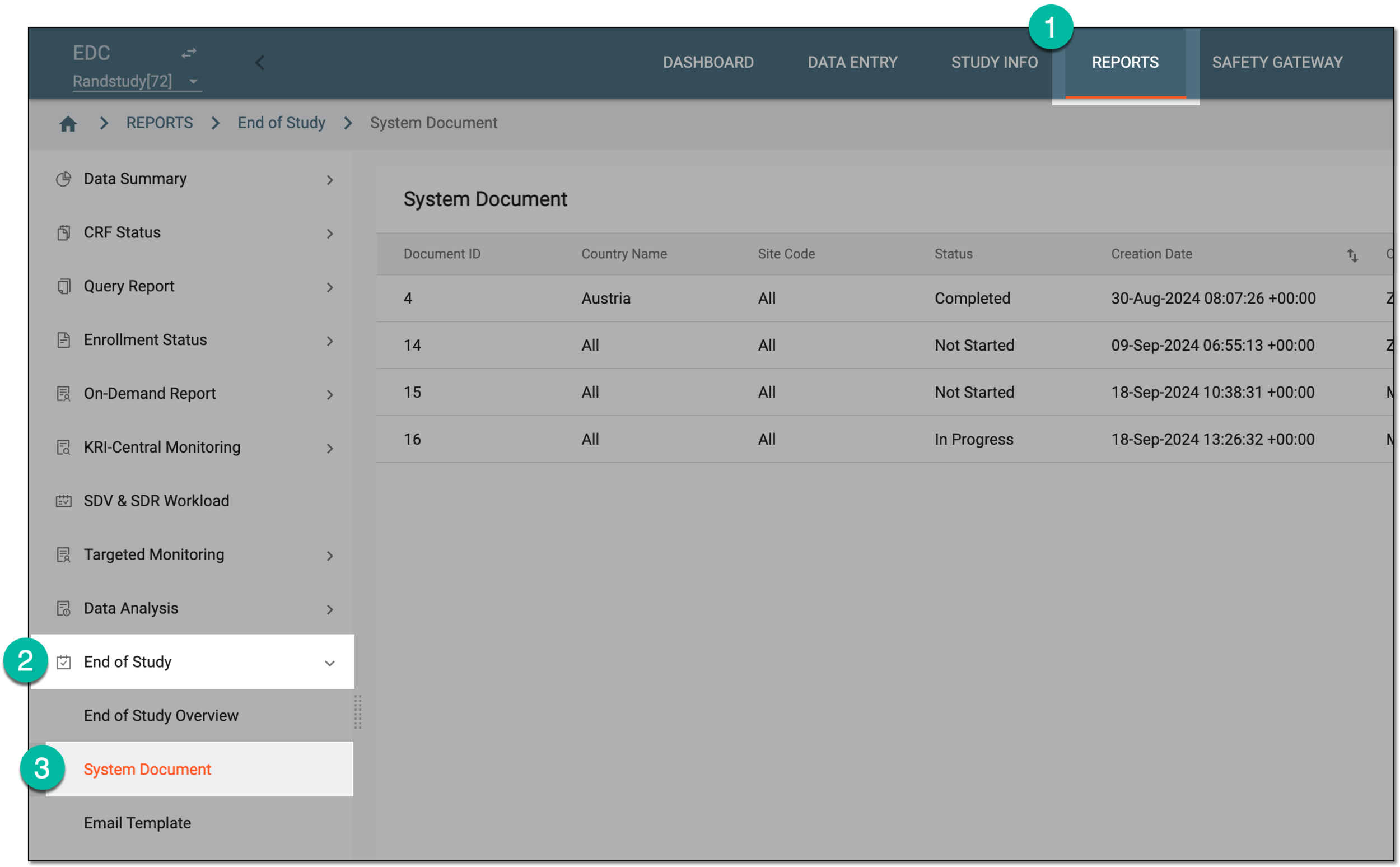 Figure 1. Accessing system documents
-
On the System Document page that opens, next to the needed task, under the Action column, select Delete
 .
. Figure 2. Deleting data acknowledgment task
-
In the confirmation dialog that appears, select
 to delete the end-of-study task.
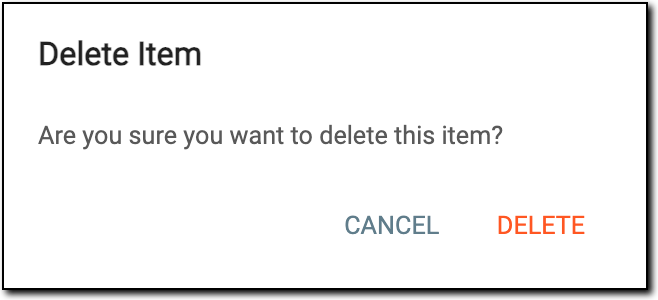 Figure 3. Confirming deletion
Upon confirmation, the task is deleted and no longer appears in the System Document list.