Confirm depot return shipment
A depot is a warehouse where the drug manufacturer supplies items for further distribution between sites. In the course of a clinical trial, the need may arise to return dispensing items from one depot to another. In IWRS, you can return available items to any depot so they can be reused there, or you can send items for destruction to the return depot if they have been, for example, damaged or else.
Once the return request with either available items or items for destruction has been initiated, a shipment is automatically generated by the system. You then need to confirm this return shipment to indicate that the items have been sent to another depot.
-
In the IWRS application header, select the DEPOT tab.
-
In the Depot List table that opens, select the needed depot.
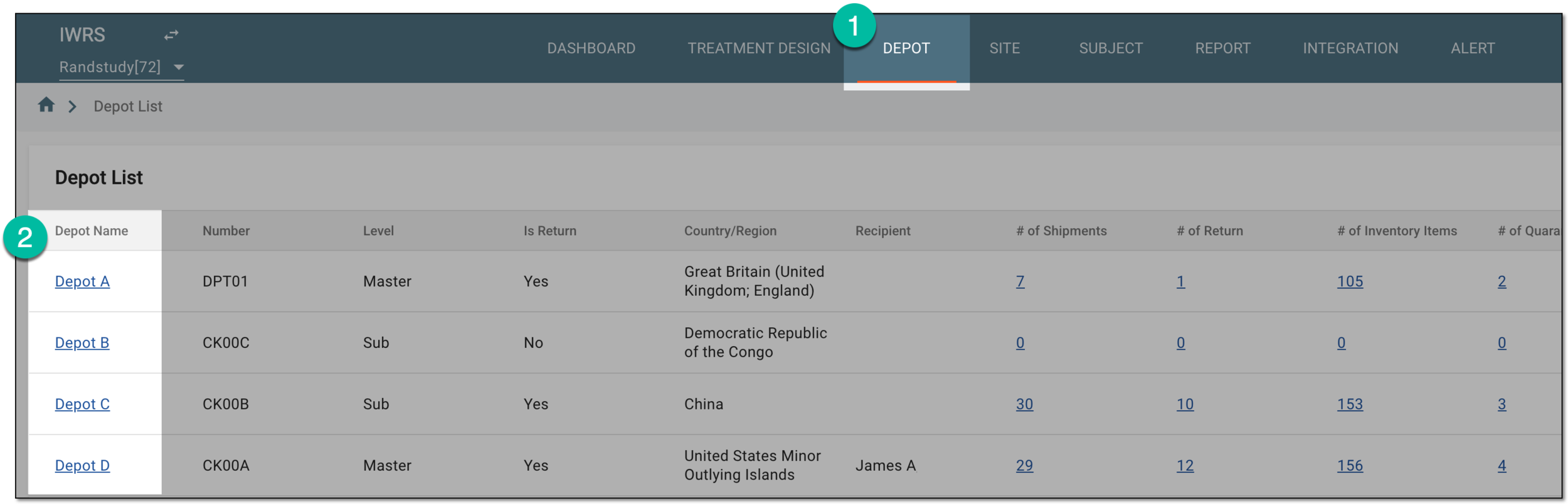 Figure 1. Selecting depot to open its details
-
In the left pane of the page that opens, select Return.
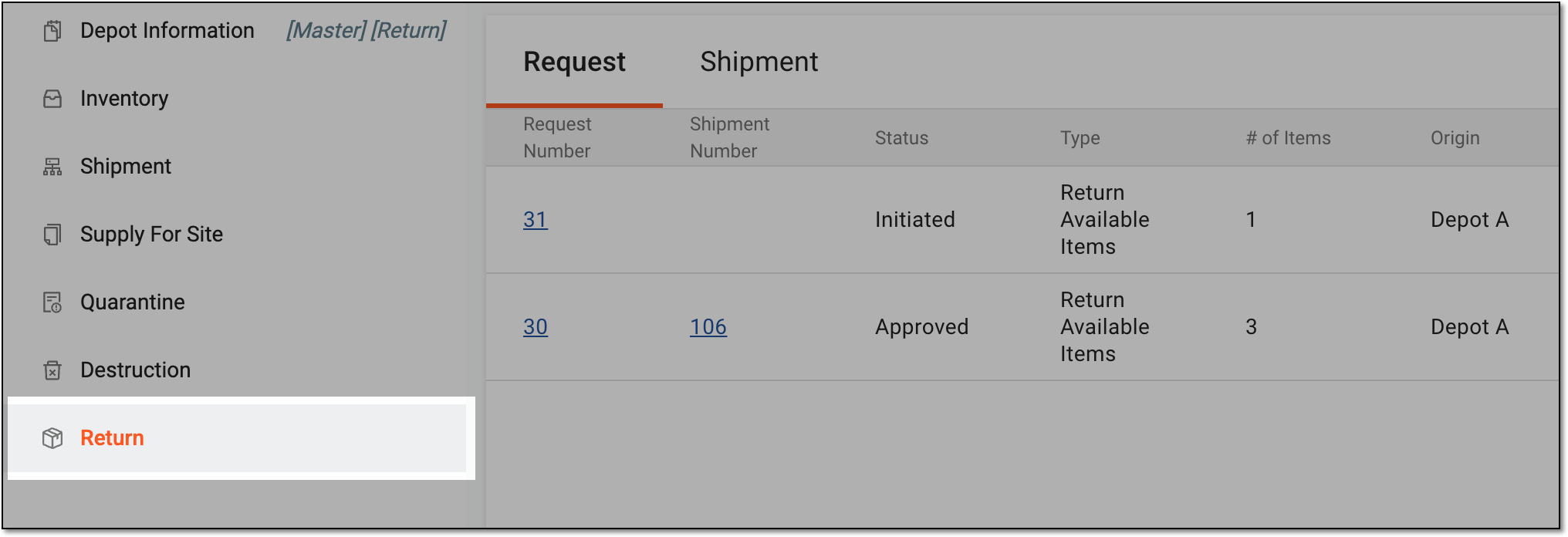 Figure 2. Accessing depot item return
-
In the contents panel that appears, select the Shipment tab to open the list of all return shipments sent to or from the depot.
-
In the Shipment table, select the needed shipment with the Requested status.
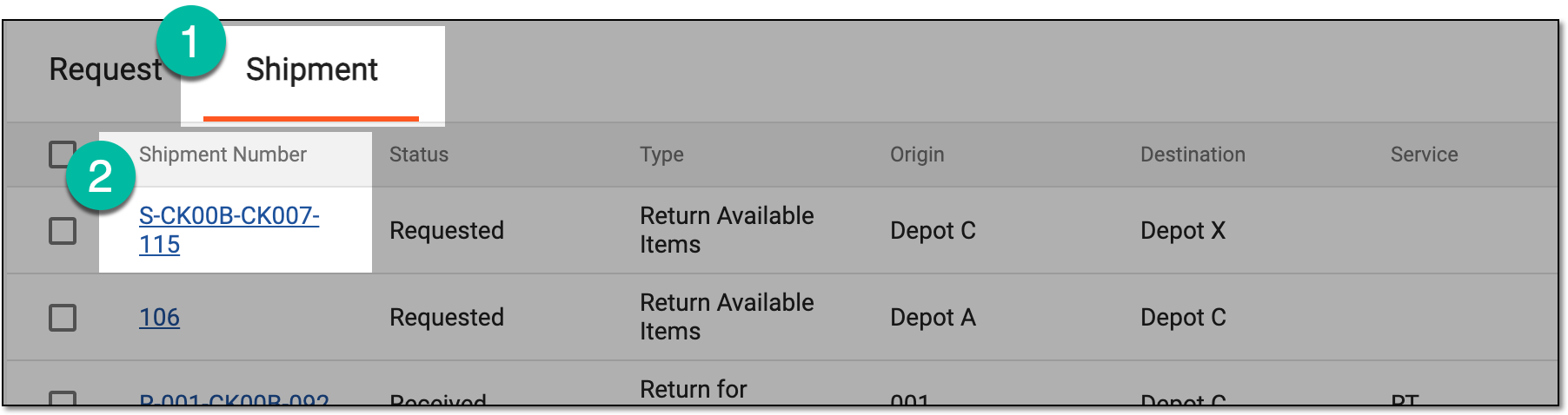 Figure 3. Accessing return shipment for confirmation
-
On the page that opens, view the details of the requested shipment. If the shipment information is correct, select
 .
.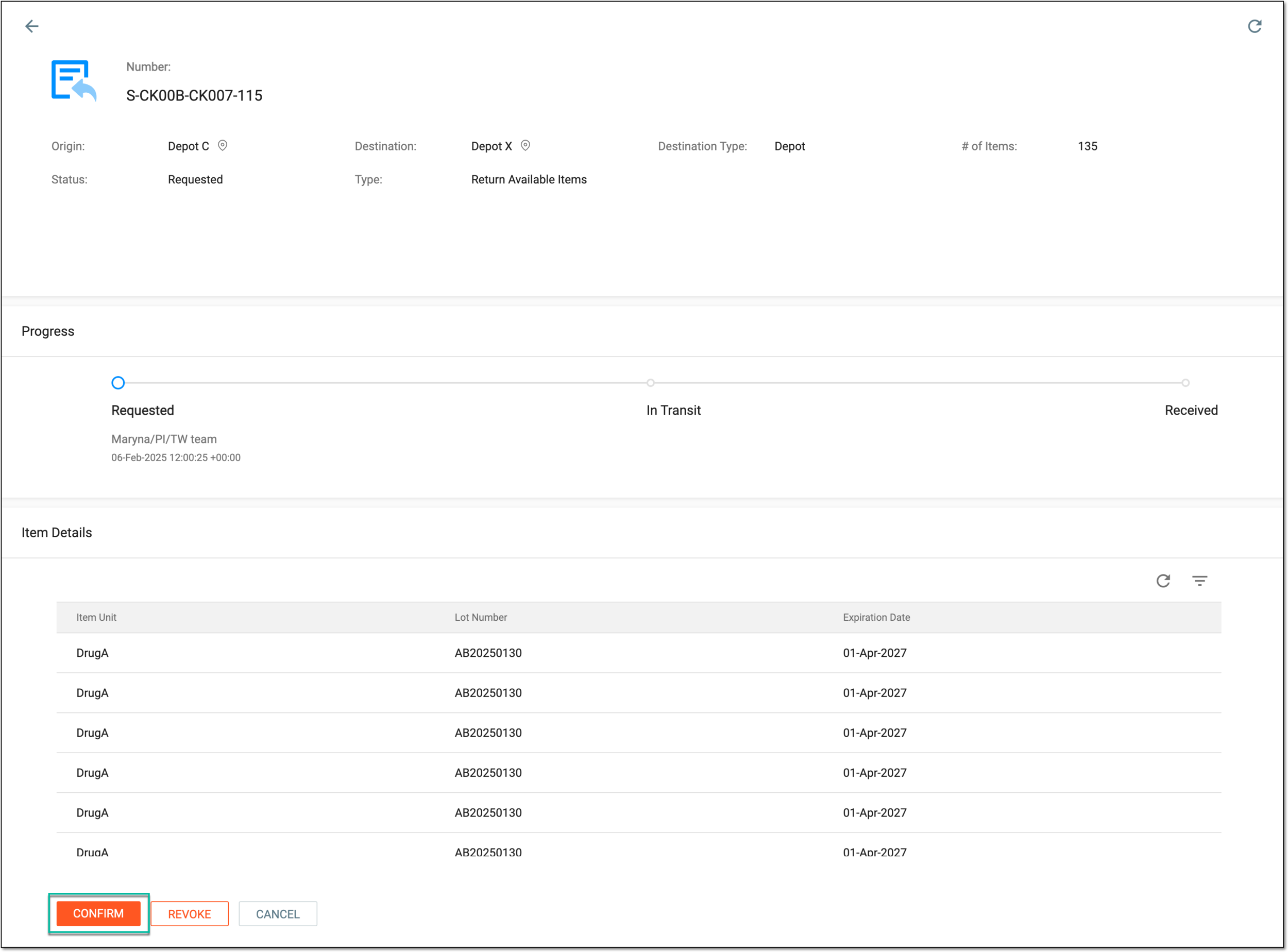 Figure 4. Confirming return shipment
-
In the Confirm dialog that appears, provide the details as explained in the following table.
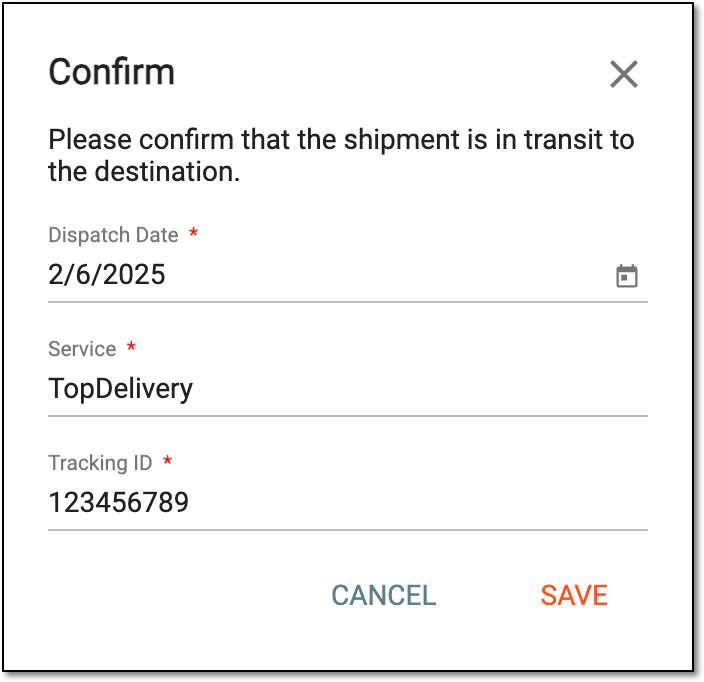 Figure 5. Providing return shipment details
Tip
In the following table, mandatory elements are marked with an asterisk (*).
Element
Details
Dispatch Date*
Provide the date on which the return shipment has been sent to another depot. By default, the current date and time are displayed but you can still change it if needed.
Service
Enter the name of the shipping carrier that is used for the delivery of items.
Tracking ID
Enter the tracking ID provided by the shipping carrier to trace the delivery.
SAVE
Select
 to confirm the return shipment.
CANCEL
Select
 to cancel the return shipment confirmation.
Once saved, the site return shipment is confirmed. The personnel of the destination depot now receives the email about the shipment and they need to mark the shipment as received. You can also revoke the shipment or modify its details if there has been some mistake.