Confirm draft shipment request for site
The newly added site has no items to dispense to subjects during their visits. Thus, the initial shipment is requested from a supply depot and appears in the draft status under the shipment list of the site.
All draft shipment requests must be confirmed by dedicated users, otherwise, they are not sent to the supplier.
Important
This action is only available for shipments with the Draft status. If the draft shipment creation option is disabled for your study configurations, there is no need to confirm the shipment request as it is sent upon submission.
Only the users with respective permissions granted via ADMIN can confirm shipment requests.
-
In the IWRS application header, select the SITE tab.
 Figure 1. Accessing site management
-
In the Site List table that appears, locate and select the code of the site for which you need to request the initial shipment.
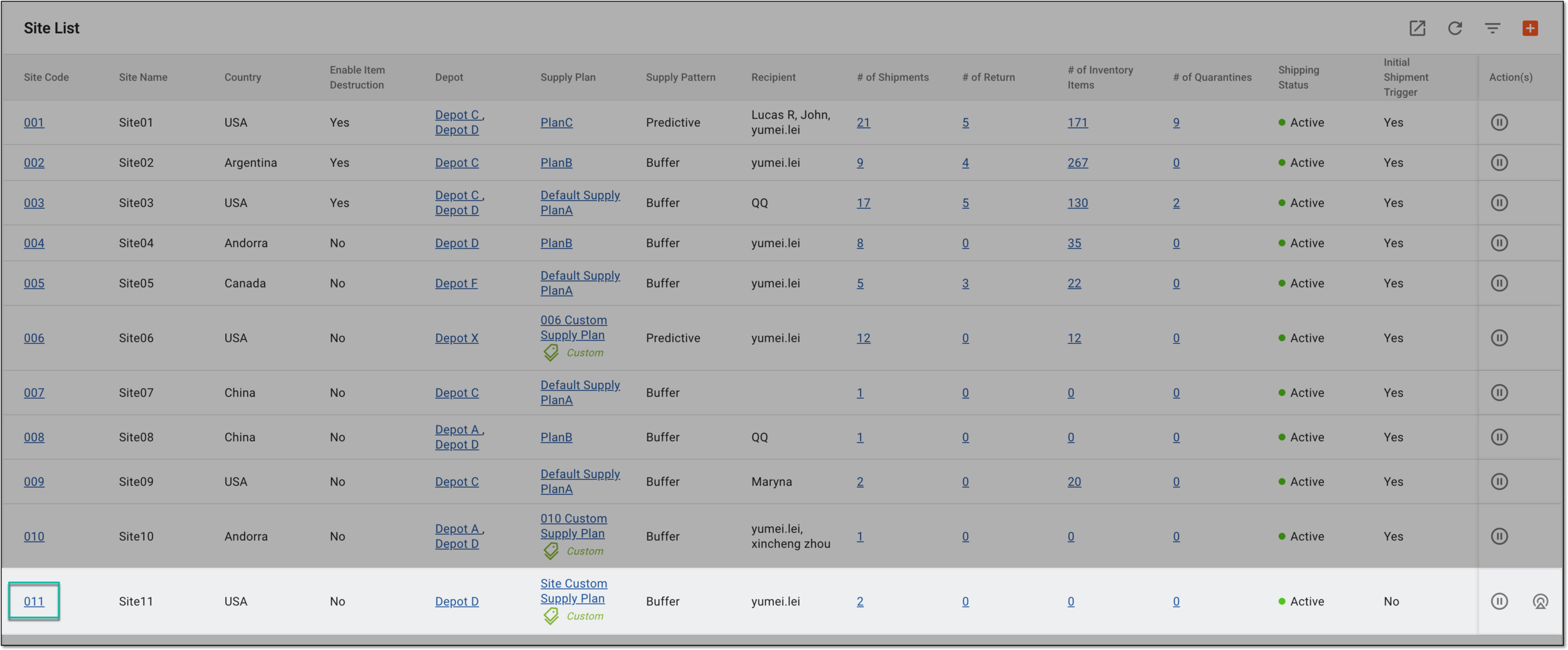 Figure 2. Accessing site to request initial shipment
-
On the page that opens, in the left pane, select the Shipment subtab.
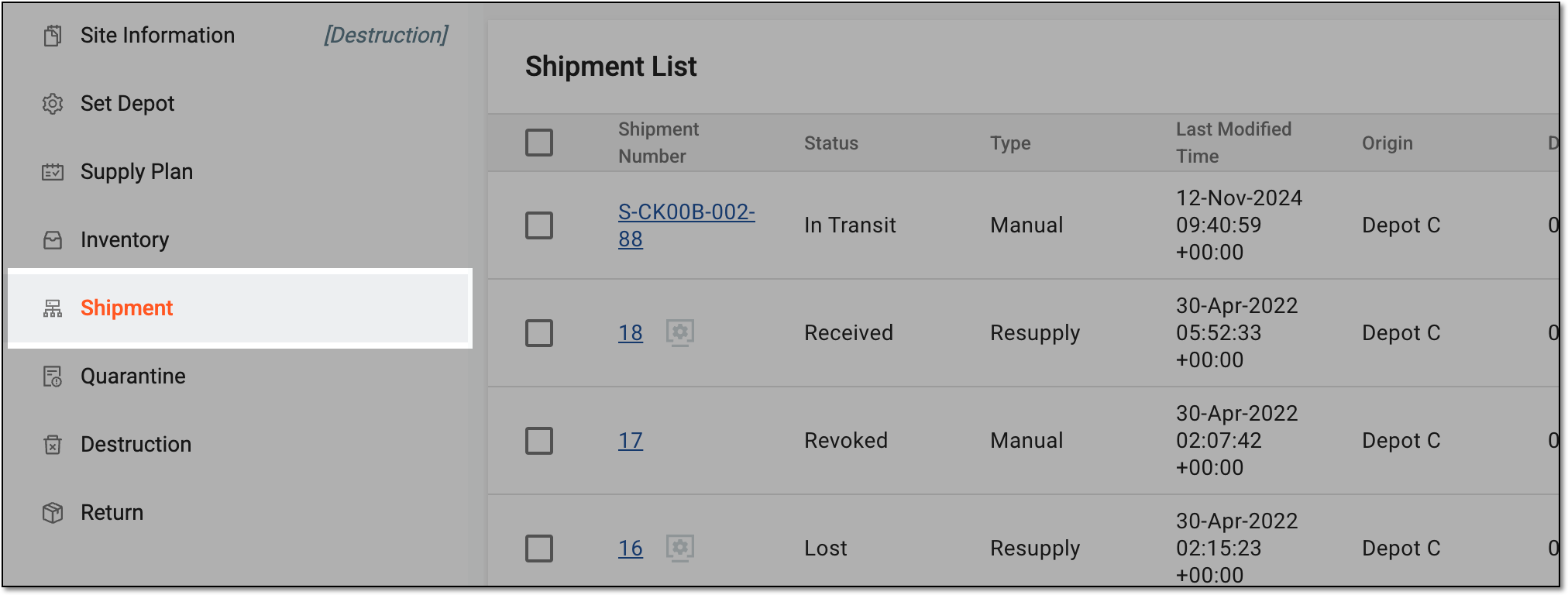 Figure 3. Accessing site shipments
-
In the Shipment List table that appears, locate the needed shipment with the Draft status and in the Actions column next to it, select Confirm Shipment
 .
. Figure 4. Confirming initial shipment request
Tip
If the shipment request is not satisfactory, you can discard it by selecting Cancel Draft Shipment
 .
.
Upon confirmation, the shipment request is sent and the order is placed with the supply depot.