View packaging lot operation history
In IWRS, you can track all the operations performed with a packaging lot, such as its creation, item addition, release, expiration date list management, and more.
To view the packaging lot operation history
-
In the IWRS application header, select the TREATMENT DESIGN tab.
-
In the left pane, select the Lot subtab.
-
In the Packaging Lot table that appears, go to the lot whose history you want to view. Then next to it, in the Actions column, select More
 > Operation History
  .
. Figure 1. Accessing packaging lot operation history
-
In the Operation History dialog that appears, view the actions performed with the packaging lot, who performed them, and when. Select
 to close the dialog.
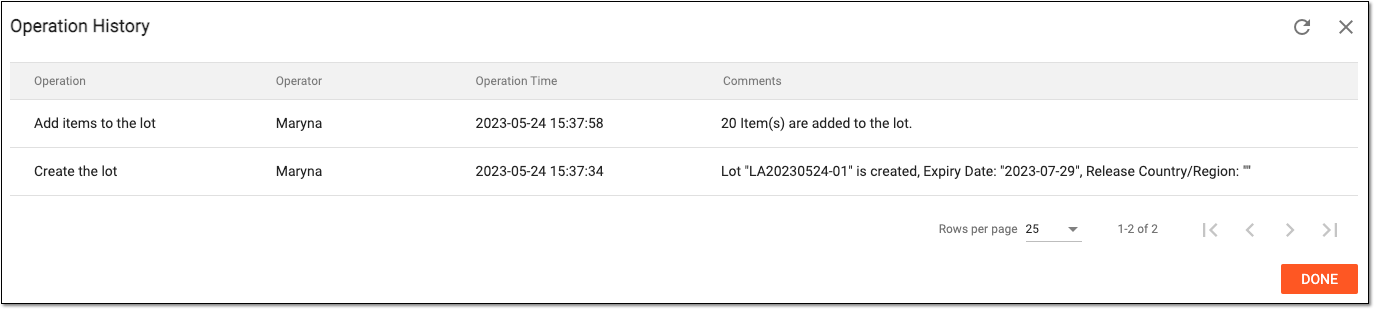 Figure 2. Viewing lot operation history
You have reviewed all the operations performed with a lot.