Delete packaging lot
You can delete the lots that are no longer needed. However, you cannot delete a lot if it has already been released to the depot or site. In such a case, the Delete option is not available.
To delete a packaging lot
-
In the IWRS application header, select the TREATMENT DESIGN tab.
-
In the left pane, select the Lot subtab.
-
In the Packaging Lot table that appears, go to the lot that you want to remove. Then from the Actions column, select More
 > Delete
  .
. Figure 1. Deleting packaging lot
-
In the confirmation dialog that appears, select
 to proceed with the deletion.
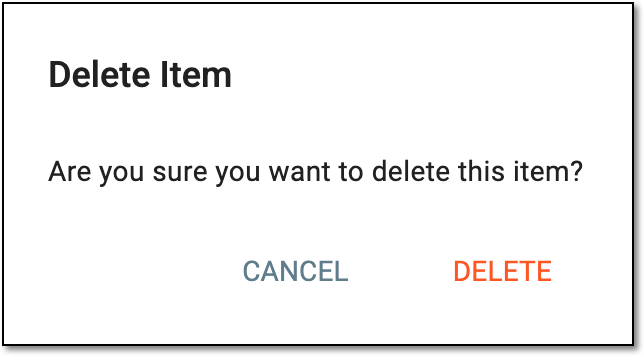 Figure 2. Confirming packaging lot deletion
Upon confirmation, the packaging lot is deleted from the system.