Edit packaging lot
At any time, you can make updates and edits to your lots. For instance, you can change the expiration date of the items within the lot or update the country release details.
To edit a packaging lot
-
In the IWRS application header, select the TREATMENT DESIGN tab.
-
In the left pane, select the Lot subtab.
-
In the Packaging Lot table that appears, go to the lot that you want to update. Then from the Actions column, select Edit
 .
. Figure 1. Selecting option to edit packaging lot
-
In the Edit dialog that appears, update the values as needed. These values are identical to the ones explained in the table of the Create new packaging lot section.
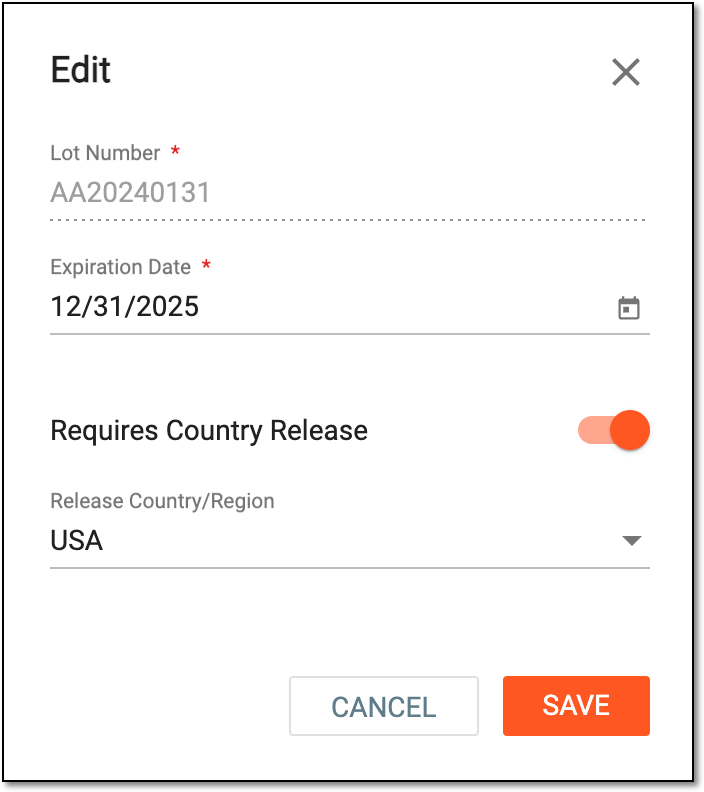 Figure 2. Editing packaging lot details
Upon saving, a lot is updated.