Activate/Inactivate domain
The purpose of activating or deactivating a domain is to control its availability and usage within the CODING application. With this feature, coders can manage which domains can or cannot be used for coding medical terms.
-
Active domain: visible and available for coding of medical terms.
-
Inactive domain: not visible or accessible for coding purposes until reactivated.
-
In the Medical Coding application header, select the CONFIGURATION tab.
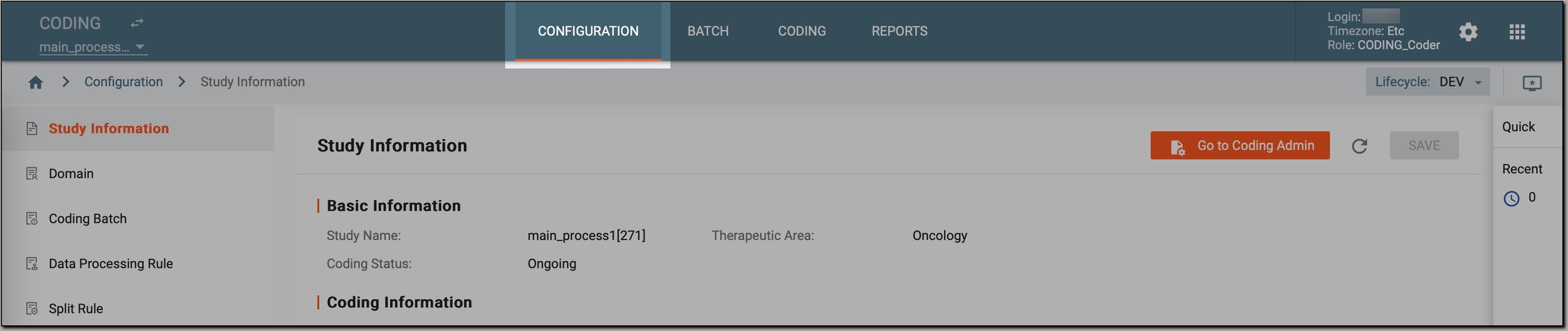 Figure 1. Accessing coding configurations
-
In the left pane, select Domain.
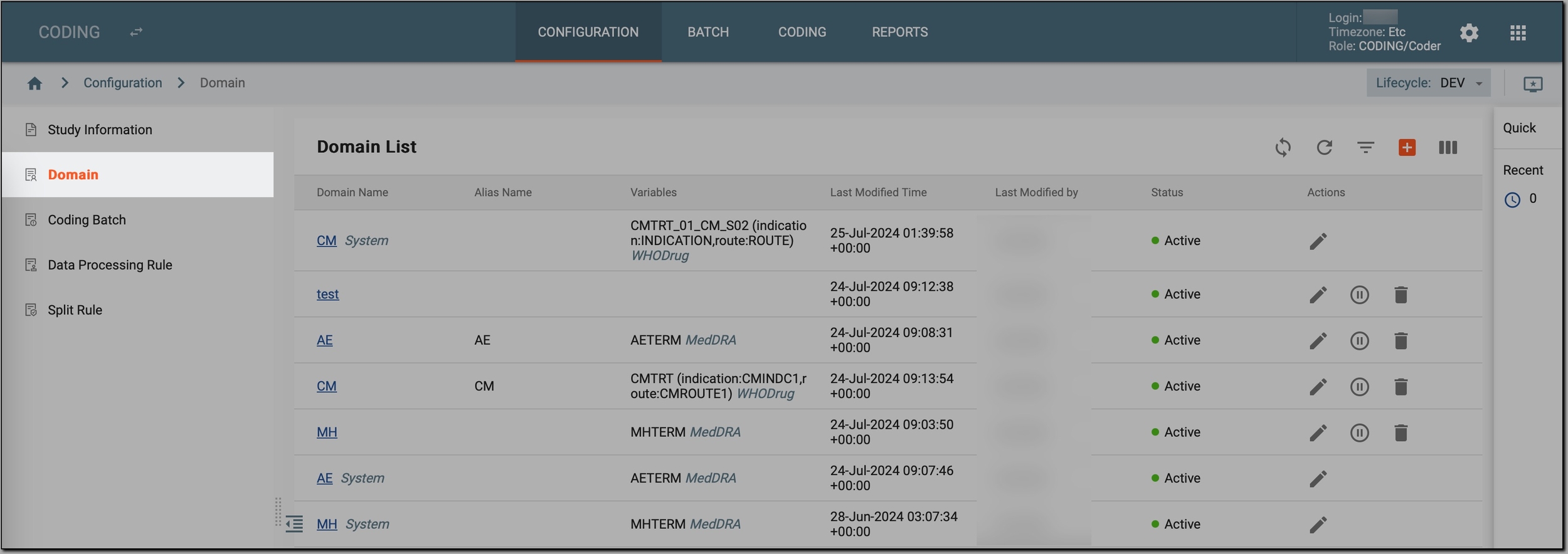 Figure 2. Accessing study domains
-
In the Domain List table that appears, go to the domain that you want to activate or deactivate and select Activate
 or Inactivate
  next to it.
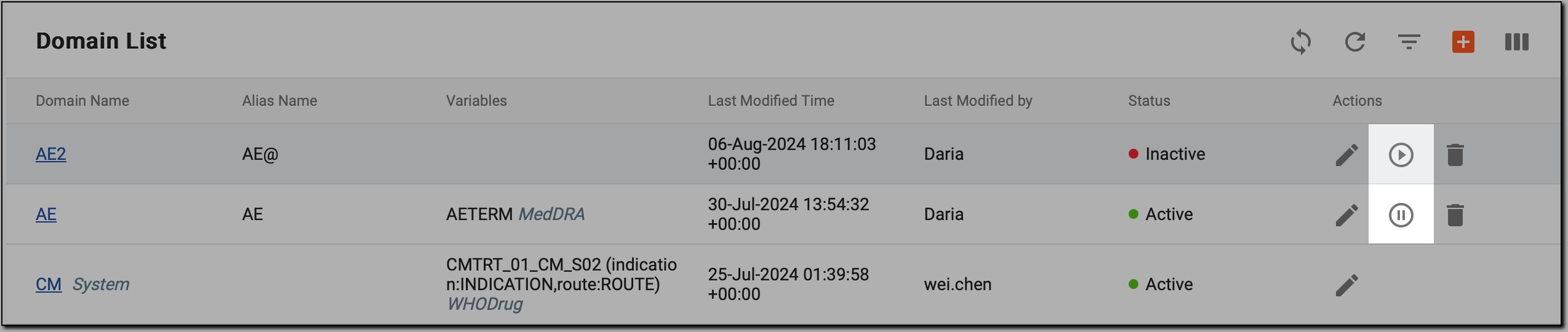 Figure 3. Activating/Inactivating domain
Important
You cannot change the domain status to Active or Inactive if any ongoing coding activities for this domain are in progress.
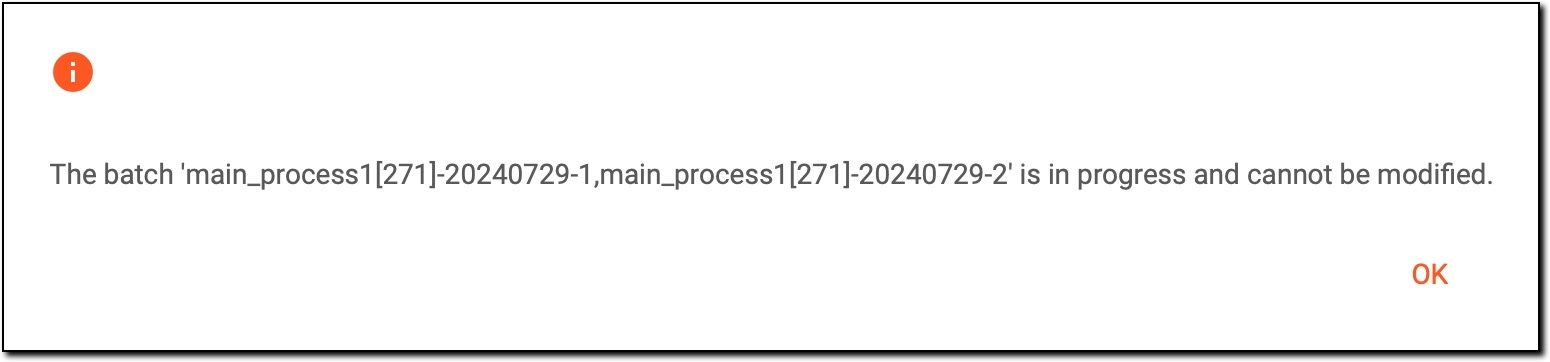 Figure 4. Activation/Inactivation error
To solve the issue, wait until the coding activities are completed and try again.
Once done, the domain is either visible and available for coding (if activated) or invisible and inaccessible for coding (if deactivated).