Edit domain
With the Edit feature, you can change the domain alias name without modifying the domain's configurations. This feature provides flexibility in renaming domains for better clarity and organization while preserving the original settings and data structure.
-
In the Medical Coding application header, select the CONFIGURATION tab.
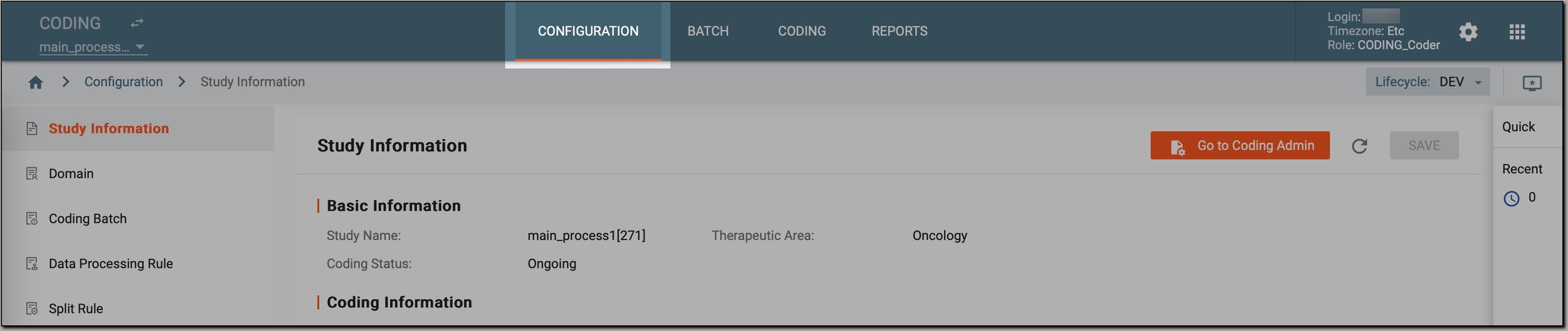 Figure 1. Accessing coding configurations
-
In the left pane, select Domain.
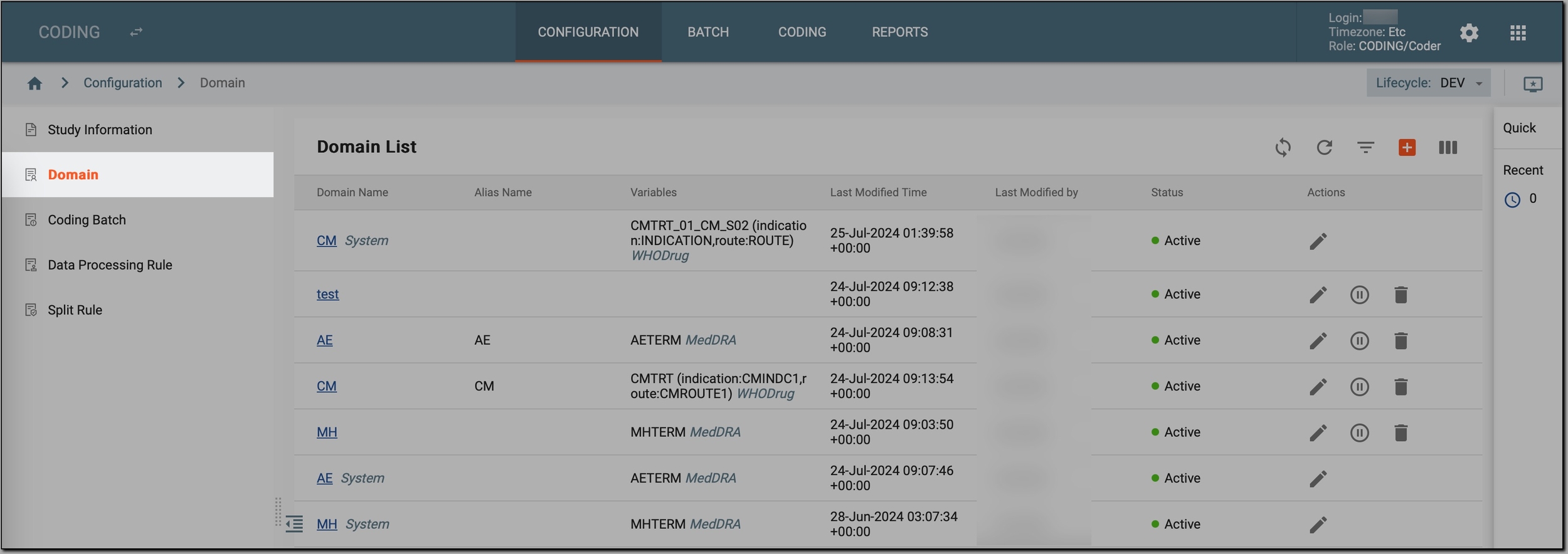 Figure 2. Accessing study domains
-
In the Domain List table that appears, go to the domain that you want to update and select Edit
 next to it.
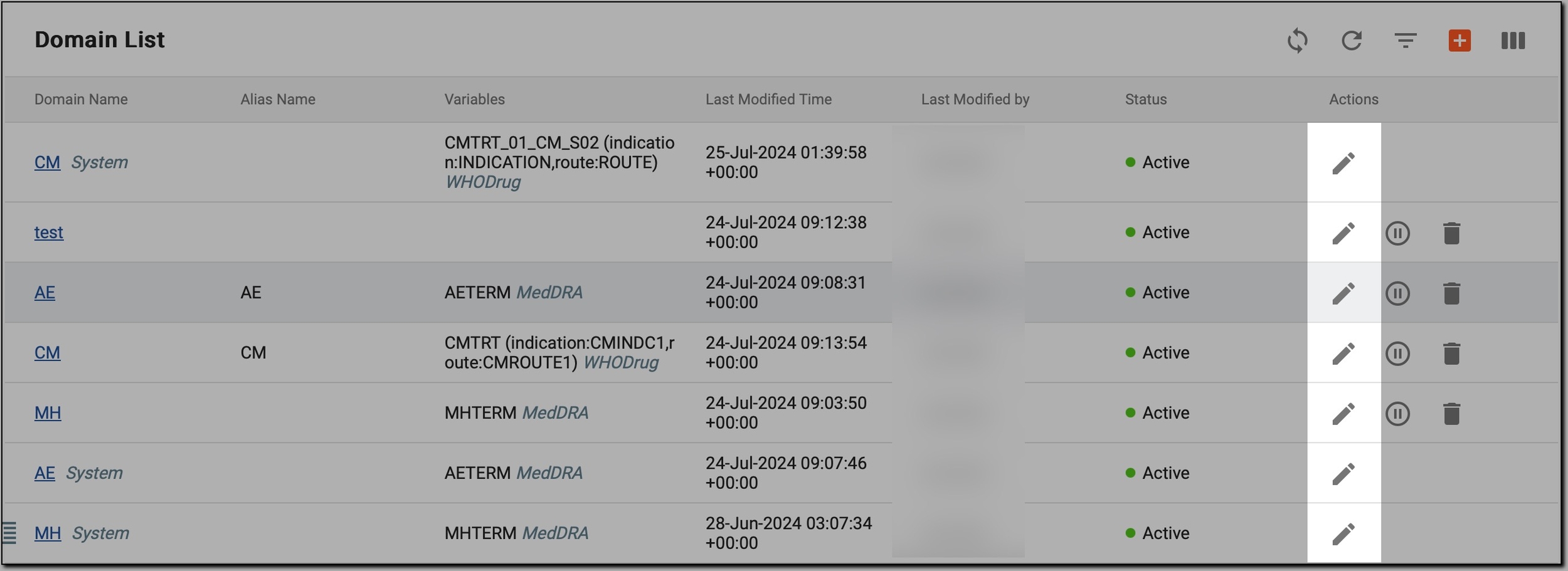 Figure 3. Initiating domain update
-
In the Edit dialog that appears, update the domain alias name and select
 to save your changes.
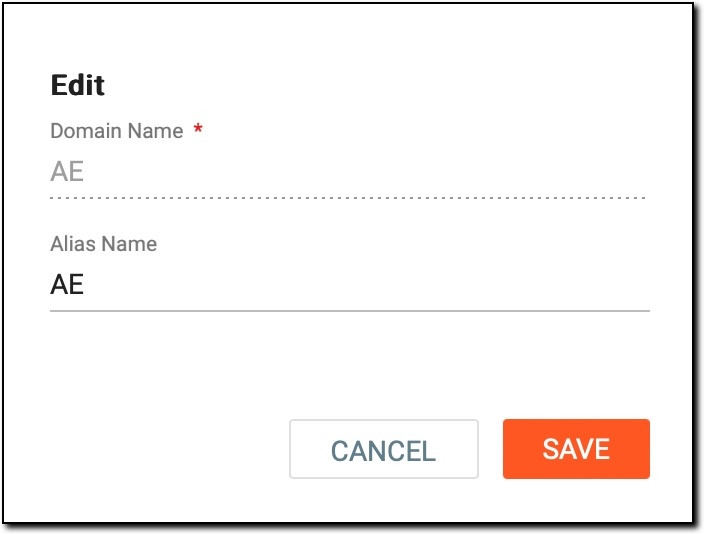 Figure 4. Updating domain alias name
Important
The domain name cannot be changed. This is done to maintain consistency and integrity across the CODING system, ensuring that all references to the domain remain accurate and unchanged.
Once saved, the domain becomes updated, reflecting the new alias name while maintaining all original configurations.