View subject form links
The Subject Form Links report provides you with external links to all the forms (CRFs) of your study in the EDC system. This report helps you in directly locating the form of your interest.
To view the subject form links report
-
In the EDC application header, select the REPORTS tab.
-
On the page that opens, in the left pane, select the CRF Status subtab to expand the list of available reports and select Subject Form Links.
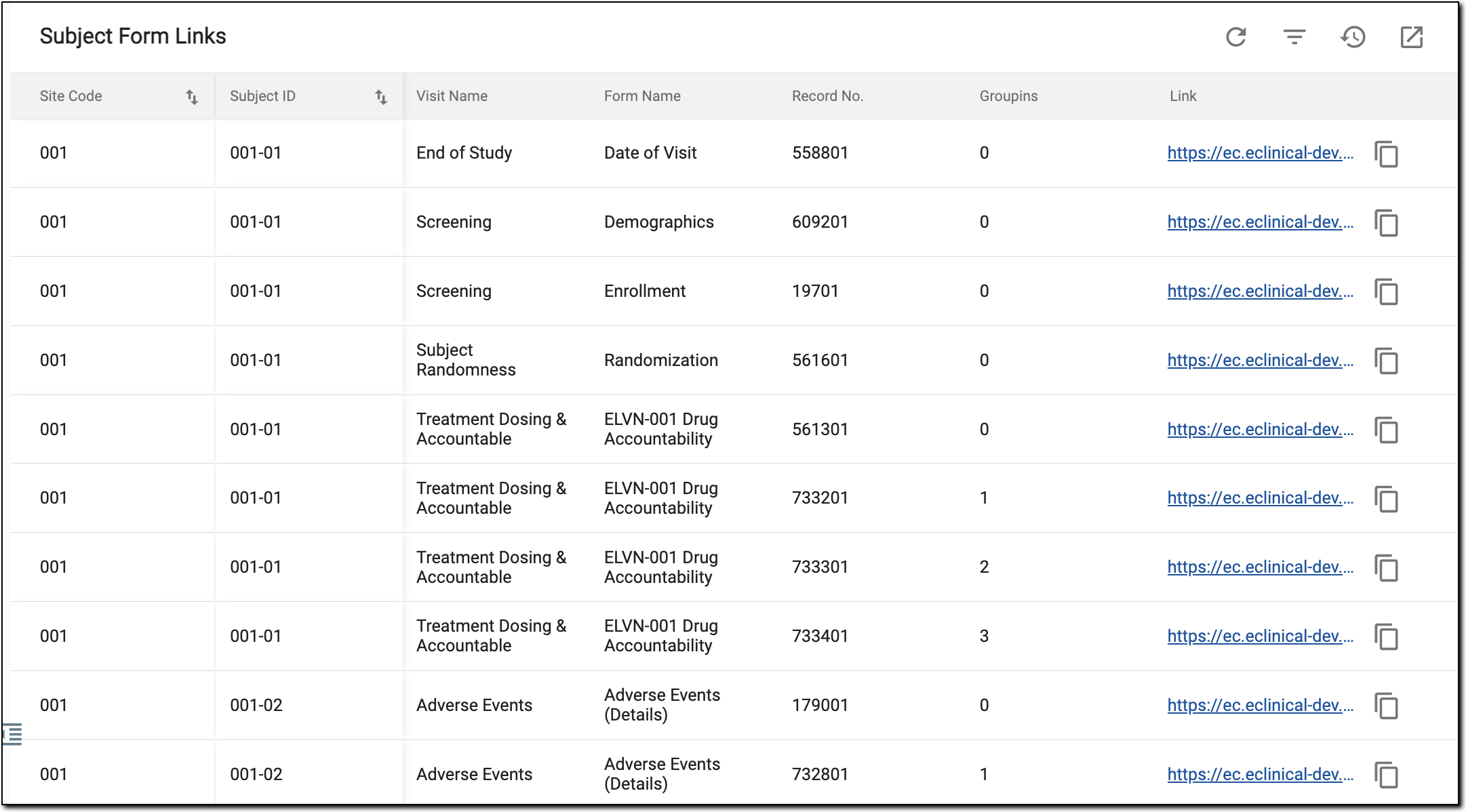 Figure 1. Viewing Subject Form Links report
Important
By selecting the hyperlink under the Link field it redirects you to that field, form page. You can also copy the link by selecting Copy
 .
.
Once the report details are studied, you can leave the page or perform other suggested manipulations.