Delete depot from CTMS
Depot is a warehouse that is used to store and distribute items (drugs) to another destination (other depots or sites). All the depots previously added to the CTMS system you can find in the Depot List table.
In CTMS, you can delete the irrelevant depots from the system to keep the Depot List table up-to-date.
Important
You can only delete the depot from the system if the following conditions are met:
-
The depot is newly added to the system, and no actions have been performed on it.
-
The depot is inactive. If you need to delete a depot with the Active status, you need to inactivate it, and then the Delete option becomes available.
-
The depot is not added to any study. If the depot has the Inactive status, but the Delete option is unavailable, most probably, the depot is currently assigned to an ongoing study.
-
In the CTMS application header, select the ENTITY MANAGEMENT tab.
-
On the page that opens, in the left pane, select Depot.
-
In the Depot List table that appears, locate the depot that you want to delete from the system and next to it, in the Actions column, select Delete
 .
. Figure 1. Deleting depot
-
In the confirmation dialog that appears, select
 to delete the depot.
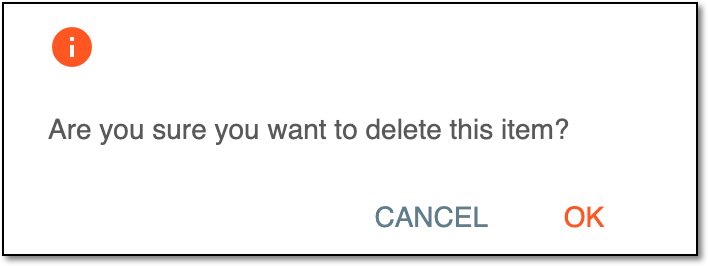 Figure 2. Confirming depot deletion
Upon confirmation, the depot is deleted from the system.