Edit depot details
Depot is a warehouse that is used to store and distribute items (drugs) to another destination (other depots or sites). In CTMS, you can add depots to the system and then assign them to the studies that will use them as a part of the logistics system.
Sometimes, you might need to update the depot details, such as the contact information, or else. In CTMS, you can do so with the Edit option.
-
In the CTMS application header, select the ENTITY MANAGEMENT tab.
-
On the page that opens, in the left pane, select Depot.
-
In the Depot List table that opens, go to the depot for which you need to edit details and next to it, in the Actions column, select Edit
 .
. Figure 1. Edit depot option
-
In the Edit dialog that opens, update the respective fields as explained in the table of the Add new depot to CTMS section.
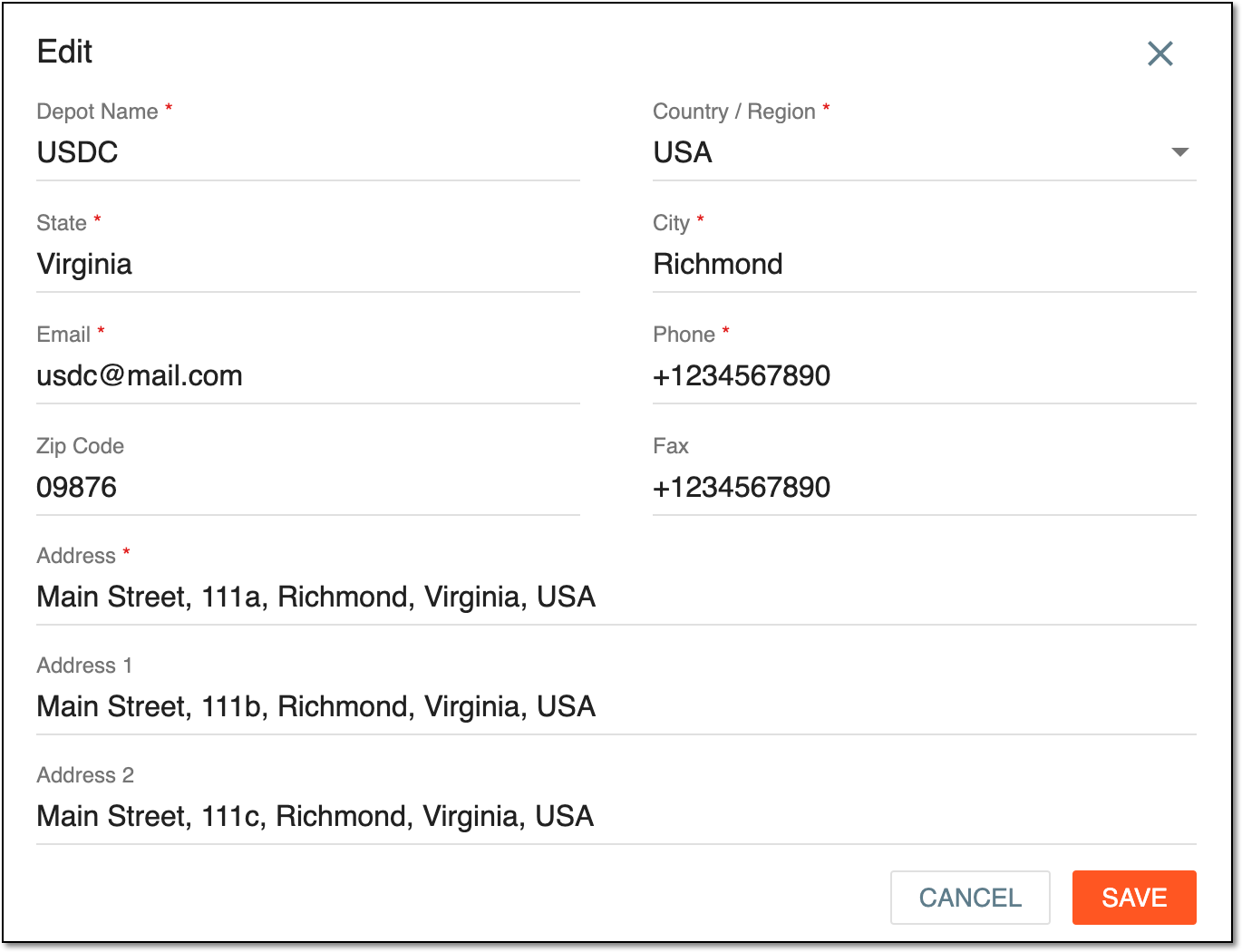 Figure 2. Editing depot details
-
Select
 to save the implemented changes.
Upon saving, the depot details are updated.