Preview query alert content
Queries are created to report any discrepancies, inconsistencies, or missing data found in study files. In eTMF, you can manually create query alerts for users responsible for addressing and fixing such issues.
You can preview the content of the email that is sent to the recipients. This content is added at the time of query alert creation and can also be edited.
-
In the eTMF application header, select the TMF tab.
-
On the Study List table that appears, locate the study for which you need to view the query alert, and in the Action(s) column next to it, select More
 > Query Alerts
  .
. -
On the Query Aerts page that opens, next to the query alert you want to preview, select Preview
 .
. Figure 1. Query alerts list
-
To close the dialog, select
 .
.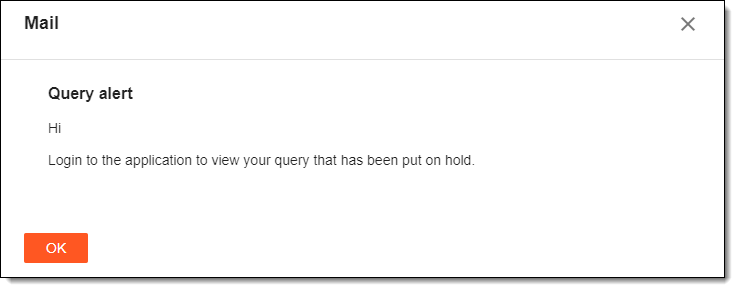 Figure 2. Previewing query alert
Once closed, you return to the Query Alerts page, if required, you can also view the query alert email history.