Associate server and server alerts with jobs
In the EDC application, you need to associate your jobs with external servers where the extracted data lands. Only the jobs associated with properly configured servers can successfully run and automatically extract and place data on the sponsors' predefined server. It is also important to associate the job with alert configuration to notify interested parties of the data extraction operations.
Before associating the job with the server, ensure that the respective server is added to the ADMIN application and the respective alert configuration is added in EDC.
Important
To associate the server with jobs, you must have the Write permission for the respective job category granted to your user role via ADMIN.
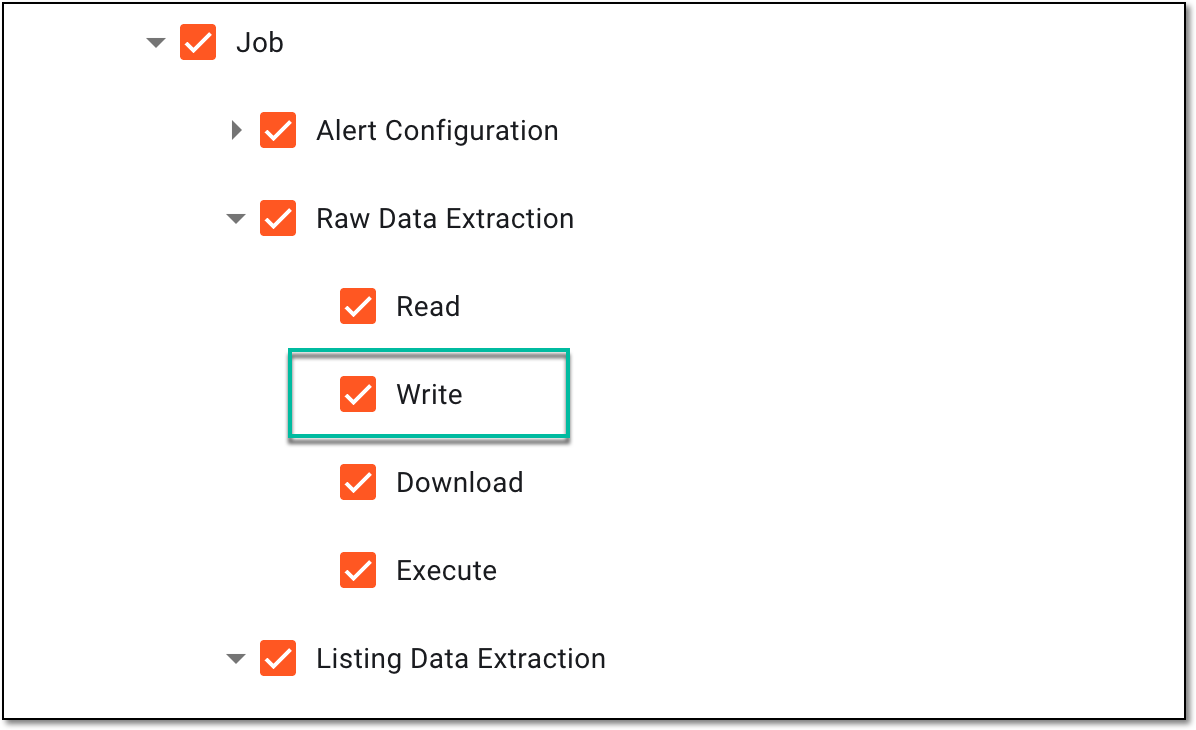 |
-
In the EDC application header, select the JOB tab.
-
In the left pane of the page that opens, select the tab representing the needed data extraction category.
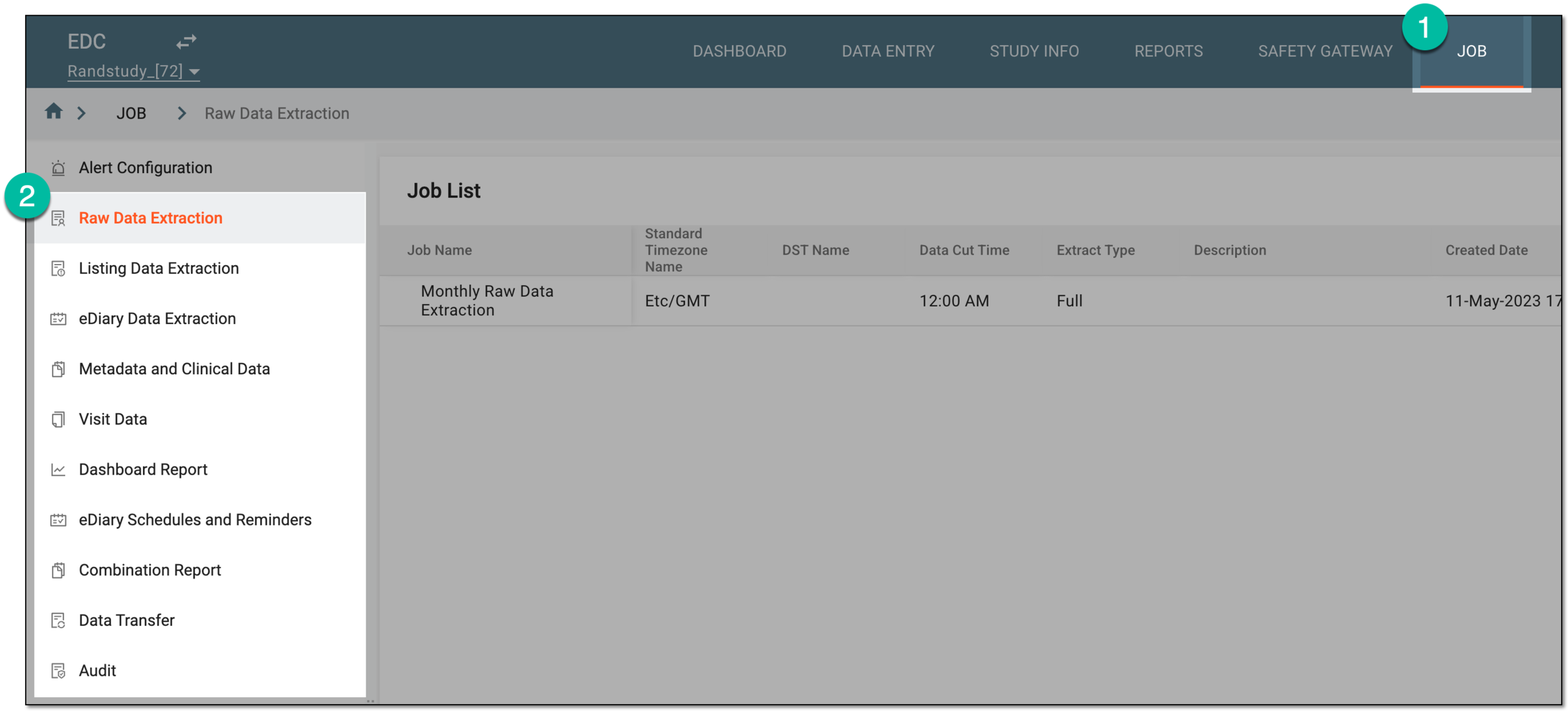 Figure 2. Accessing data extraction job configuration
-
On the page that opens, in the Job List table, locate the job of your interest and in the Actions column next to it, select Associate
 .
. Figure 3. Selecting option to associate job with server
-
In the Job Server and Server Alert dialog that opens, complete the fields as explained in the following table.
 Figure 4. Associating data extraction job with server
Tip
In the following table, mandatory elements are marked with an asterisk (*).
Element
Details
File Server Name*
From the dropdown list, select the preconfigured server to which you want the system to extract data.
Root Path
Represents a portion of the destination path to the server where the extracted data is to be stored. For instance, this portion can stand for the study name or company name. This value is autopopulated based on the selected file server.
Export Path*
Enter the destination path to the server where the extracted data is stored.
Alert Name
From the dropdown list, select the preconfigured alert to be triggered by the data extraction job.
Actual Extract Time
Select the duration of the data extraction process.

Select this option to add more than one server to your association.

Select this option next to the server association line to remove it from your configuration.
SAVE
Select
 to save the implemented changes.
CANCEL
Select
 to discard the changes, close the dialog, and return to the Job List table.
Upon saving, the job is associated with the server and respective alert. Now, when the data is extracted from EDC, it is transferred to the selected server at the path provided and the assignee of the alert is notified accordingly.