Set job execution alerts
In the EDC application, a job is an automated process intended to perform various tasks on your behalf, such as data transmission to an external server. Once the job is created and associated with the sponsors' predefined server, the system starts performing on its own.
Since job execution is automated and the users are no longer directly involved, it is important to have a notification system to stay tuned to the job statuses and processes. In EDC, you can set up alerts for server updates and data extraction. These alerts are sent via email and contain all the needed details. This helps keep the personnel in charge of handling the data to be aware of all the developments and supports timely and uninterrupted business processes.
Before getting to the alert setting procedure, ensure that the respective alert is already added in EDC.
Important
To set job execution alerts, you must have the Write permission for the respective job category granted to your user role via ADMIN.
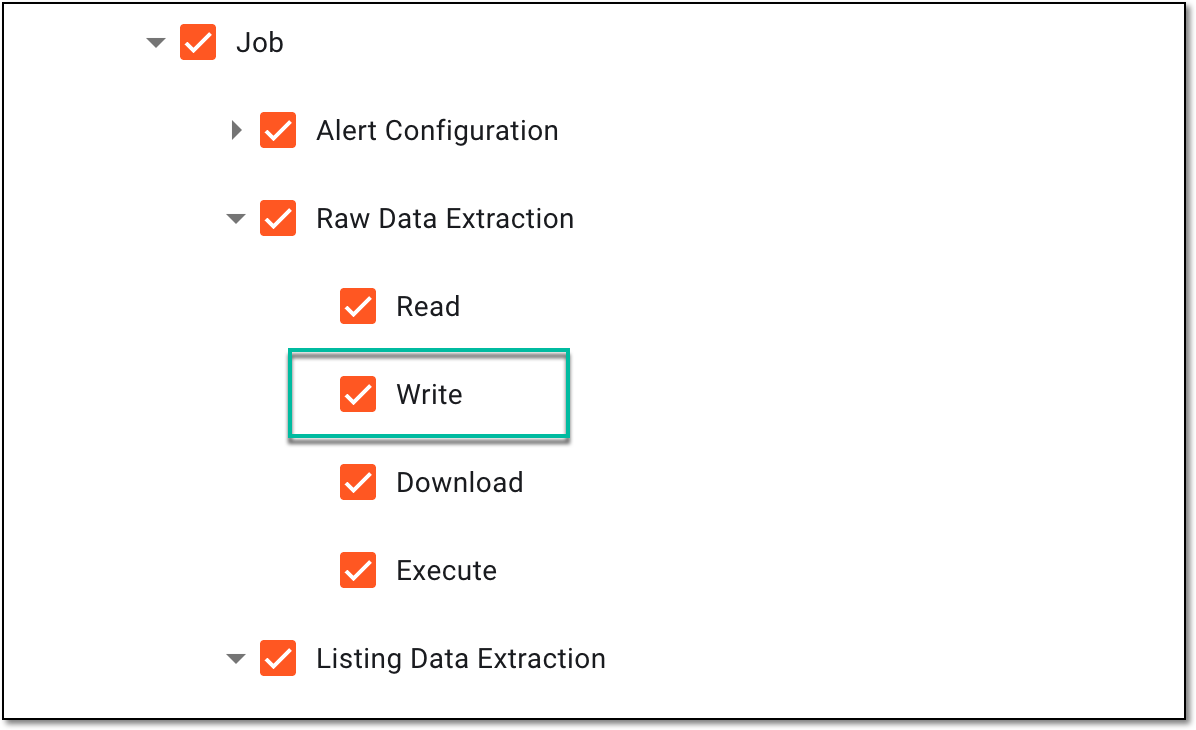 |
-
In the EDC application header, select the JOB tab.
-
In the left pane of the page that opens, select the tab representing the needed data extraction category.
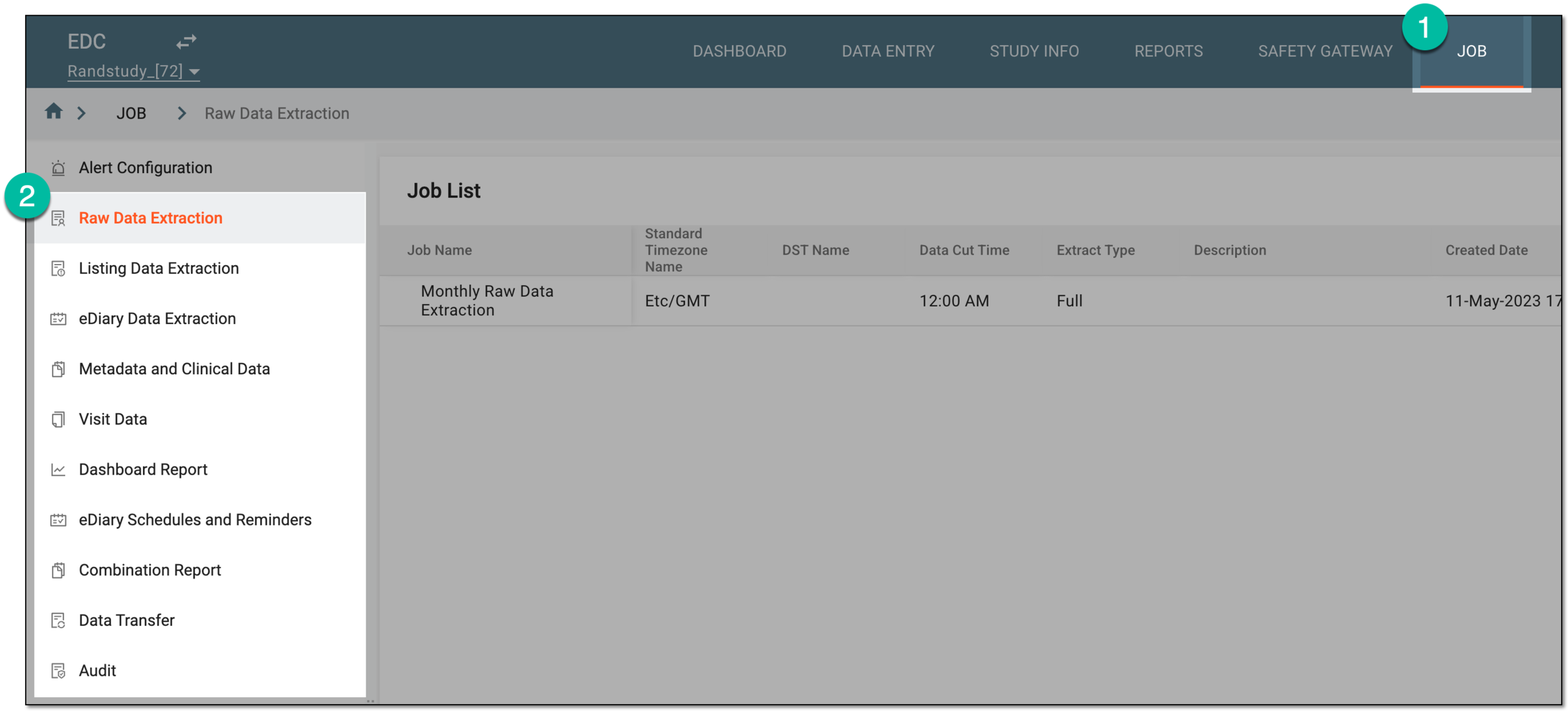 Figure 2. Accessing data extraction job configuration
-
On the page that opens, in the Job List table, locate the job of your interest, and in the Actions column next to it, select Job Alert
 .
. Figure 3. Selecting option to set alert for data extraction job
-
In the Job Alert dialog that opens, from the Alert Name dropdown list, select one of the previously configured alerts to trigger for your job.
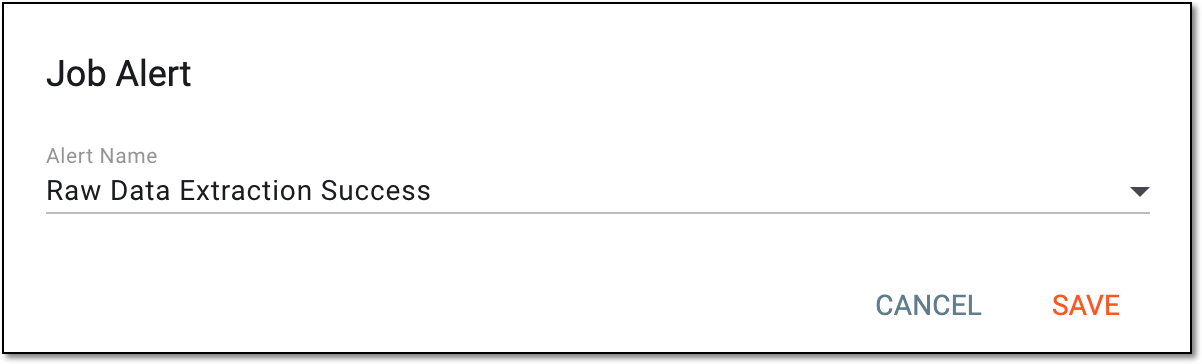 Figure 4. Selecting alert for data extraction job
-
Select
 to apply the changes.
Upon saving, the alert is associated with the job and triggers accordingly.