Release randomization number from subject
Randomization is a process during which subjects receive their random numbers and are assigned to different arms based on the randomization scheme.
Once the subject phase is changed to randomized, the acquired randomization number is preserved for the subject even if their randomization is reversed. This logic helps prevent the numbers from being reused for different subjects and maintains their availability if the subject is randomized again. Thus, the connection between the subject and their number remains intact. To break this connection, for instance if the subject is discontinued from the study, you need to release randomization number from the subject manually.
Important
The randomization number release is irreversible. Once you break the connection between the subject and their number, it cannot be restored.
-
In the IWRS application header, select the TREATMENT DESIGN tab.
-
On the page that opens, in the left pane, select the Period subtab.
-
In the Period List table that appears, locate the period of your interest. Then in the Period Name column, select the value to open the period configurator.
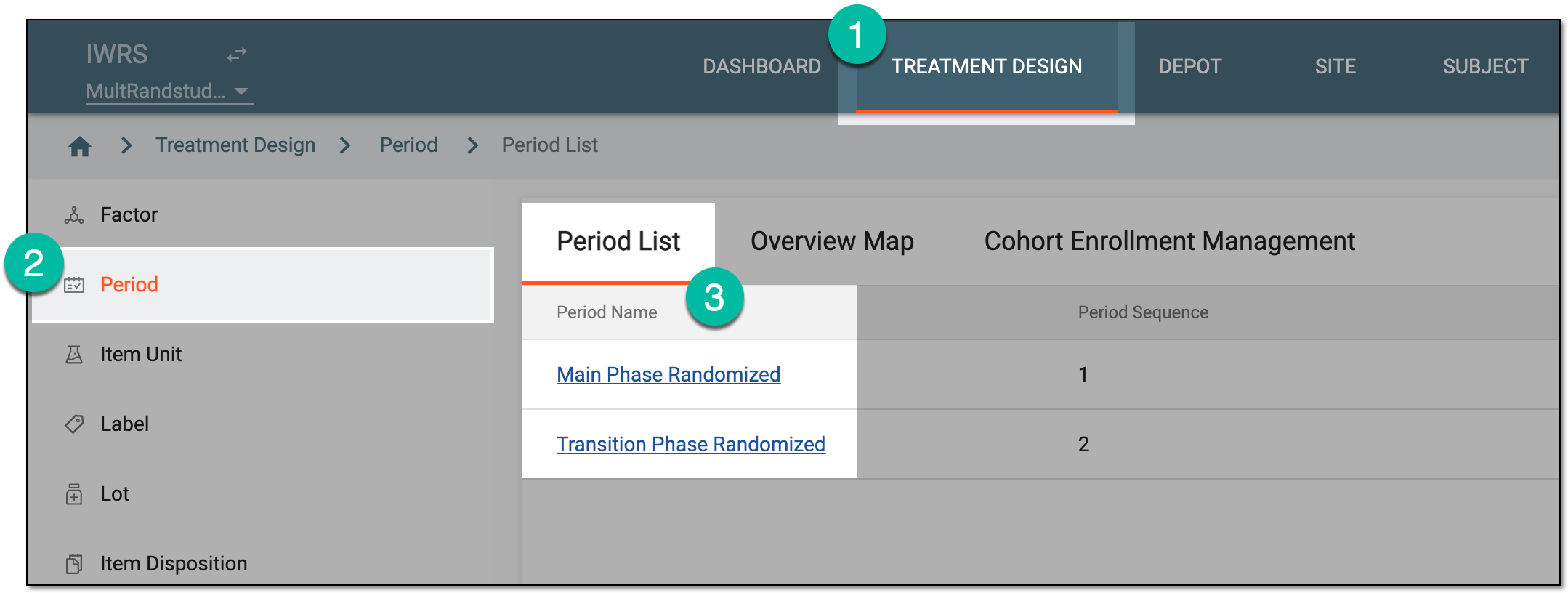 Figure 1. Selecting period
-
In the period configurator, drill down the explorer tree and expand the randomization scheme of your interest. Then select Result
 .
.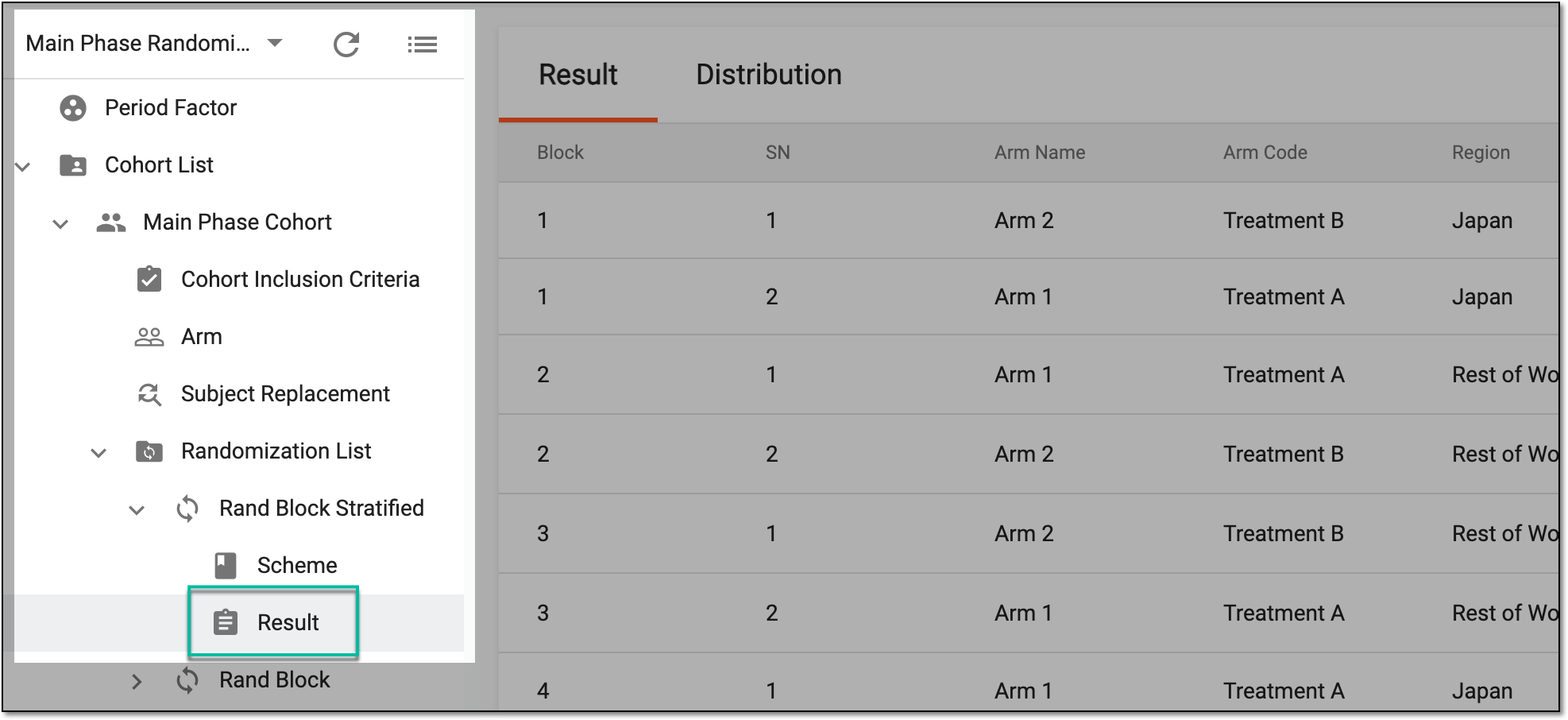 Figure 2. Accessing randomization result
-
In the Result table that opens, locate the randomization number for which you want to break the connection to the subject. Then from the from the Action(s) column, select Release
 .
. Figure 3. Releasing randomization number from subject
-
In the confirmation dialog that appears, select
 to proceed with your action.
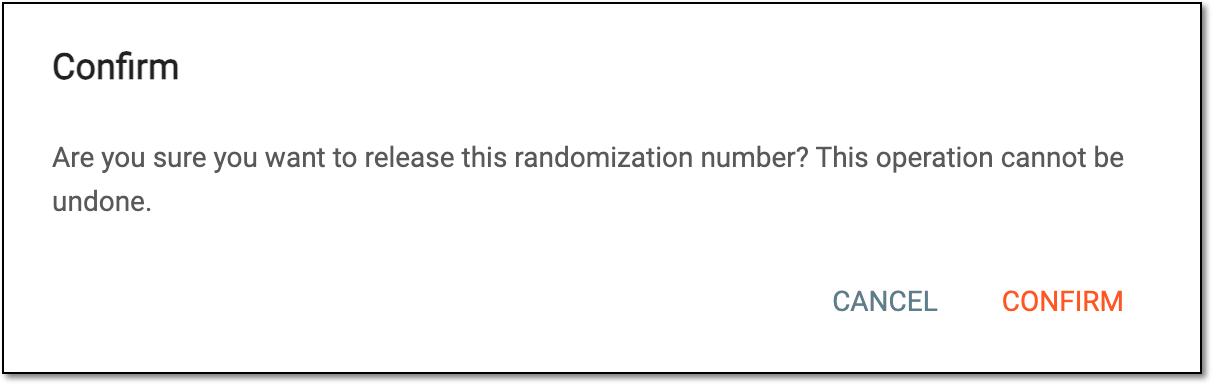 Figure 4. Confirming randomization number release
Once confirmed, you have released the randomization number from the subject. Now, once the new subject is randomized, they can be assigned this number by the system.