View released item detail
In IWRS, you can release items from the same lot multiple times. The complete history of item releases can be tracked via the Release functionality. But if you need to view the details on the items within each release, use the Released Item Detail option.
-
In the IWRS application header, select the TREATMENT DESIGN tab.
-
In the left pane, select the Lot subtab.
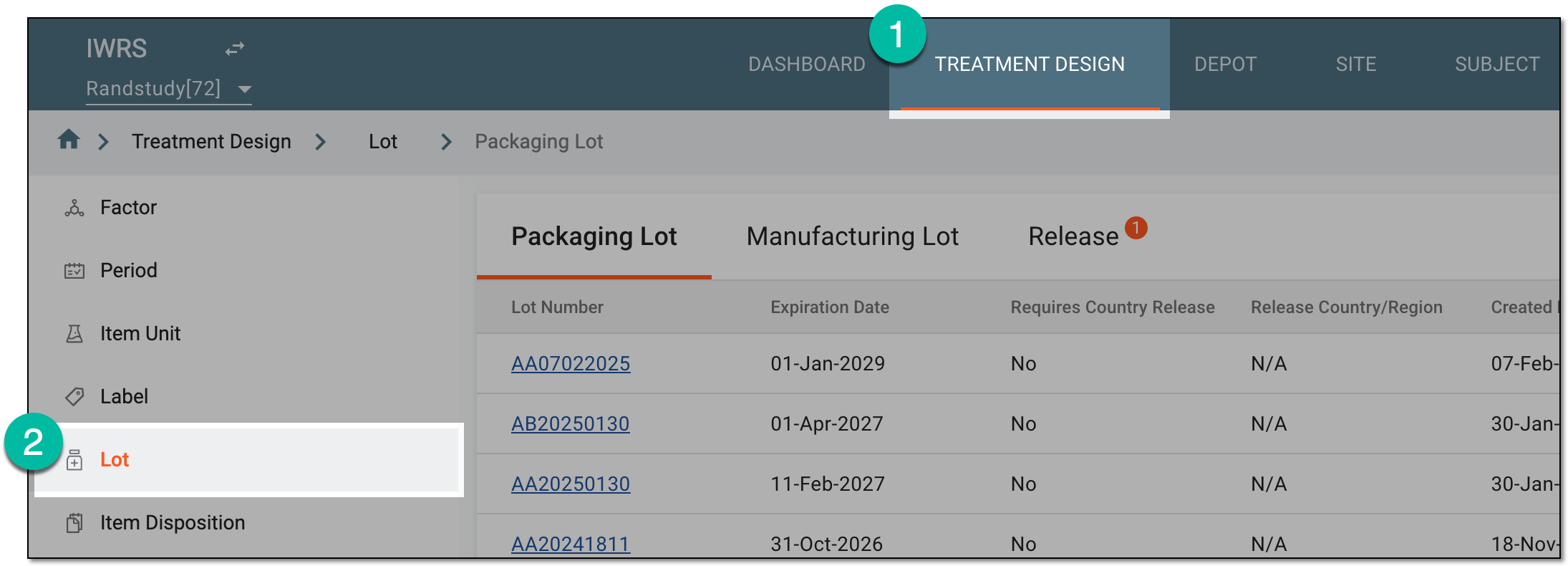 Figure 1. Accessing lot subtab
-
On the page that opens, in the contents panel, select the Release tab.
-
In the Release table that appears, go to the packaging lot of your interest. Then in the Actions column next to it, select Details
 .
. Figure 2. Accessing released item details
-
On the Lot Release page that opens, view extensive details of the items that have been released in this batch.
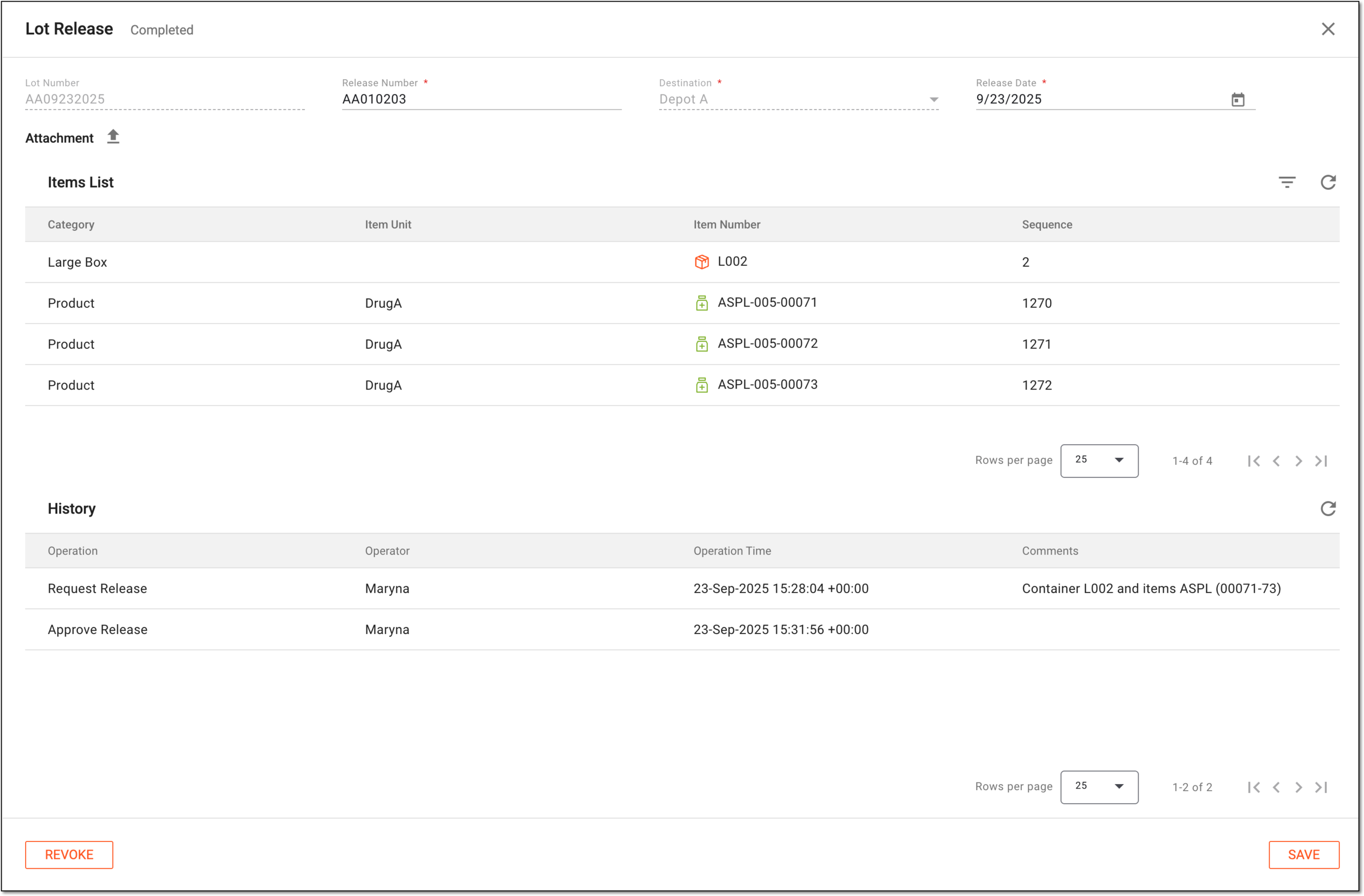 Figure 3. Viewing released item details
You have reviewed the details for the released items. You can also update the released item details or revoke the packaging lot.