Revoke packaging lot
If the lot of items has not been used in the depot (for instance, if it has not been supplied to the site or if it is not marked in the depot), then you can revoke it.
-
In the IWRS application header, select the TREATMENT DESIGN tab.
-
In the left pane, select the Lot subtab.
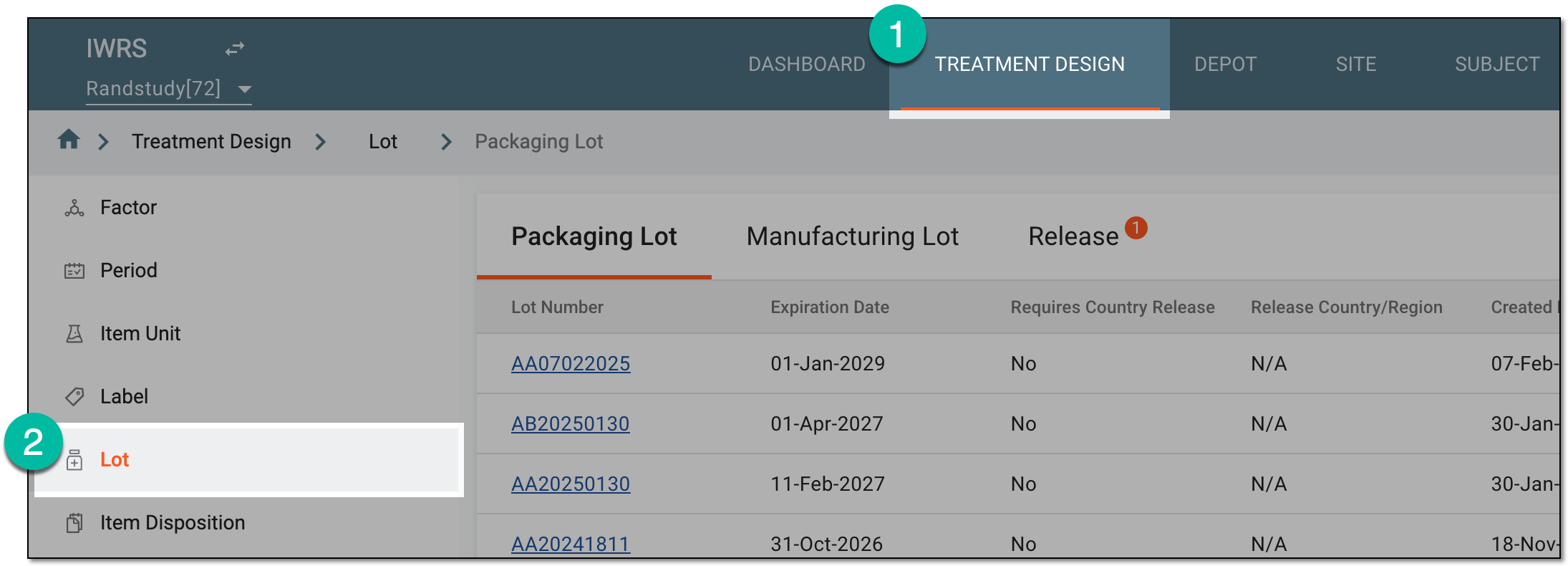 Figure 1. Accessing lot subtab
-
On the page that opens, in the contents panel, select the Release tab.
-
In the Release table that appears, go to the packaging lot of your interest. Then in the Actions column next to it, select Details
 .
. Figure 2. Accessing released item details
-
On the Lot Release page that opens, select Revoke
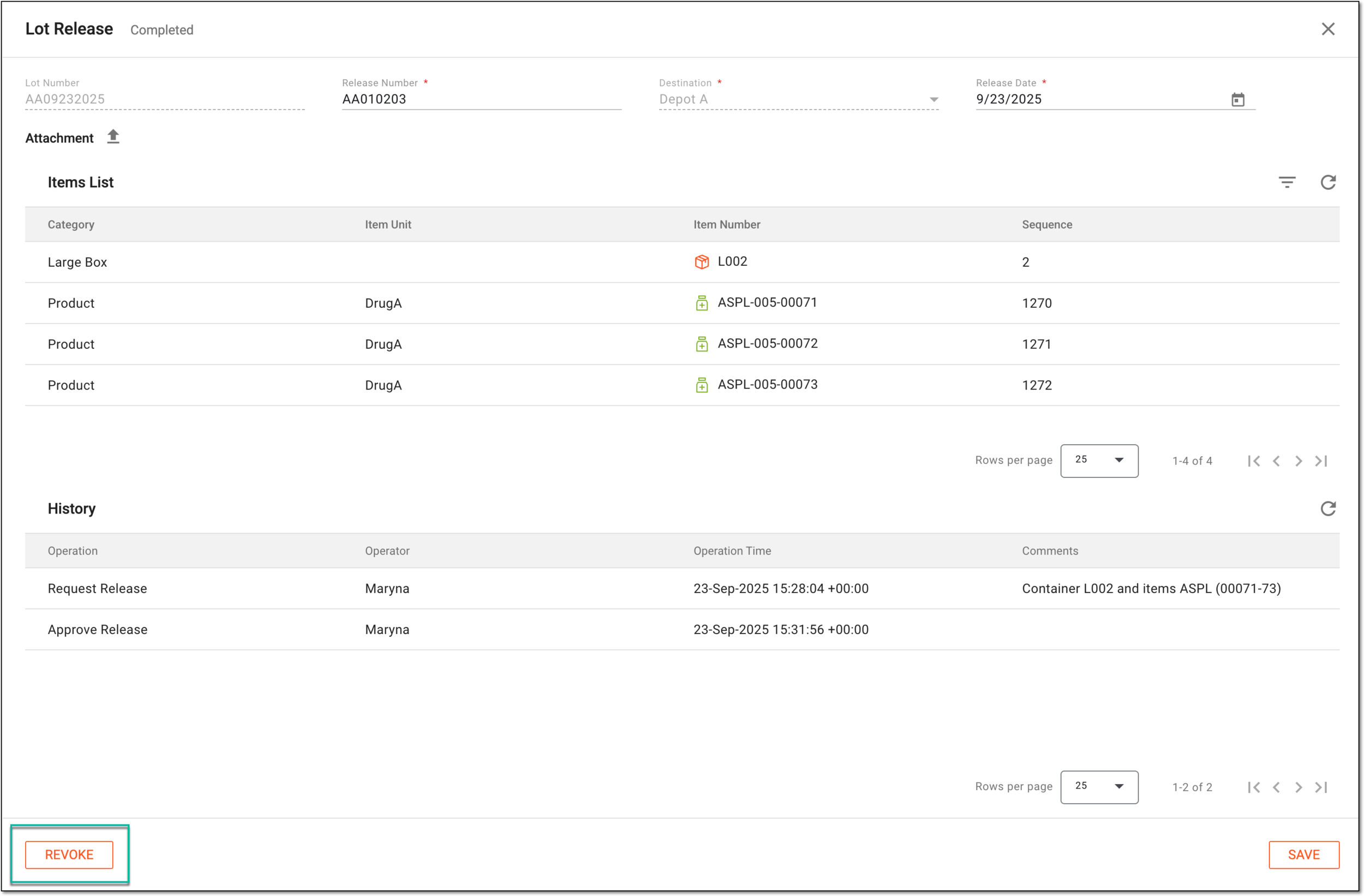 Figure 3. Revoking packaging lot
-
In the Revoke dialog that appears, in the Comment field, enter the reason for the revocation, and then select
 .
.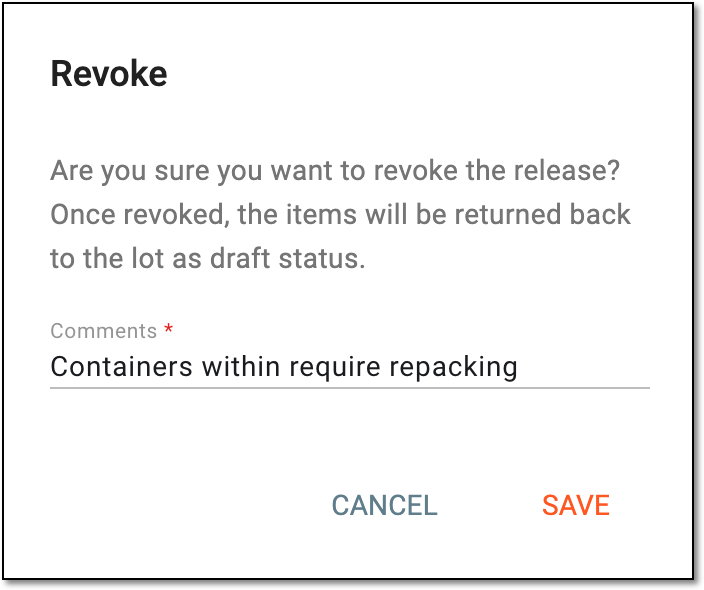 Figure 4. Confirming to revoke packaging lot
Upon saving, the lot is revoked. Once revoked, the release disappears from the RELEASE table, and the items are recalculated to the respective lot.