View packaging lot release data
In IWRS, you can release items from the same lot multiple times. The complete history of item releases can be tracked via the RELEASE functionality.
-
In the IWRS application header, select the TREATMENT DESIGN tab.
-
In the left pane, select the Lot subtab.
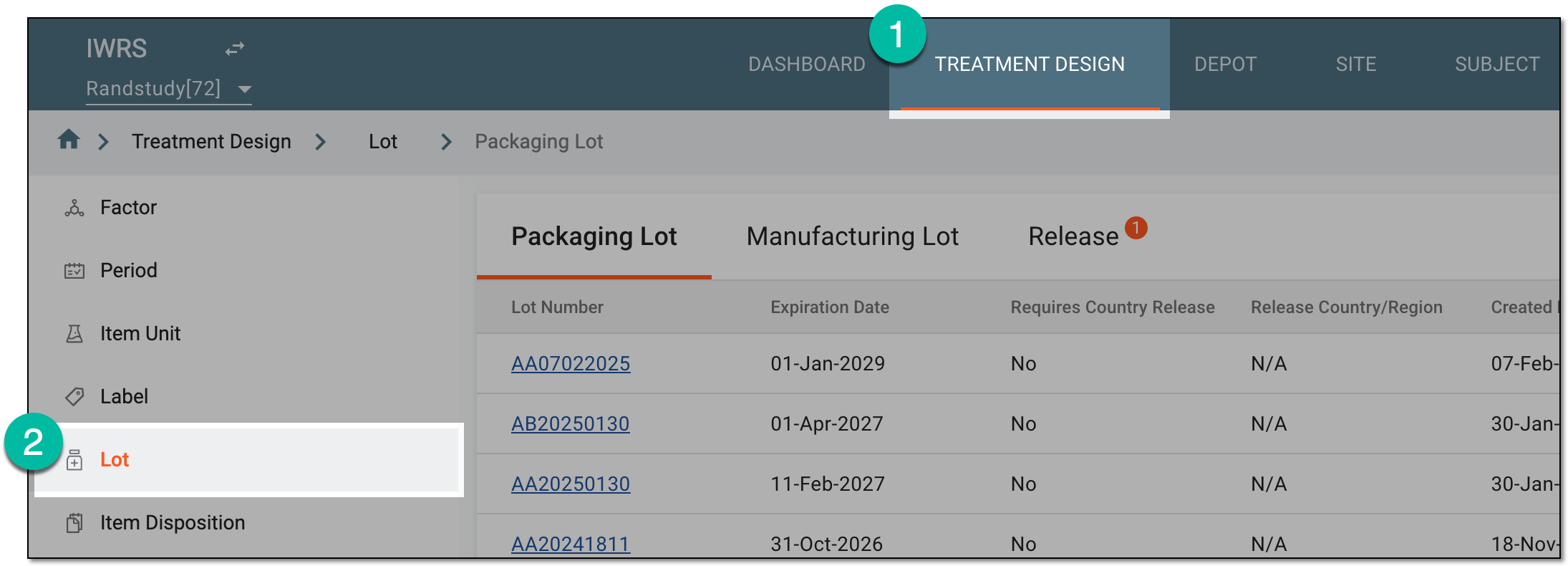 Figure 1. Accessing lot subtab
-
On the page that opens, in the contents panel, select the Release tab.
-
In the Release table that appears, review the released lot details as explained in the following table.
 Figure 2. Released lot details
Element
Details
Lot Number
Represents the number of the lot from which the items have been released.
Release Number
Represents the number of an item batch that has been released from the lot.
Released Date
Represents the date when the items have been released.
Released by
Represents the name of the user who entered the release data into the system.
Released Items #
Represents the total number of released items.
Destination
Represents the name of the depot or site to which the items were released.
Attachment
Represents the file name of the attachment uploaded along with releasing the items. Select the active link of the file name to download it to your computer.
Comments
Represents the comment left by the user who has released the items.
You have reviewed the general details on all the item releases.