Delete data acknowledgment email template
An email template is a model created in EDC for the use of various processes, in this case—data acknowledgment tasks, to facilitate user interaction with the system, as you can create several versatile templates and then reuse them for creating various tasks.
There can be cases when some templates are no longer in use, so you can delete them at any time to keep the list up-to-date.
To delete a data acknowledgment email template
-
In the EDC application header, select the REPORTS tab.
-
On the page that appears, in the left pane, select End of Study > Email Template.
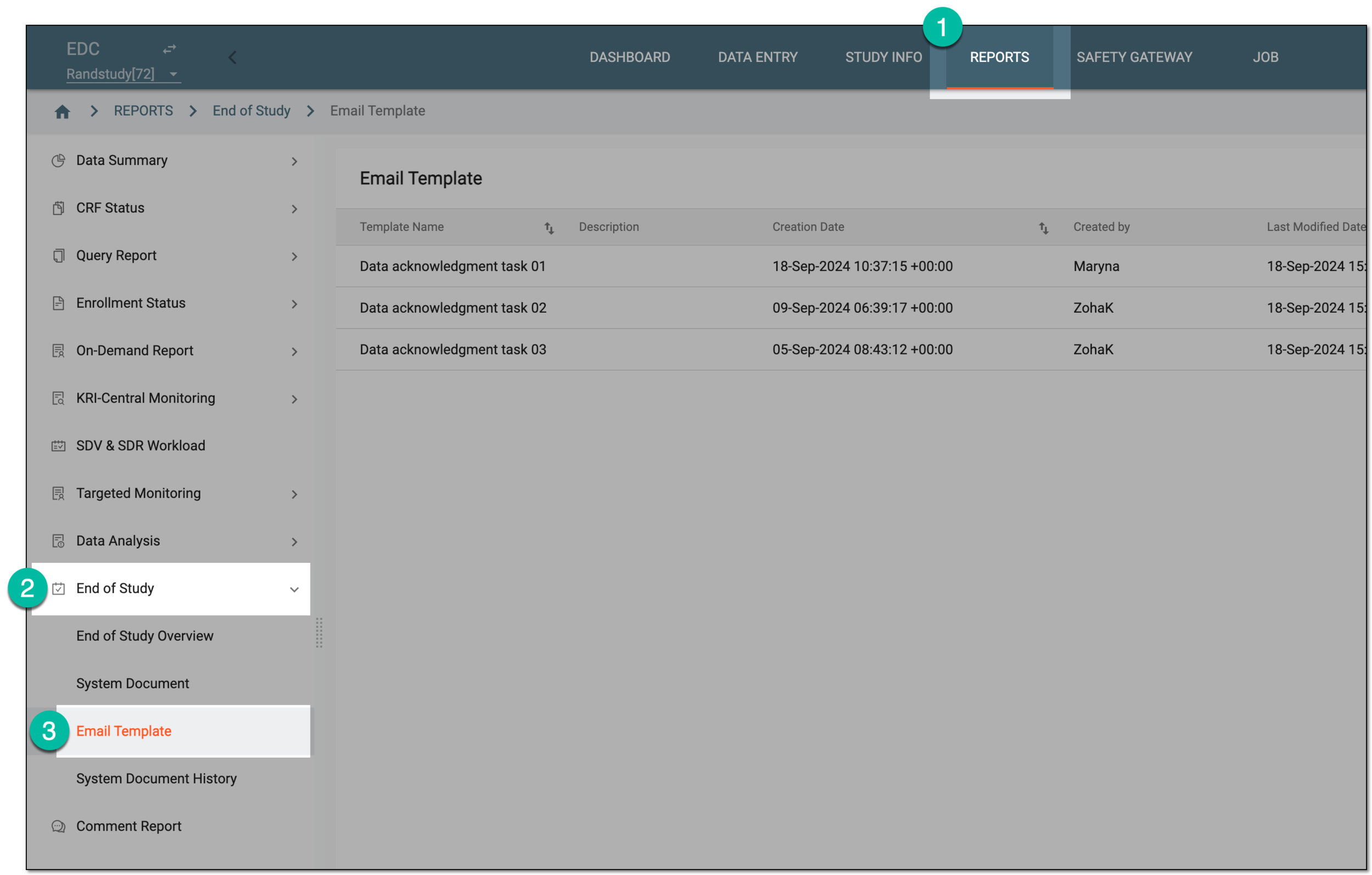 Figure 1. Accessing data acknowledgment email templates
-
From the Email Template table, next to the needed model, select Delete
 .
. Figure 2. Deleting data acknowledgment email template
-
In the confirmation dialog that appears, select Delete to delete the email template.
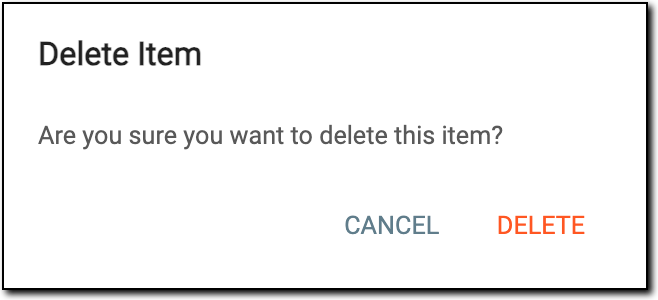 Figure 3. Confirming template deletion
Once confirmed, the email template is permanently deleted from the system.