Download synonym list template
The purpose of downloading a synonym list template is to provide an easy way to add new synonyms to existing synonym lists. Since synonyms can only be added to synonym lists by importing them, it is crucial that the imported file format is correct. To ensure this, download the template to see the required format. Then fill it in with the needed synonyms, and upload the filled-in template back into the system into the corresponding synonym list.
-
In the Coding Admin application header, select the SYNONYM tab.
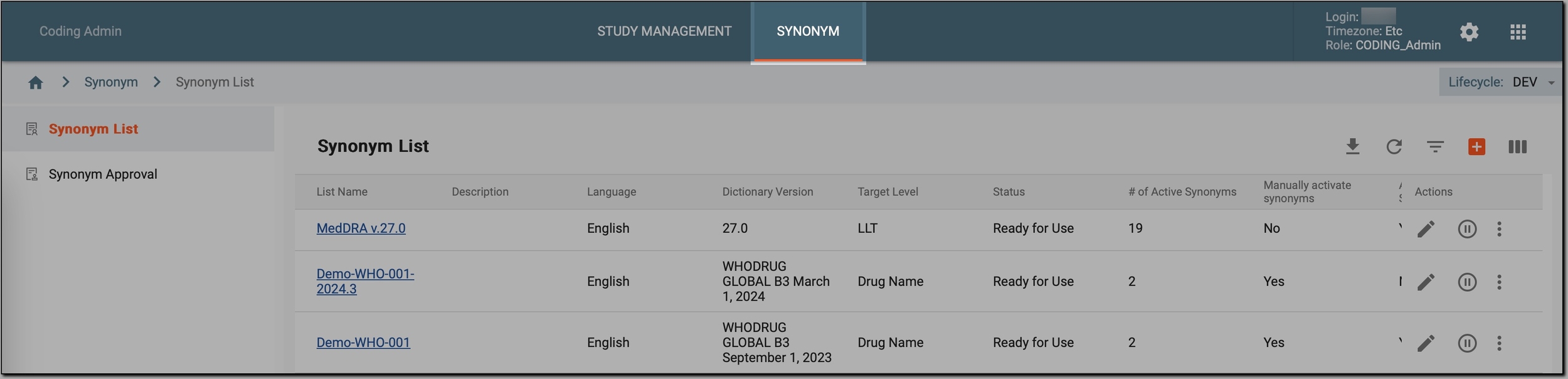 Figure 1. Accessing synonym configurations
-
In the left pane, select Synonym List.
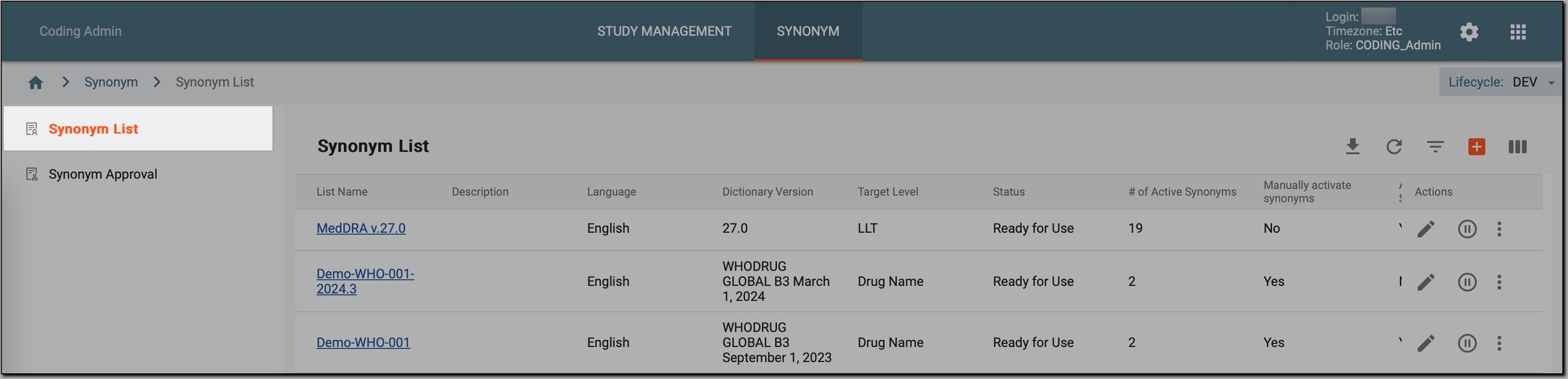 Figure 2. Accessing synonyms
-
On the Synonym List page, on the toolbar, select Download Template File
 .
.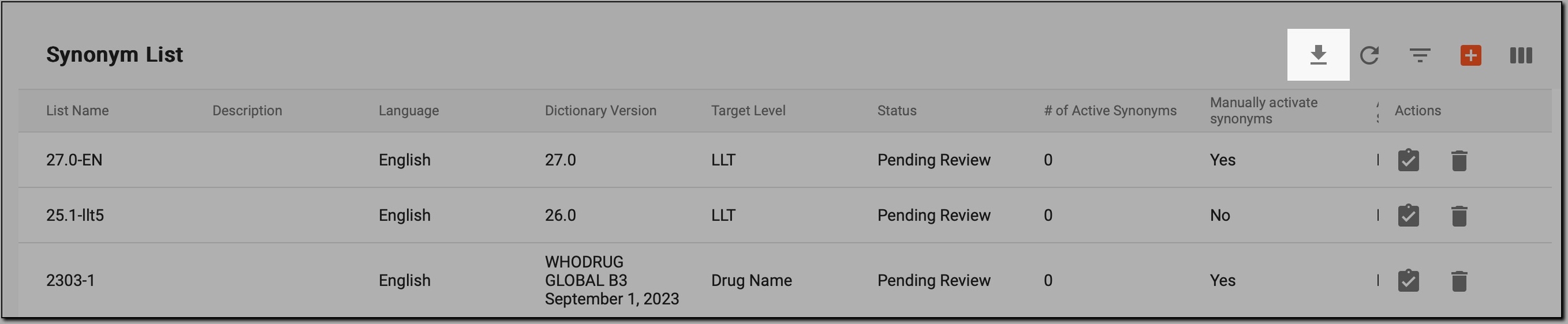 Figure 3. Initiating template download
-
Follow the prompts on your screen to download the template on your computer.
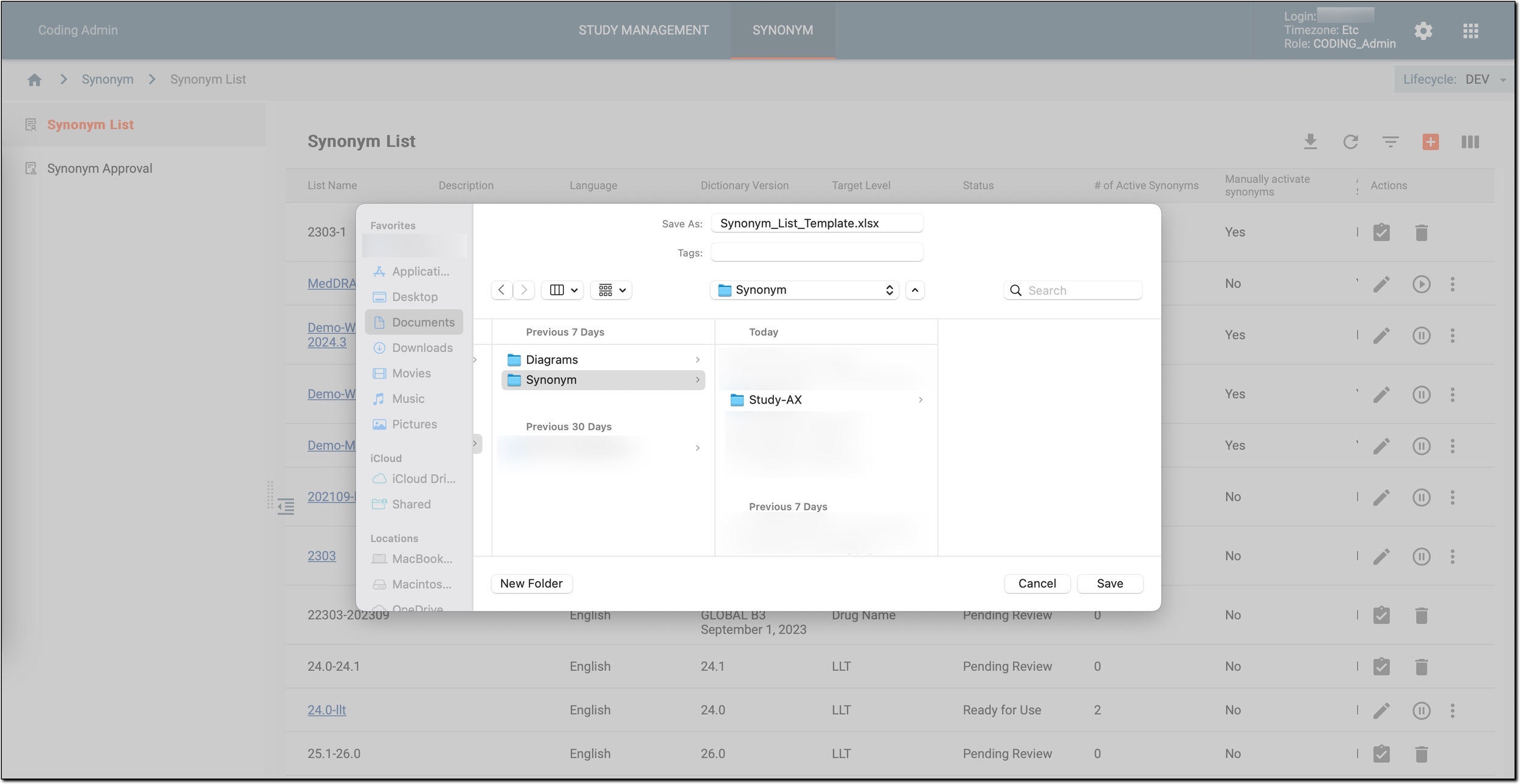 Figure 4. Downloading template
Once done, you can open the downloaded file and fill it in with new synonyms. This filled-in file can later be used to add the new synonyms to existing synonym lists via the Import feature.