Delete subject from tier assignment
Target source data verification (TSDV) is a more complex and sophisticated type of SDV setting as it provides an opportunity to perform more selective configurations compared to global or general types.
The TSDV setting includes the configuration of the TSDV plans that consist of various blocks and tiers to facilitate subject allocation based on certain criteria and design a selective TSDV procedure for various CRFs.
If some subject tier assignments are now irrelevant and these subjects no longer qualify for SDV, you can delete them from the list at any time to keep the result list up-to-date.
Important
Subjects removed from the tier assignment list no longer require SDV for their data.
-
In the EDC application header, select the STUDY INFO tab.
-
In the left pane of the page that opens, expand SDV and select the SDV Result tab.
-
On the page that opens, select the Subject Tier Assignment tab.
-
In the table that appears, select the checkboxes next to the tier assignment results that you want to delete. Then from the workspace toolbar, select Delete
 .
.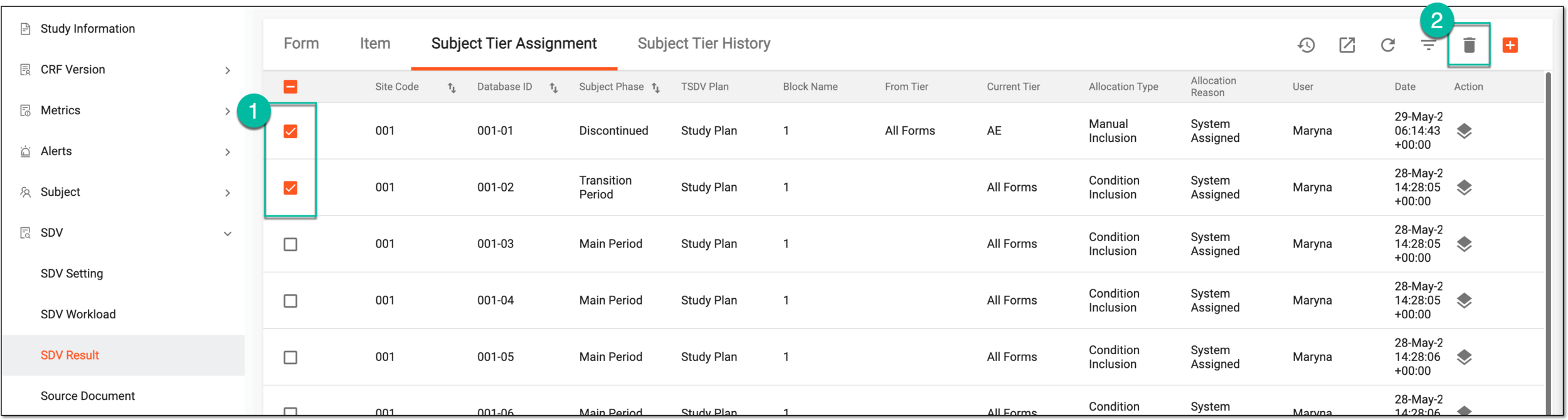 Figure 1. Deleting subject tier assignment
-
In the Delete Item confirmation dialog that appears, select
 to remove subjects from tier assignment.
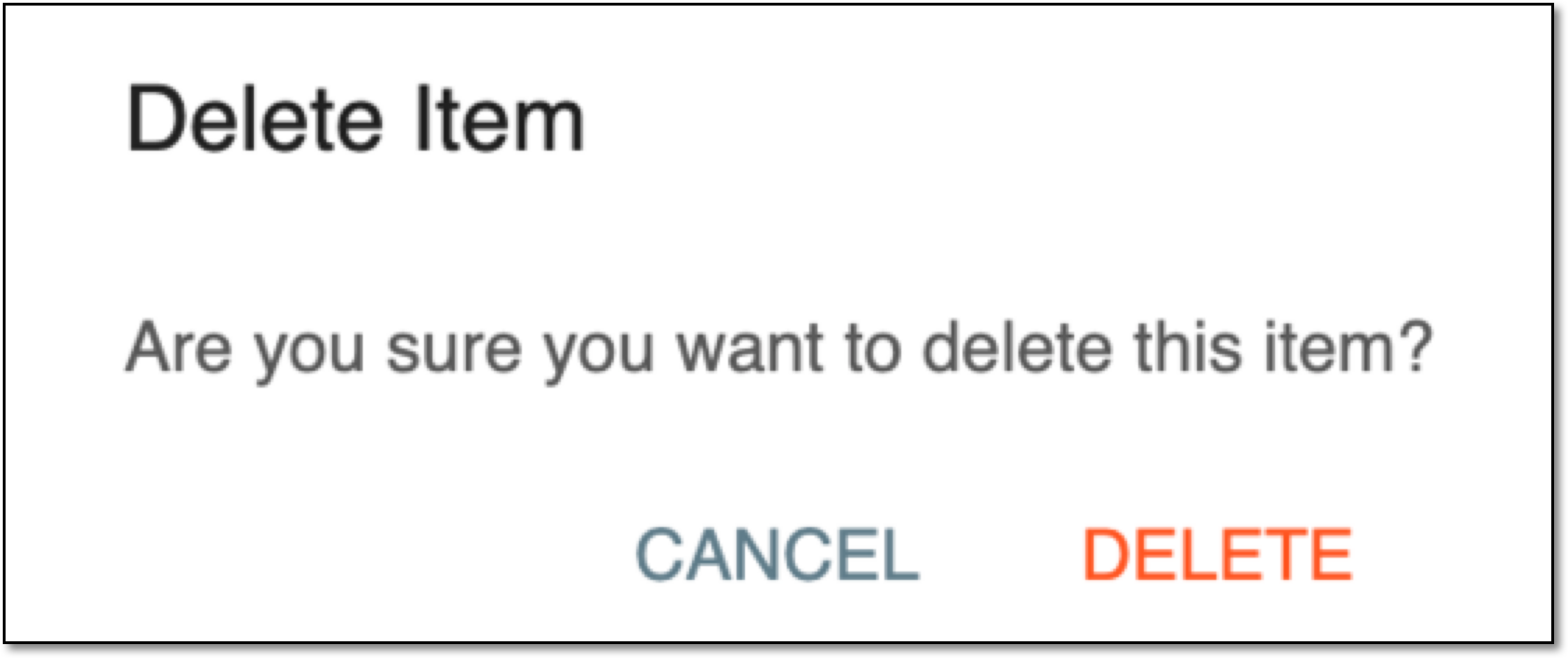 Figure 2. Confirming subject tier assignment deletion
Once confirmed, the selected subjects are removed from the Subject Tier Assignment list and no longer qualify for the SDV procedure.