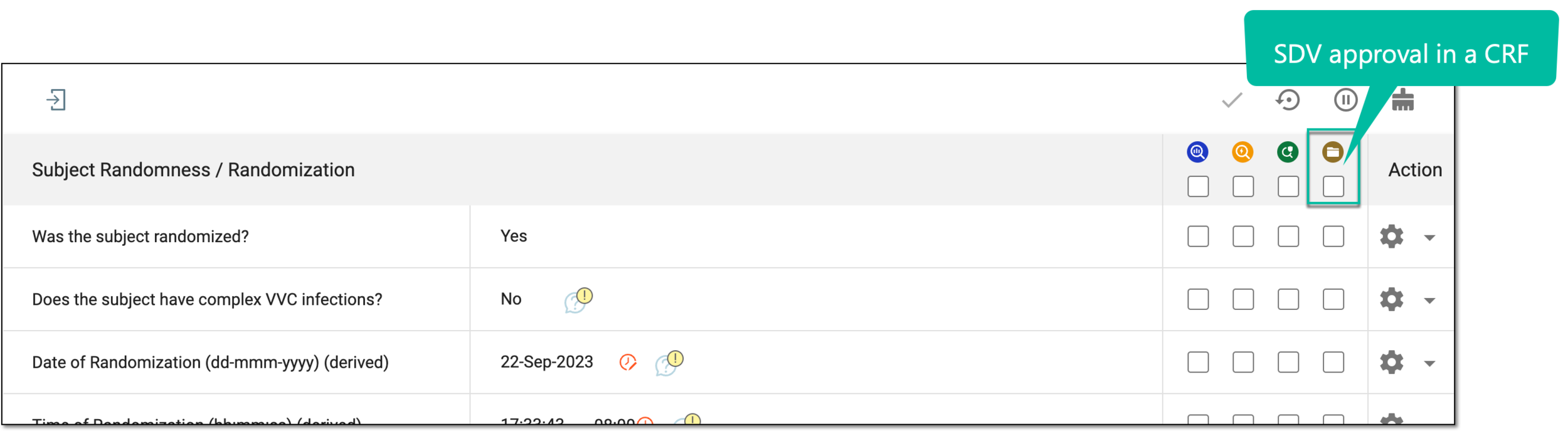
Configure global SDV setting
Source Data Verification (SDV) relates to the process of ensuring data accuracy and integrity within a clinical trial by reviewing and comparing the data recorded in the source documents, such as laboratory results, medical history, adverse event records, and so on against the data captured in the case report forms (CRFs). Once the SDV process is completed, the responsible personnel can review the findings and approve SDV.
Before the SDV process is initiated based on the sponsors requirements, a percentage plan is created that specifies what CRFs must undergo SDV. The SDV plan is configured based on one of the three types of settings: global, general, and target SDV. If you want to establish the percentage of forms within the entire study to undergo SDV, then the global SDV plan is used.
Important
Configuration of the SDV process depends on the SDV setting type selected for your study—global, general, or target SDV. This section explains the configurations required if the Global SDV model is established for the study.
For global SDV, a simple percentage plan is developed to outline how much of the CRF data must undergo verification. According to the developed study strategy and specifics, the sponsor decides the percentage of such data that needs to undergo SDV. Once established, the system either assigns all data for SDV (if 100% is set) or randomly assigns forms for SDV to satisfy the established percentage (if less than 100% is set).
-
In the EDC application header, select the STUDY INFO tab.
-
In the left pane of the page that opens, expand SDV and select the SDV Setting tab.
-
On the SDV Setting - Global SDV page that opens, select the Global Percent(%) value.
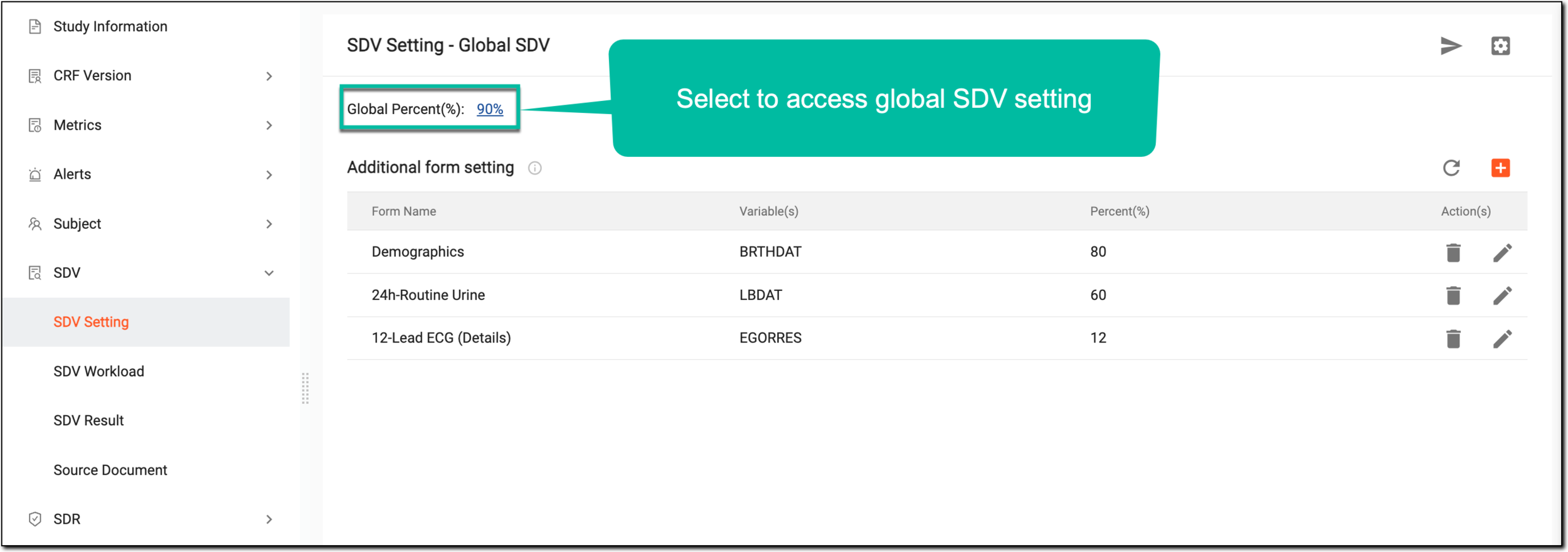 Figure 1. Accessing global SDV settings
-
In the Add / Edit dialog that appears, set the global percentage for SDV as follows:
-
Enter 100% if all the data entered in EDC forms has to be verified against the source document to be considered valid.
-
Enter any percentage less than 100% if you prefer the system to randomly assign the SDV approval for a portion of the forms.
For example, if 80% is specified, this means that 80% of random CRFs from the total number of forms in EDC require SDV approval.
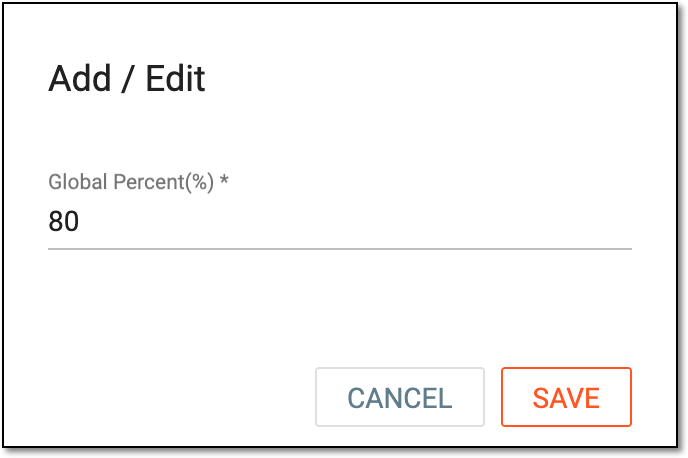 Figure 2. Configuring SDV global setting
-
-
Select
 to apply the changes.
 -
Once saved, from the workspace toolbar, select Execute
 .
.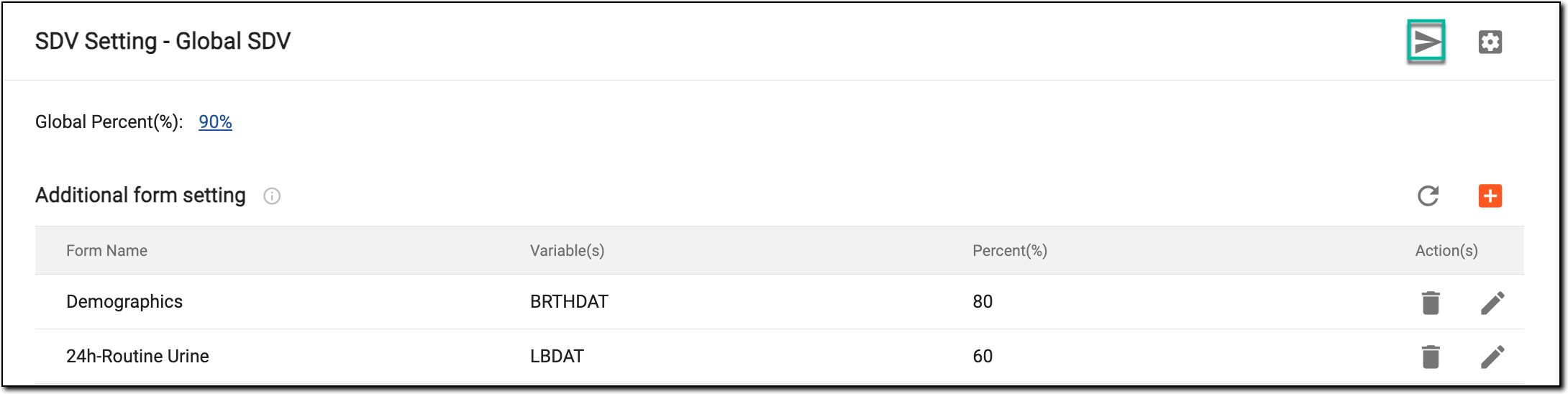 Figure 3. Selecting to execute SDV setting
-
In the confirmation dialog that appears, select
 to confirm the execution of the established SDV setting.
 Figure 4. Confirming to execute SDV setting
Upon saving and execution, SDV approval becomes required for the respective percentage of CRFs upon completion of data entry.