Configure critical element list
Target source data verification (TSDV) is a more complex and sophisticated type of SDV setting in EDC than global or general verification types, as it provides an opportunity to perform more selective configurations of the verification process. One such configuration is the critical element setting.
When configuring a critical elements list, you create a reusable entity that becomes handy when adding new tiers to the TSDV plan.
A critical element list is a setting that gives an opportunity to outline which case report forms (CRFs) must undergo mandatory verification, configure only for selective fields on such forms to undergo verification, or establish the visits, for which such forms must be verified. Thus, reusing the critical element list in different tiers eliminates the need to add the same configurations again.
-
In the EDC application header, select the STUDY INFO tab.
-
In the left pane of the page that opens, expand SDV and select the SDV Setting tab.
-
On the SDV Setting - Target SDV page that opens, select the Critical Element tab.
-
From the CRF list that appears, select the checkboxes next to the forms you want to mark as critical TSDV elements.
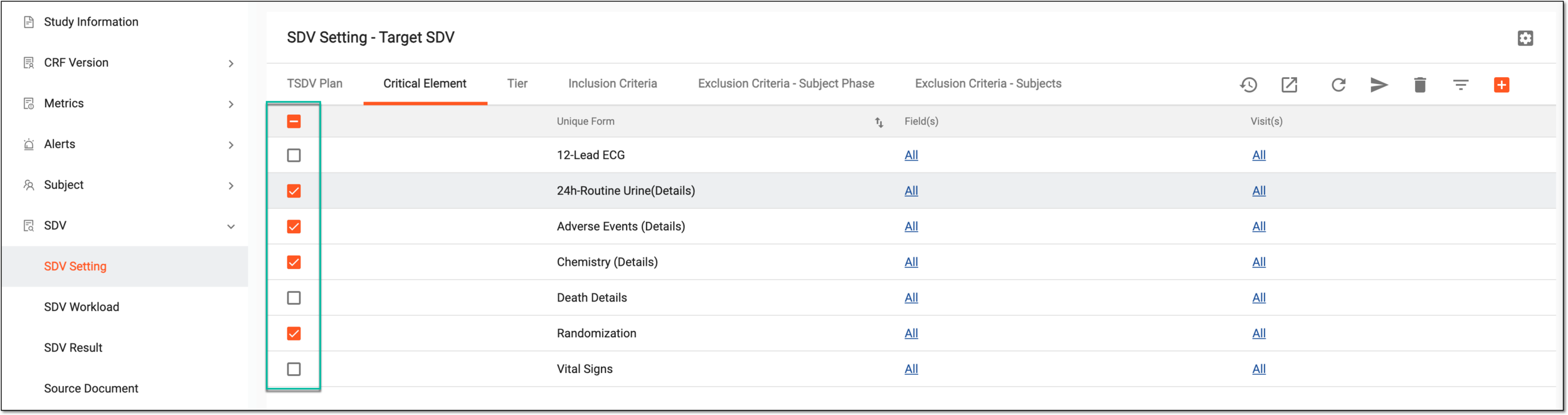 Figure 1. Selecting CRFs as critical elements
Tip
If some CRFs of your interest are missing from the list, you can add more critical elements.
-
To configure specific form fields that require SDV for any form, from the Field(s) column, select the value next to the form of your interest. Then from the expanded list, select the fields intended for SDV and select
 .
.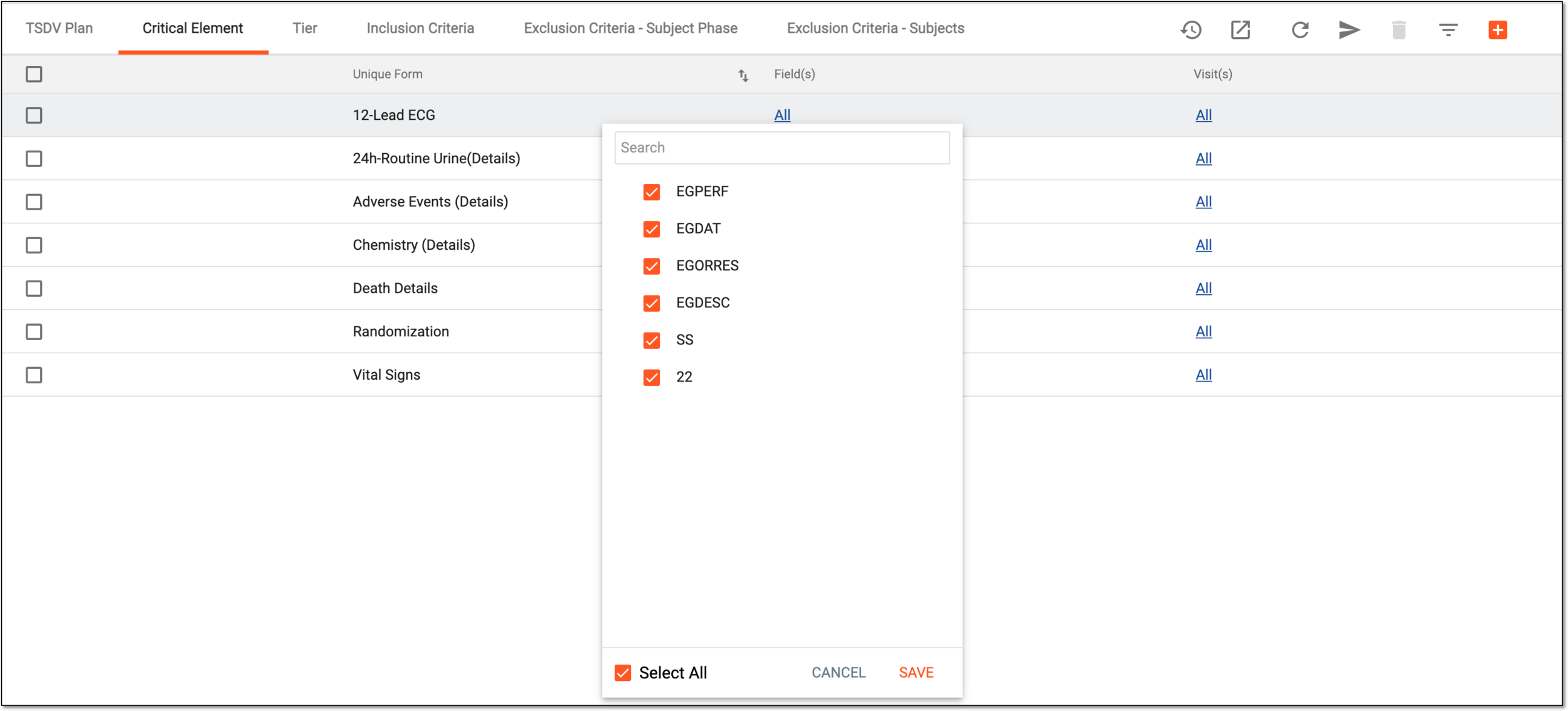 Figure 2. Selecting fields for SDV
-
To configure specific visits that require SDV in relation to the selected form, from the Visit(s) column, select the value next to the form of your interest. Then from the expanded list, select the visits intended for SDV and select
.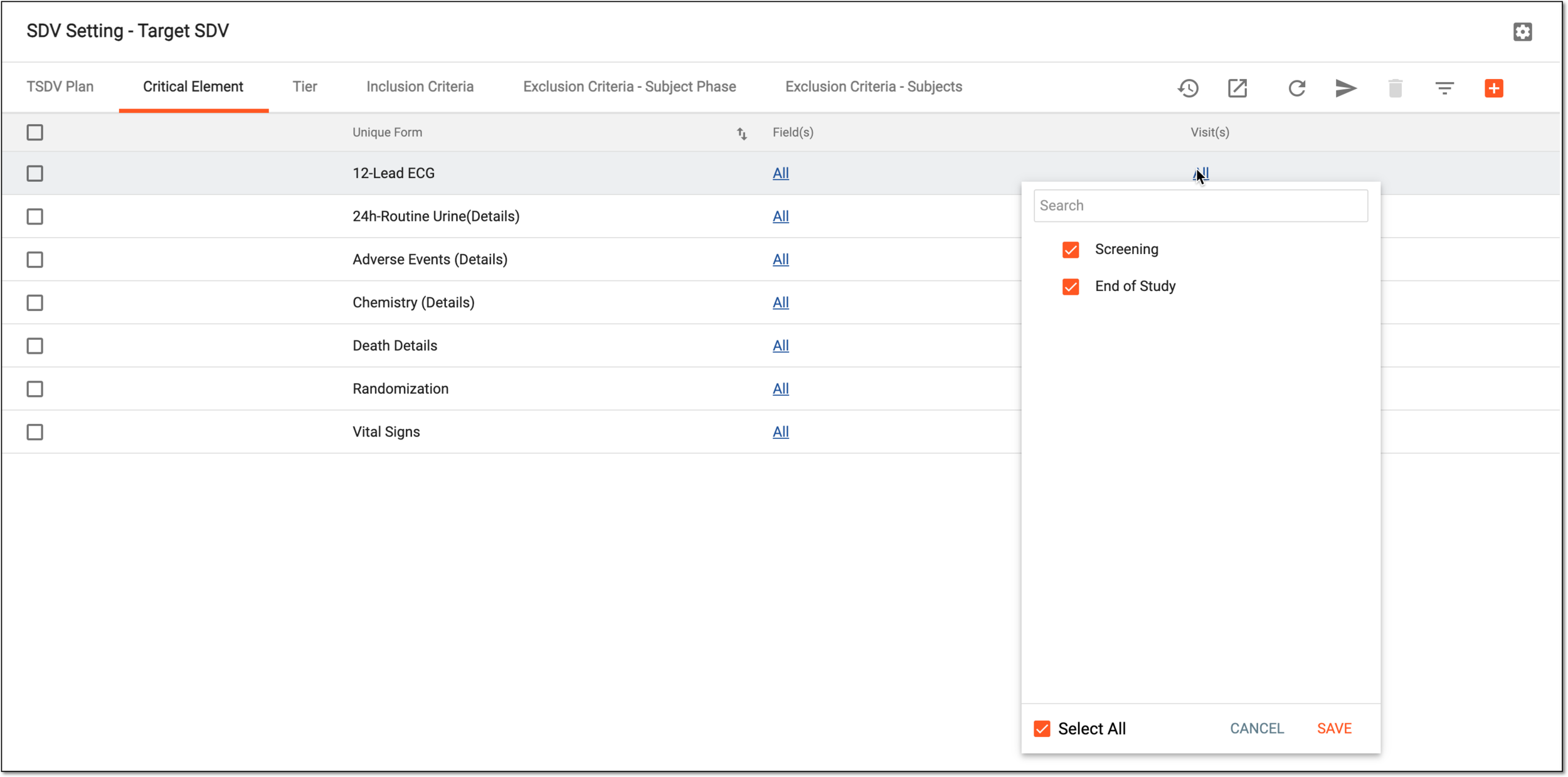 Figure 3. Selecting visits for SDV
-
From the workspace toolbar, select Execute
 .
.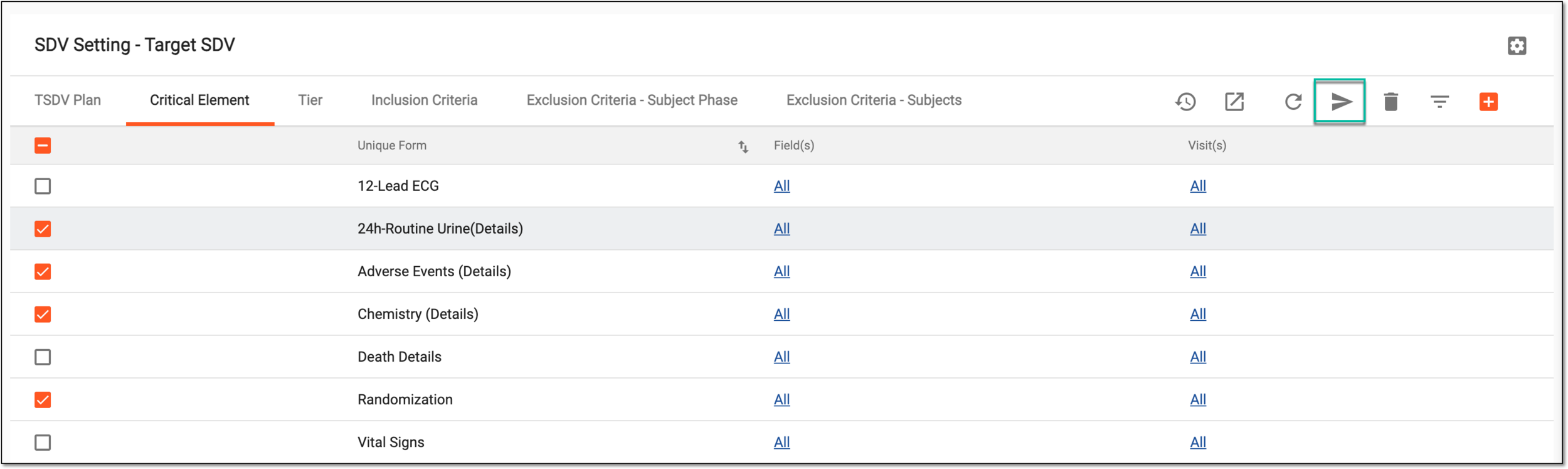 Figure 4. Executing applied changes
-
In the confirmation dialog that opens, select
 to proceed with your action.
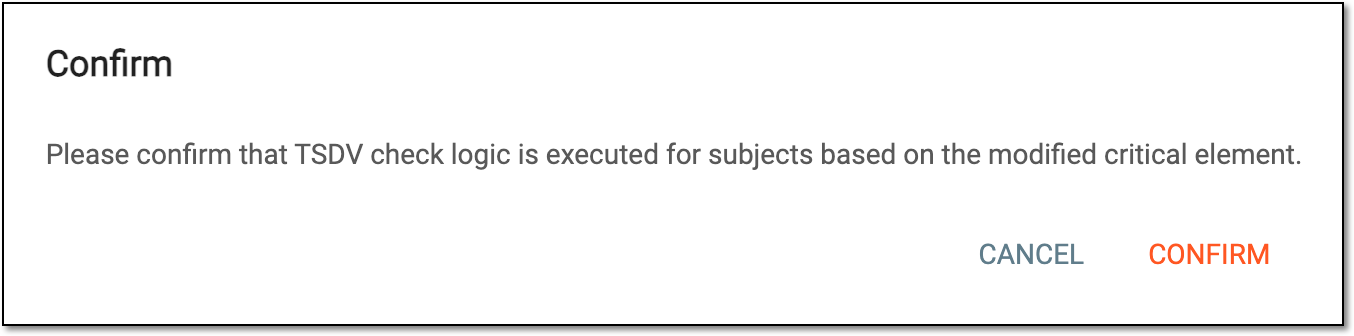 Figure 5. Confirming critical elements configuration
Once confirmed, the selected CRFs for specific visits or specific CRF fields are saved as a list of critical elements for the SDV process. You can now use this list when adding TSDV tiers.
Add CRF to critical elements
Target source data verification (TSDV) is a more complex and sophisticated type of SDV setting in EDC than global or general verification types, as it provides an opportunity to perform more selective configurations of the verification process. One such configuration is the critical element setting.
A critical element list is a setting that gives an opportunity to outline which case report forms (CRFs) must undergo mandatory verification, configure only for selective fields on such forms to undergo verification, or establish the visits, for which such forms must be verified. Thus, once the list is ready, you can reuse it when adding new tiers to the TSDV plan eliminating the need to add the same configurations again.
In EDC, you can select which forms are available for the critical element list configuration. For this, you need to add them under the Critical Element tab of your TSDV setting.
-
In the EDC application header, select the STUDY INFO tab.
-
In the left pane of the page that opens, expand SDV and select the SDV Setting tab.
-
On the SDV Setting - Target SDV page that opens, select the Critical Element tab.
-
From the workspace toolbar, select New Item
 and from the expanded list, select the CRFs you want to add to critical
elements.
and from the expanded list, select the CRFs you want to add to critical
elements.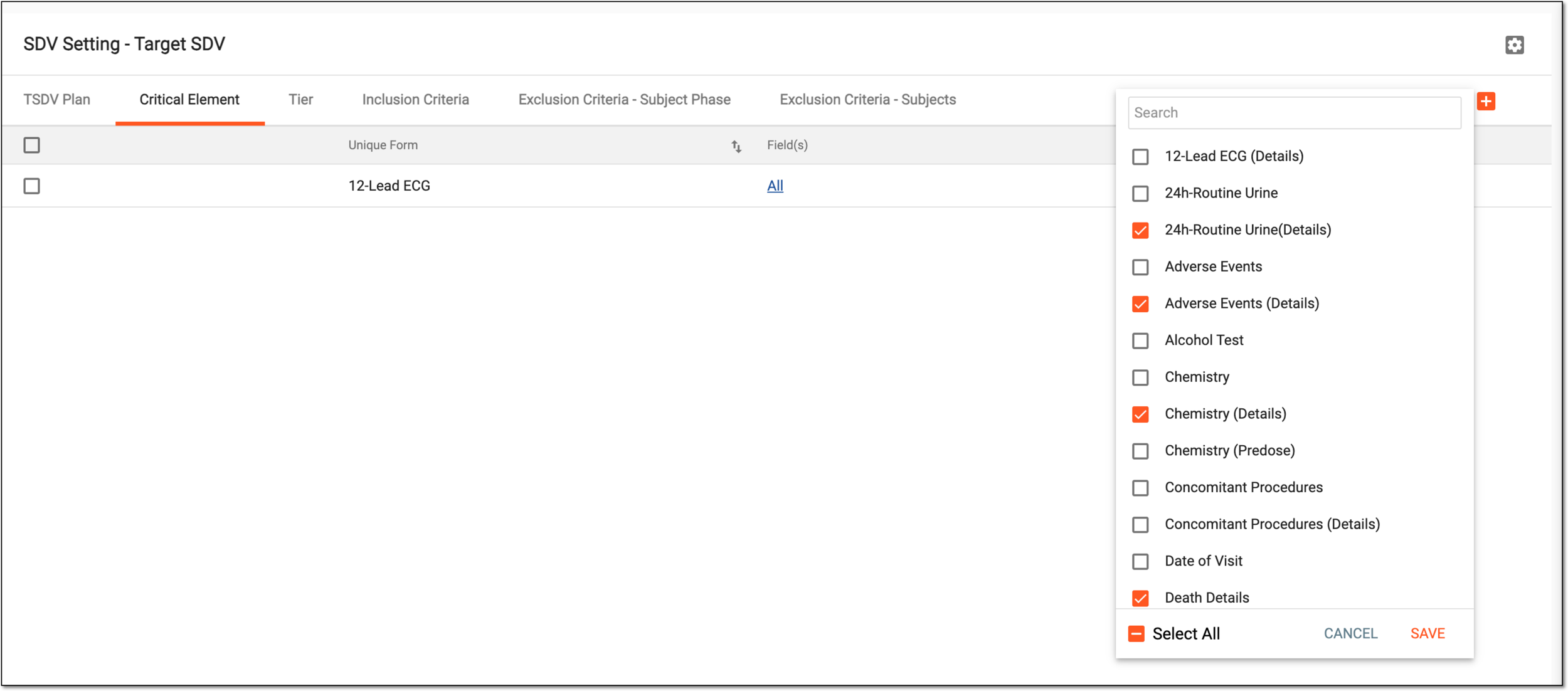 Figure 1. Selecting CRFs to add to critical element list
-
Select
to save the implemented changes.
Once saved, the selected CRFs are added. You can now use these forms when configuring a critical element list.