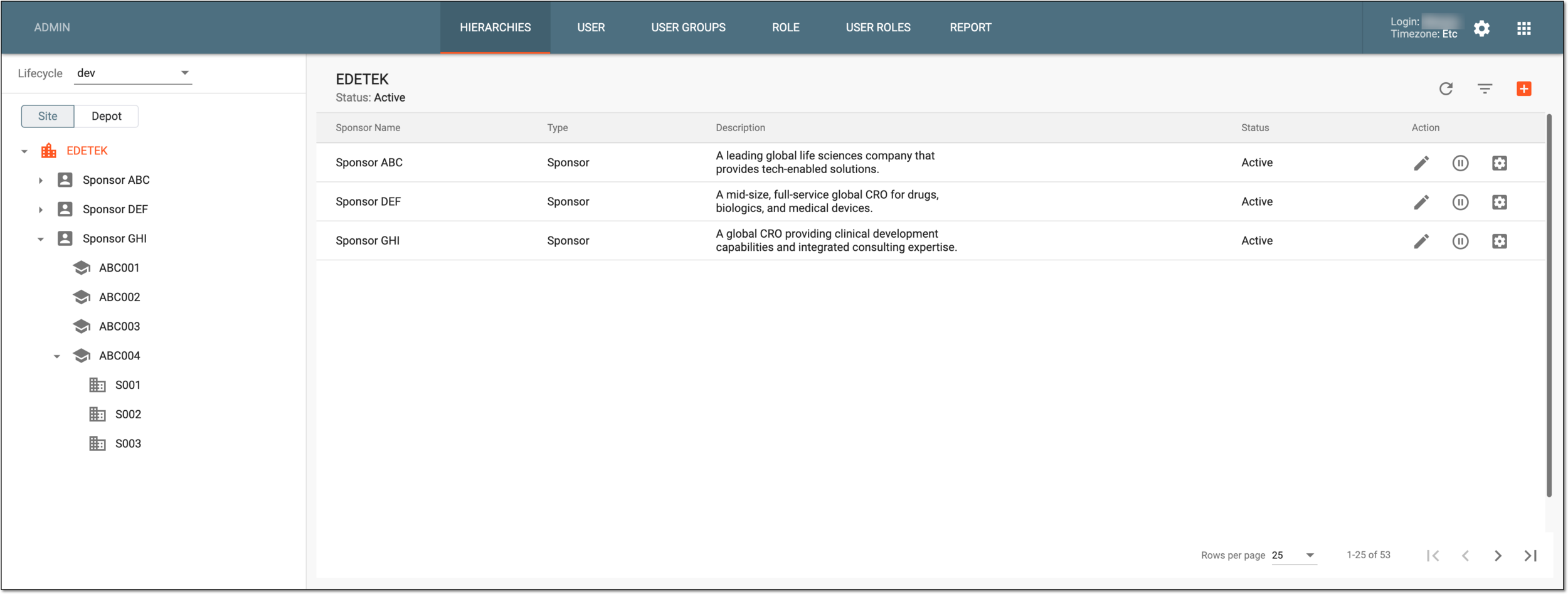
Hierarchy configuration
The ADMIN application of the eClinical suite provides tools for the hierarchy configuration that facilitates the organizational structure setup. Administrators with access to this feature are eligible to design the hierarchical framework necessary for companies to maintain effective clinical trial management.
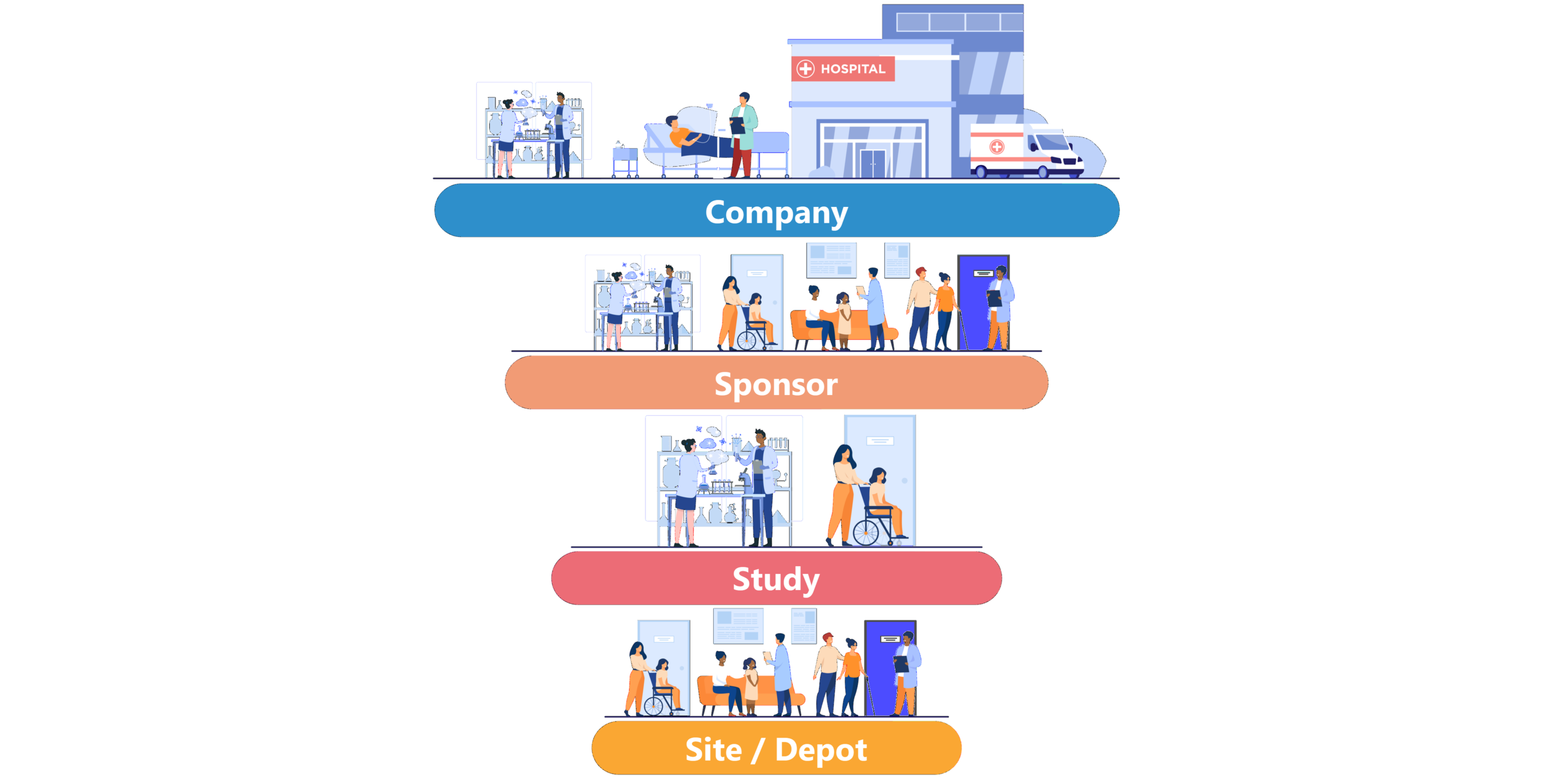
Consider the following eClinical hierarchical structure when creating an organizational setup for the client in the ADMIN application.
-
Company
 : the top-level entity in the hierarchy. Each company is added to the eClinical platform by the EDETEK dev
team and it cannot be managed in the ADMIN application.
: the top-level entity in the hierarchy. Each company is added to the eClinical platform by the EDETEK dev
team and it cannot be managed in the ADMIN application. -
Sponsor
 : the next-level hierarchical entity added to the company via the ADMIN interface. Sponsor creation and
management are discussed in detail in the Sponsor administration section.
: the next-level hierarchical entity added to the company via the ADMIN interface. Sponsor creation and
management are discussed in detail in the Sponsor administration section.Tip
A sponsor is an individual or organization responsible for initiating clinical research. Sponsors play a pivotal role in the development and execution of the trial, overseeing its design, implementation, and regulatory compliance.
The sponsor can be a pharmaceutical company, academic institution, government agency, or entity that funds and coordinates the clinical trial process.
-
Study
 : the next-level hierarchical entity that is assigned to the sponsor via the ADMIN interface. Studies represent
specific clinical trials that sponsor conducts. Study creation and management are discussed in detail in the Study administration section.
: the next-level hierarchical entity that is assigned to the sponsor via the ADMIN interface. Studies represent
specific clinical trials that sponsor conducts. Study creation and management are discussed in detail in the Study administration section. -
Site
 : a hierarchical entity that can only be added to the study in the CTMS application. Sites are created after the study is associated with CTMS and the
necessary study configurations are done via the CTMS interface.
: a hierarchical entity that can only be added to the study in the CTMS application. Sites are created after the study is associated with CTMS and the
necessary study configurations are done via the CTMS interface. -
Depot
 : a hierarchical entity that can only be added to the study in the CTMS application. Depots are created after the study is associated with CTMS and the
necessary study configurations are done via the CTMS interface.
: a hierarchical entity that can only be added to the study in the CTMS application. Depots are created after the study is associated with CTMS and the
necessary study configurations are done via the CTMS interface.
After designing the complete hierarchy structure for the client's company, make sure to define the association of hierarchy entities with user groups so corresponding users can have access to the necessary studies in various lifecycles.