Explorer tree pane
A hierarchical structure is fundamental for achieving the most effective and convenient organization of instances related to clinical trial management in eClinical.
The hierarchical structure you see on the explorer tree pane depends on the lifecycle selected from the Lifecycle menu. The structure displays all the studies under the selected lifecycle.
The explorer tree pane of the ADMIN application displays information on the following two types:
-
Site: select Site from the Site/Depot option to view the site hierarchical structure of the selected lifecycle. If there are no sites in the study, the structure does not comprise any sites.
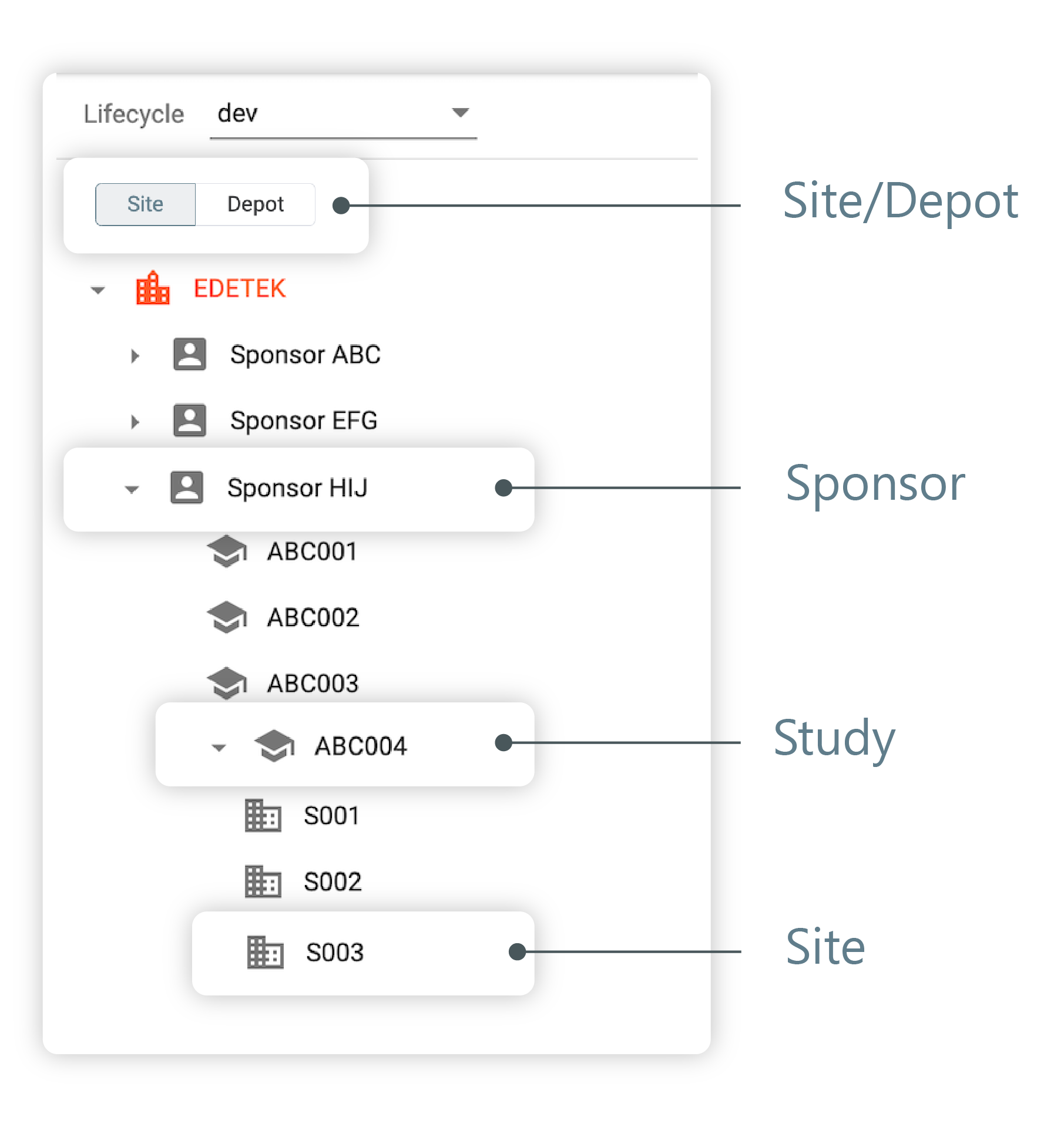 Figure 1. Viewing site explorer tree pane
-
Depot: select Depot from the Site/Depot option to view the depot hierarchical structure of the selected lifecycle. The structure does not have a depot if there is no depot under the study.
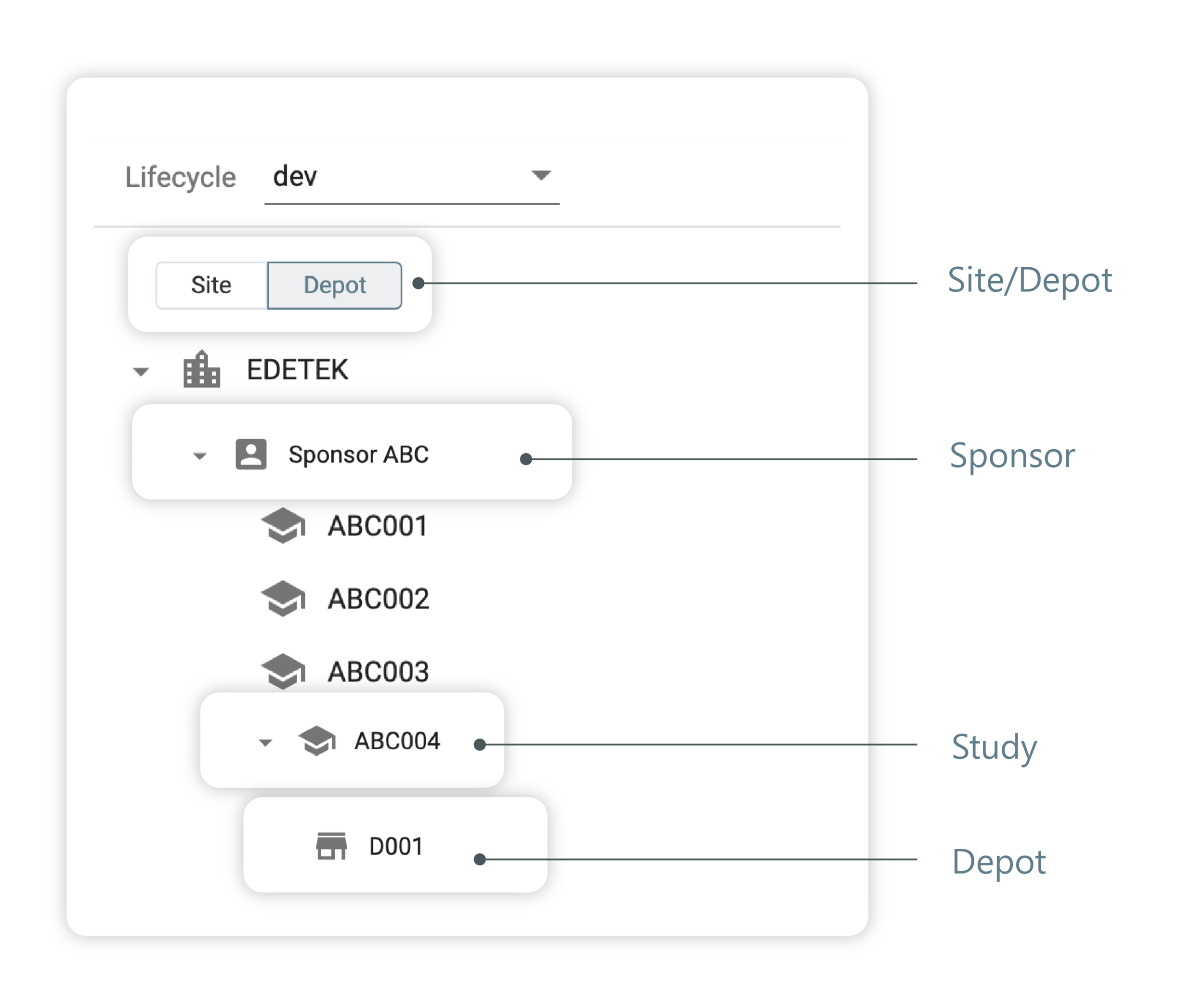 Figure 2. Viewing depot explorer tree pane