Complete randomization form
In clinical trials, a subject phase constitutes a pathway marking the progression of participants through various stages of the study. Each phase serves as a milestone that captures the subject's journey and is integral to the overall trial design and scientific integrity.
The Study Designer application provides various tools to configure the subject phase flow. Firstly, you need to add phases to the designed flowchart so then you can establish a mapping between them to maintain consistency with the course participants must navigate. When this is done, the randomization form can be completed specifically for phases of the Randomized type.
The randomization form does not automate subject phase changes because randomized phases must always be manually updated in EDC or IWRS. In this form, you establish a mapping between variables from some form with IWRS randomization data. Once mapped and subjects begin to be randomized to this specific phase, the relevant randomization data is transferred from IWRS to corresponding form fields in EDC.
-
In the Study Designer application header, select the SUBJECT PHASE tab.
 Figure 1. Accessing subject phase configuration
-
From the toolbar, select the latest unlocked CRF version, otherwise, you cannot work with subject phases.
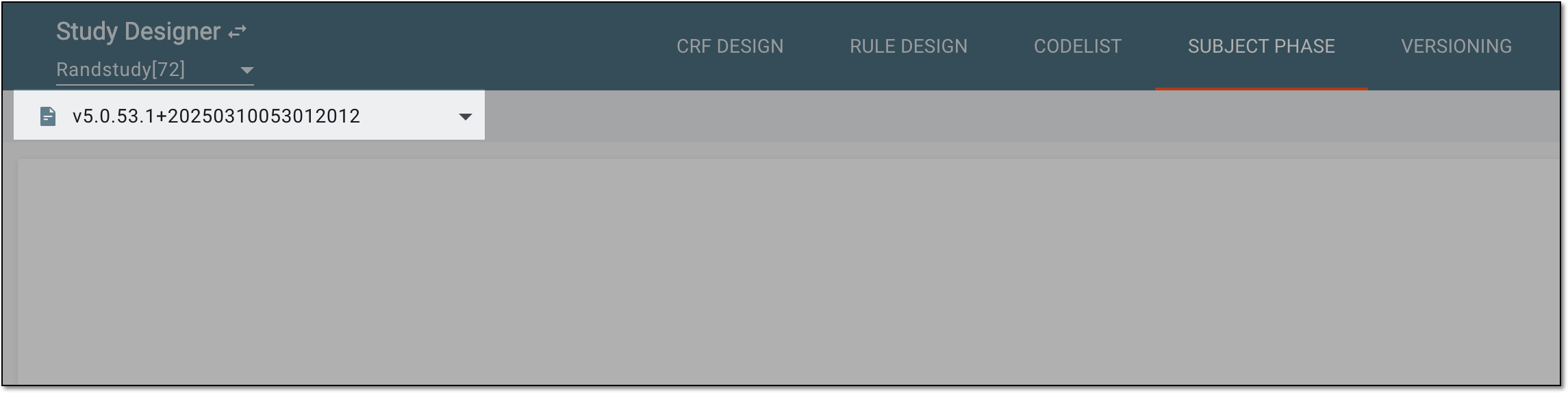 Figure 2. Selecting unlocked CRF version
-
In the contents panel, select the needed phase tile of the Randomized type. Then from the workspace toolbar, select Edit
 .
.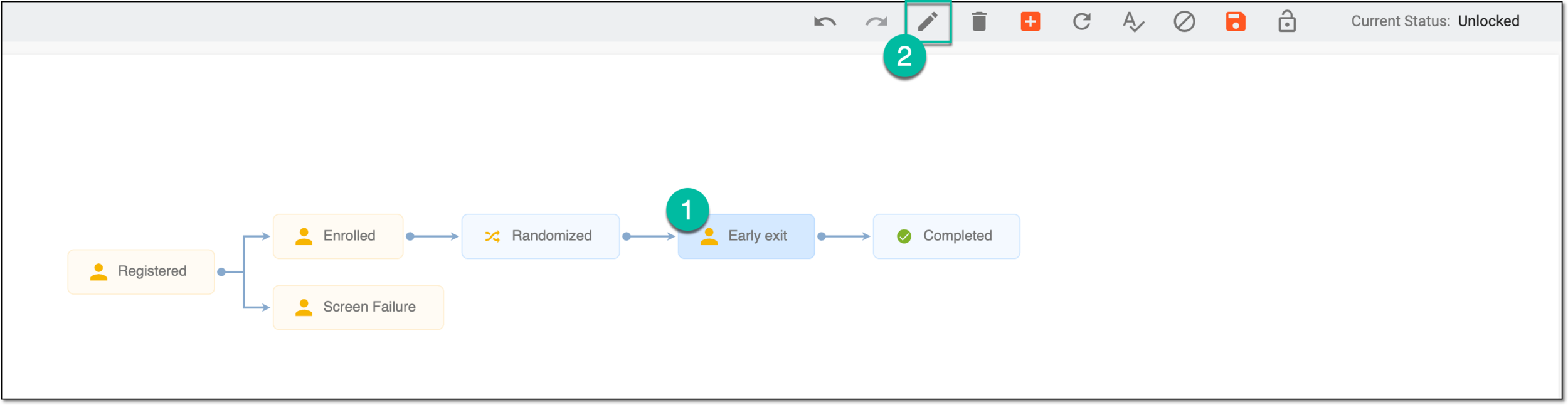 Figure 3. Selecting option to update phase
Tip
Alternatively, double-click the needed phase tile of the Randomized type.
-
In the dialog that appears, go to the Randomization Form tab to perform the following actions:
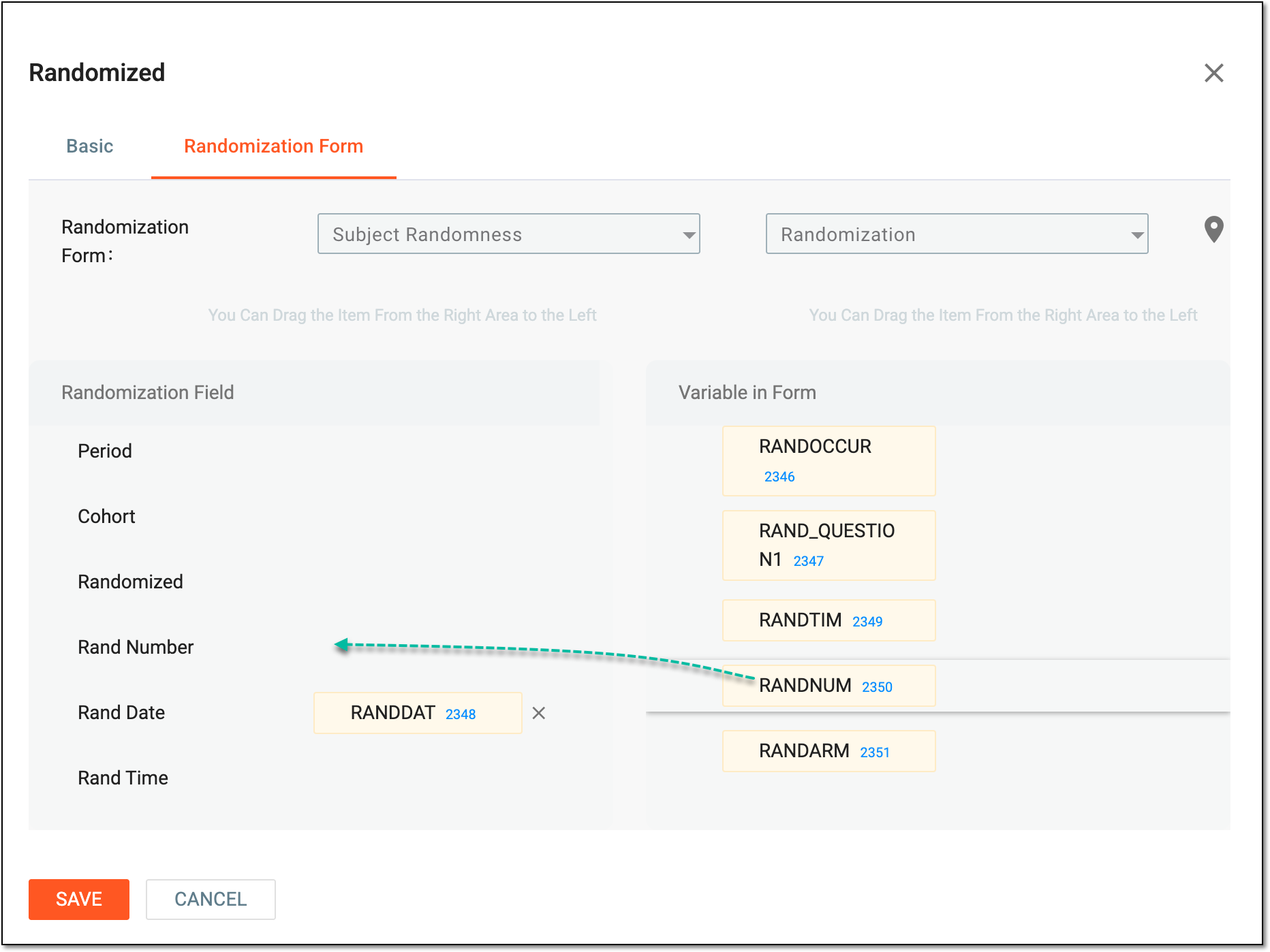 Figure 4. Completing randomization form
-
Select a visit first so you can select one of its forms afterward.
-
Then select a form whose variables you want to map.
-
Select and drag variables from the Variable in Form panel to the Randomization Field one to establish a mapping.
For example, if you map a RANDTIM variable from the Randomization form with the Rand Time data point, the subject's randomization time will be transferred from IWRS to a corresponding field on the Randomization form in EDC.
-
-
Select
 to confirm the randomization form completion.
 -
After updating phase settings, from the toolbar, select Save
 to apply the changes.
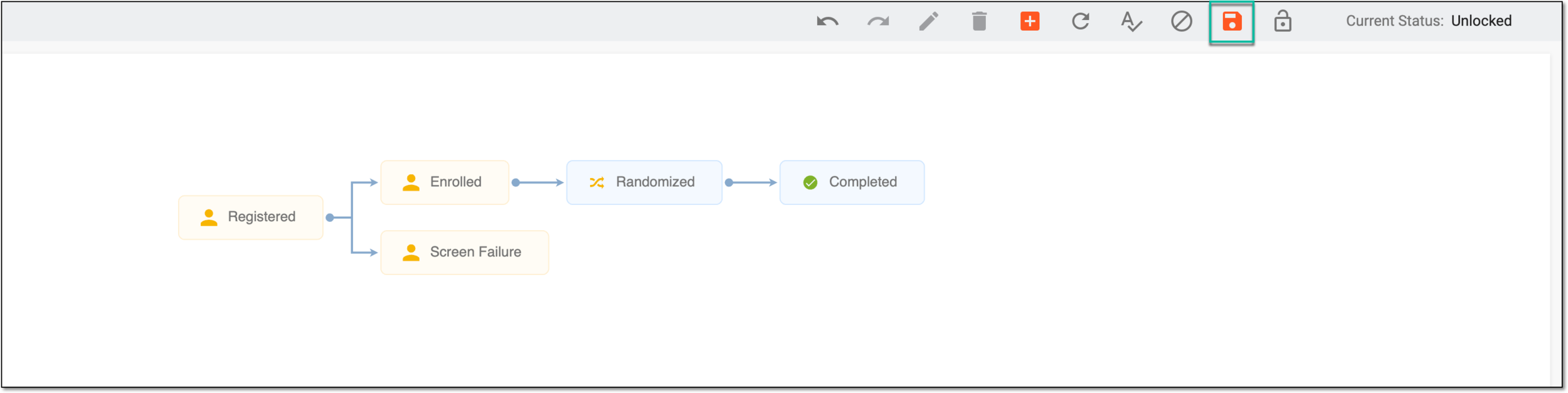 Figure 5. Saving phase settings
Once saved, the randomization form is completed. When subjects are randomized, the randomization data is transferred from IWRS to a corresponding form in EDC.