Revoke/Redo action
In clinical trials, a subject phase constitutes a pathway marking the progression of participants through various stages of the study. Each phase serves as a milestone that captures the subject's journey and is integral to the overall trial design and scientific integrity.
The Study Designer application provides various tools to configure the subject phase flow. In the process of this configuration, there are instances where actions of the addition, mapping, or updating subject phases need to be revoked or repeated, especially in cases where they have been mistakenly canceled.
For example, after deleting a subject phase from the flowchart by mistake, you can select the Revoke option to cancel this action.
-
In the Study Designer application header, select the SUBJECT PHASE tab.
 Figure 1. Accessing subject phase configuration
-
From the toolbar, select the latest unlocked CRF version, otherwise, you cannot work with subject phases.
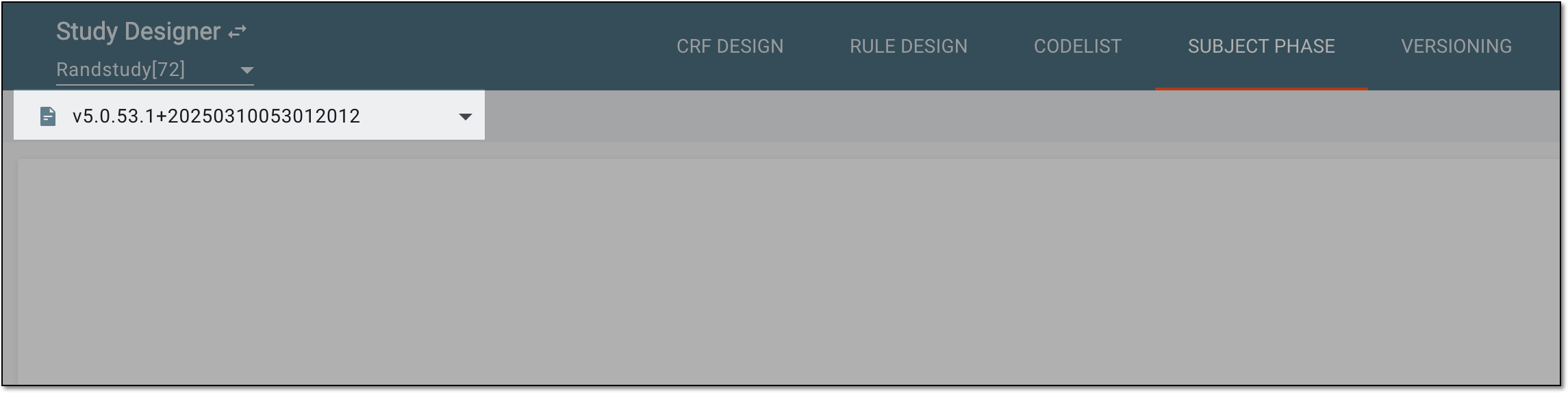 Figure 2. Selecting unlocked CRF version
-
From the same toolbar, select Revoke
 to cancel the previous action, or Redo
 to enforce the previously canceled action.
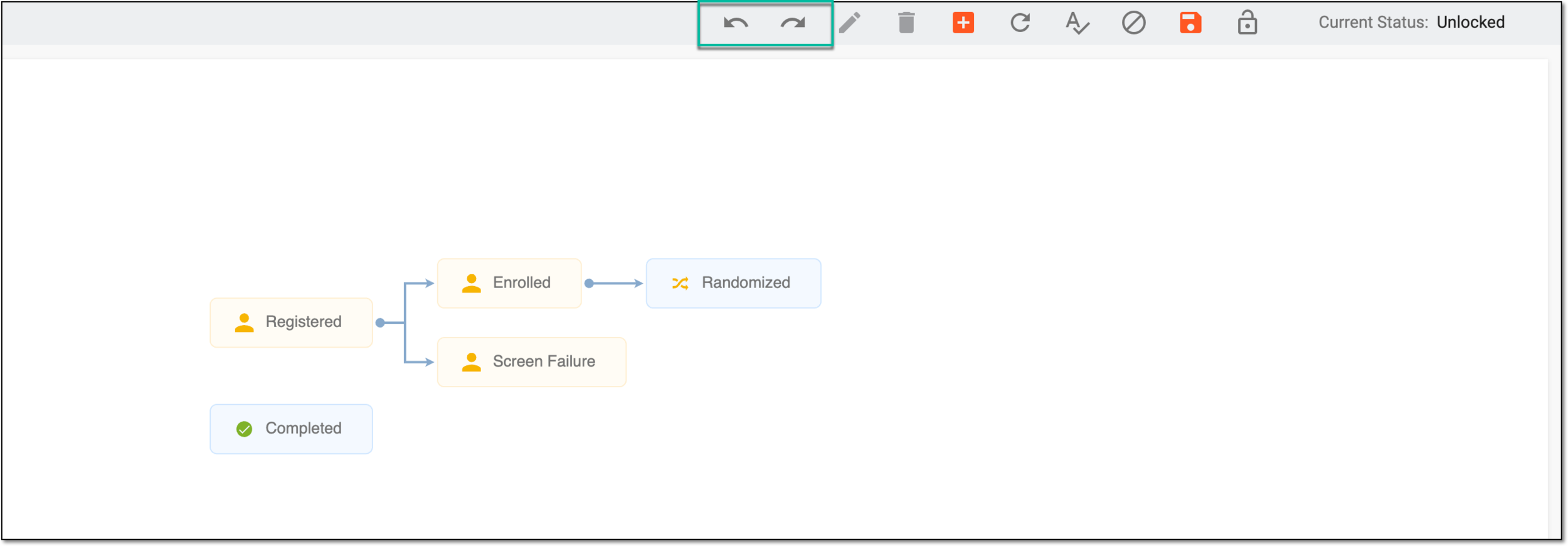 Figure 3. Selecting to revoke or redo action
Once selected, a corresponding phase configuration action is revoked or redone.