Delete subject phase
In clinical trials, a subject phase constitutes a pathway marking the progression of participants through various stages of the study. Each phase serves as a milestone that captures the subject's journey and is integral to the overall trial design and scientific integrity.
The Study Designer application provides various tools to configure the subject phase flow. In the process of this configuration, you may need to delete a subject phase from the flowchart if this subject phase is no longer a part of the trial's current structure. The deletion can be required due to changes in the study design, updates in regulatory guidelines, or shifts in research objectives.
-
In the Study Designer application header, select the SUBJECT PHASE tab.
 Figure 1. Accessing subject phase configuration
-
From the toolbar, select the latest unlocked CRF version, otherwise, you cannot work with subject phases.
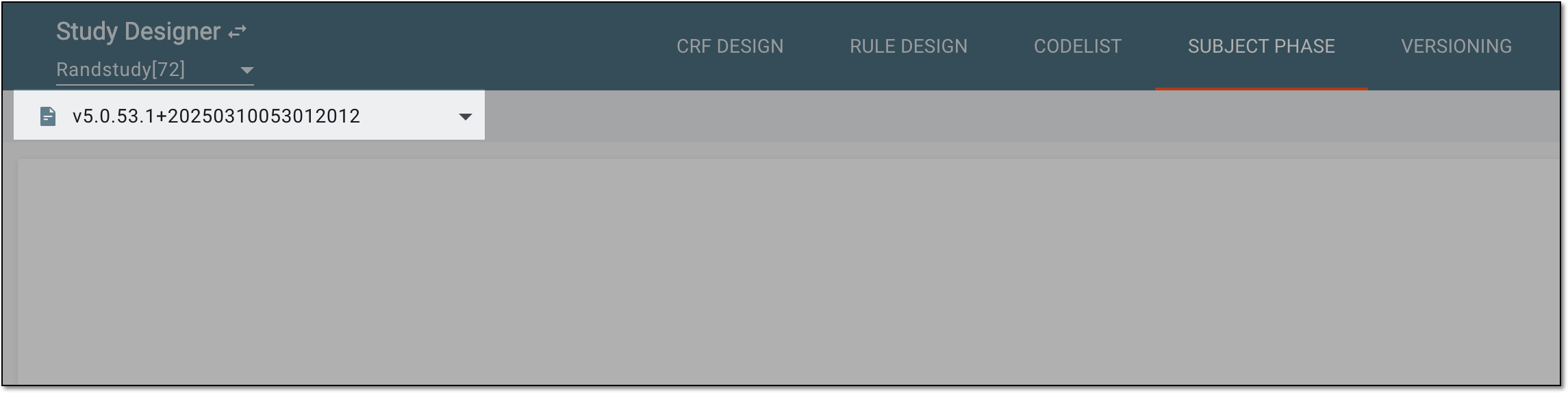 Figure 2. Selecting unlocked CRF version
-
In the content panel, select the subject phase you want to delete from the flowchart.
-
From the toolbar, select Delete
 .
.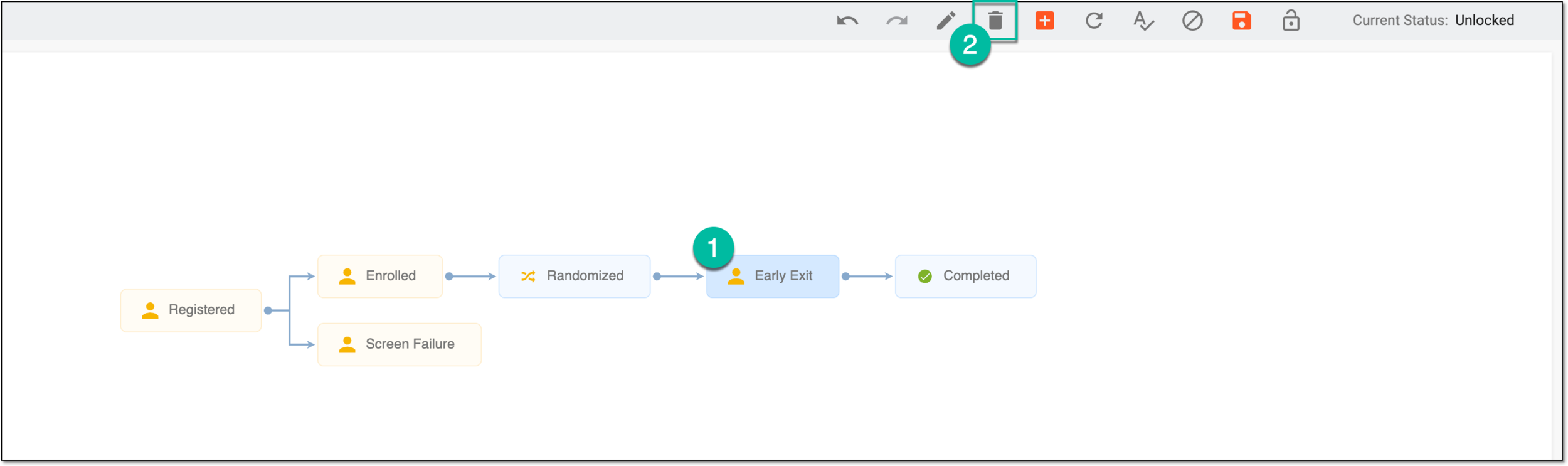 Figure 3. Selecting option to delete subject phase
-
In the confirmation dialog that appears, select
 to confirm your action. If any mapping and visit configurations are associated with the selected phase and are going to
be deleted with it, the dialog prompts you about it.
to confirm your action. If any mapping and visit configurations are associated with the selected phase and are going to
be deleted with it, the dialog prompts you about it.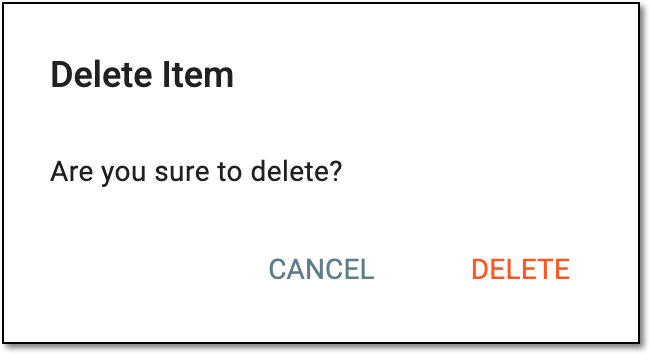 Figure 4. Confirming subject phase deletion
-
After deleting a phase, from the toolbar, select Save
 to apply the changes.
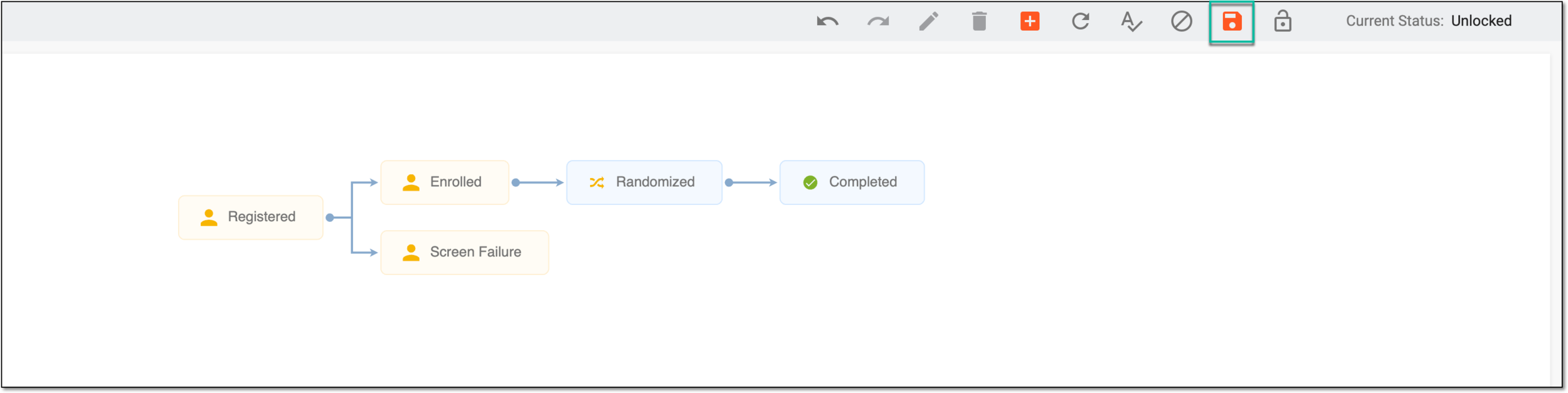 Figure 5. Saving phase settings
Once saved, the subject phase deletion is confirmed in the flowchart.