Run phase validation
In clinical trials, a subject phase constitutes a pathway marking the progression of participants through various stages of the study. Each phase serves as a milestone that captures the subject's journey and is integral to the overall trial design and scientific integrity.
The Study Designer application provides various tools to configure the subject phase flow. After the entire configuration has been done properly, you can run a validation check to confirm that all phases are mapped and any configured phase settings are correct. This step is crucial for ensuring that the logical structure of the subject phase flow is intact.
-
In the Study Designer application header, select the SUBJECT PHASE tab.
 Figure 1. Accessing subject phase configuration
-
From the toolbar, select the latest unlocked CRF version, otherwise, you cannot work with subject phases.
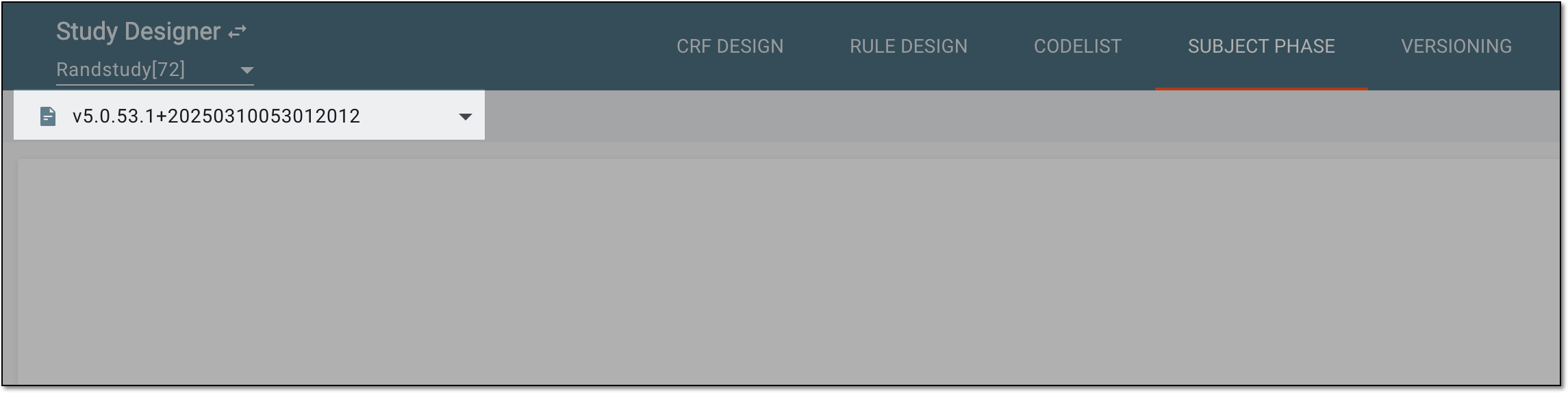 Figure 2. Selecting unlocked CRF version
-
In the contents panel, ensure that all subject phases are properly mapped and configured.
-
From the toolbar, select Validation
 .
.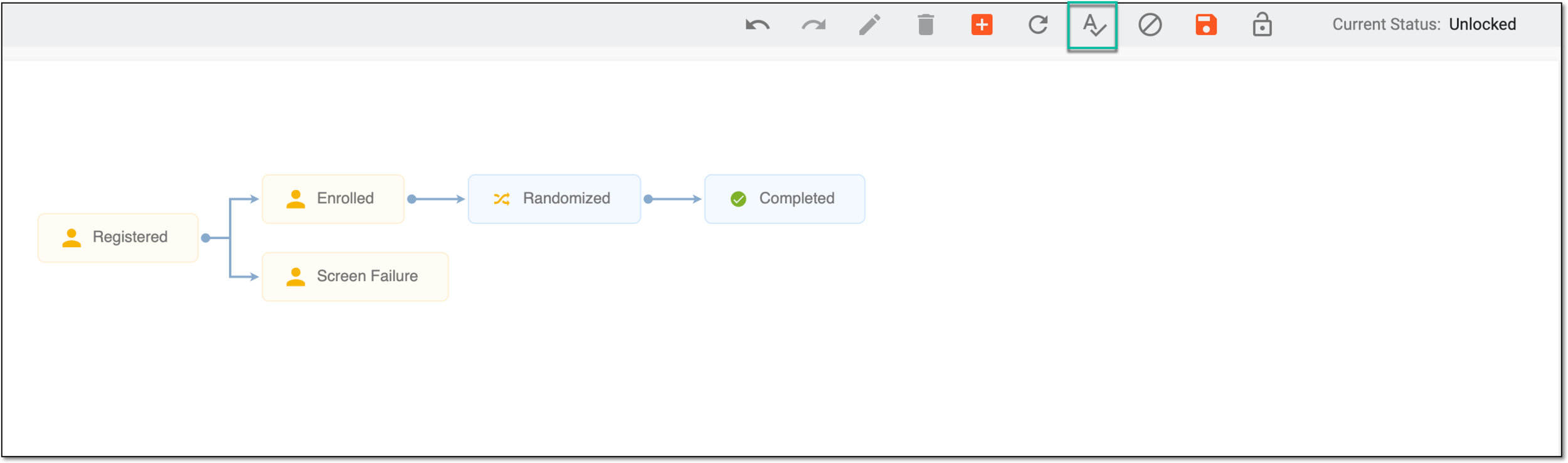 Figure 3. Selecting validation option
-
Observe the message confirming the successful completion of the validation run. If the validation fails, a corresponding notification appears explaining actions that need to be done to fix the subject phase flow.
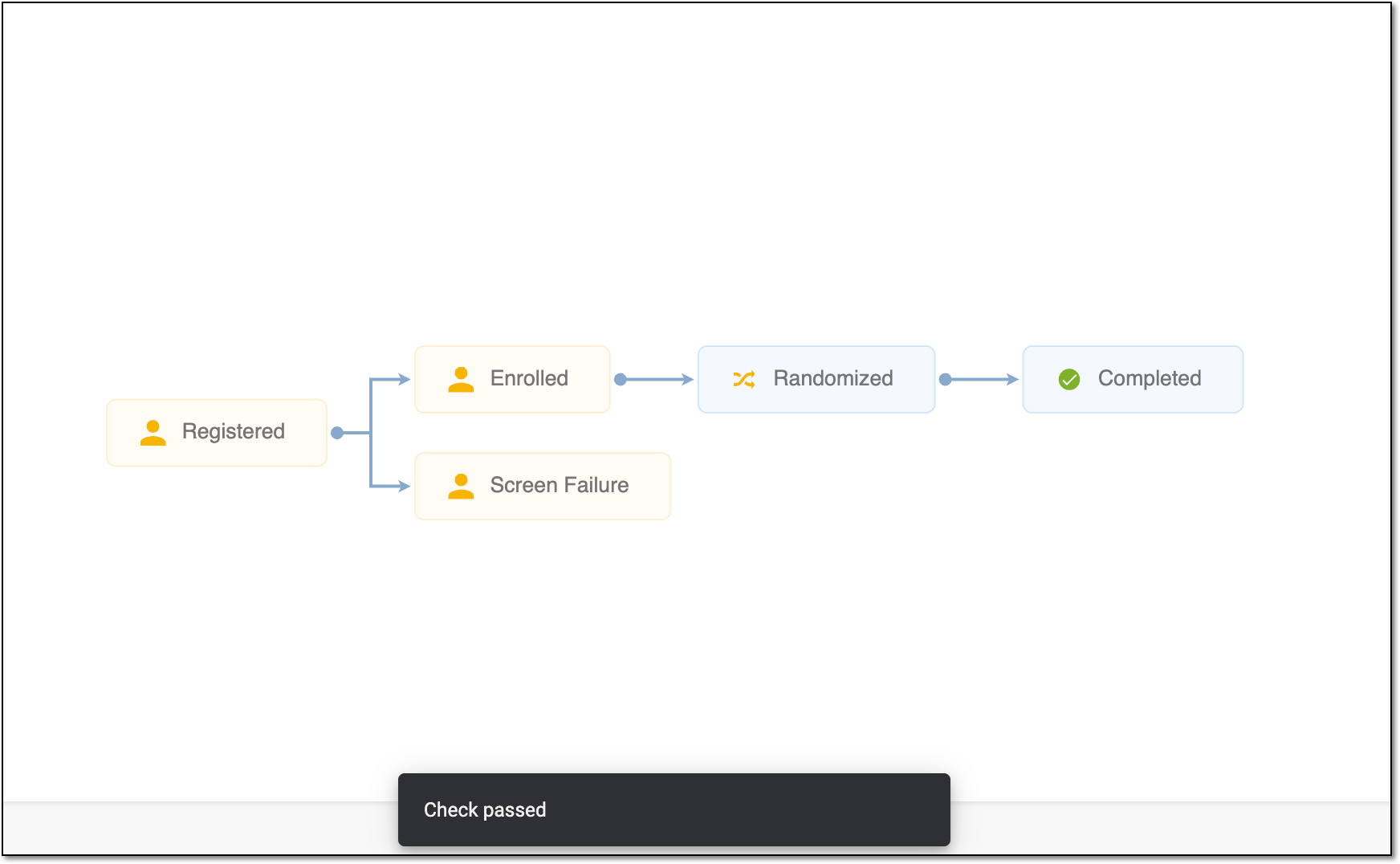 Figure 4. Confirmation of successful validation run
The subject phase flow validation is completed.