Delete global expression
When configuring visits, you can add validation rules or edit checks to question items or dependencies to forms. Validation rules and edit checks help ensure that the data entered into the form is accurate and consistent, thus preventing the inclusion of invalid values. Moreover, by adding validation rules, you can enforce adherence to the protocol requirements, ensuring that data is collected in a standardized and consistent manner.
In the Study Designer application, you can create customized rule-related expressions that can be reused across various forms during the CRF design. These expressions can be deleted any time new study requirements or data collection processes are introduced or for organizational purposes if some global expressions are no longer required.
Important
Note that before deleting a global expression, you need to make sure it is not referenced in any form configurations.
-
In the Study Designer application header, select the RULE DESIGN tab.
-
In the left pane of the page that opens, select Global Expression.
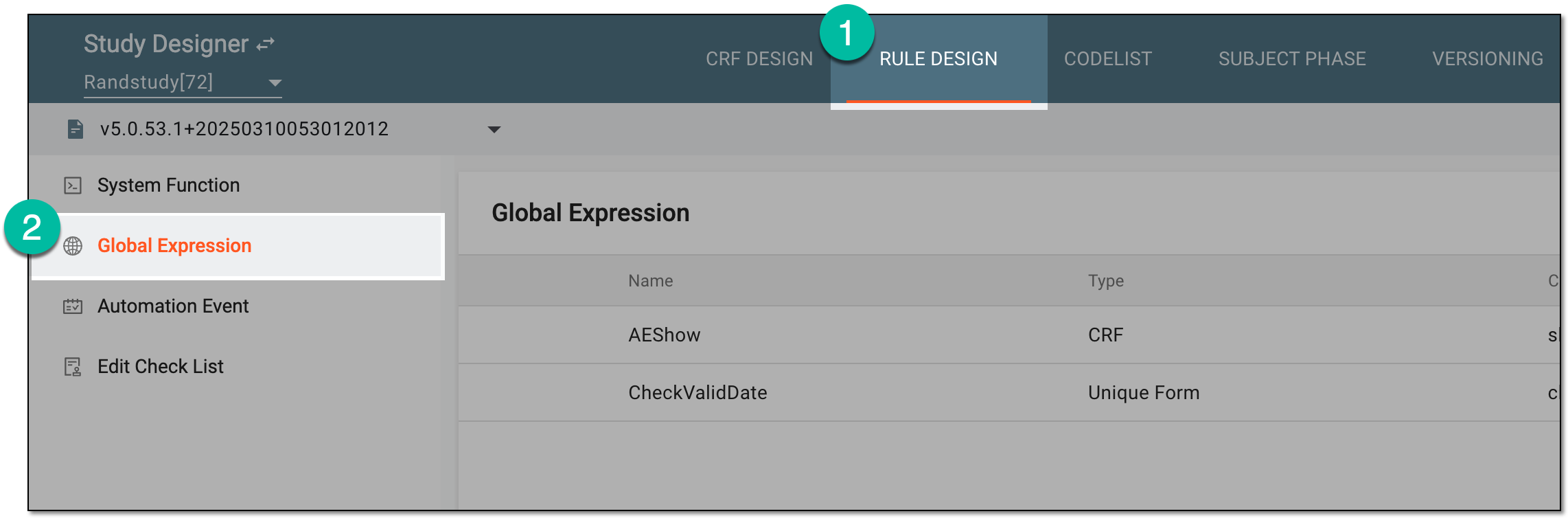 Figure 1. Accessing global expressions
-
In the toolbar, select the latest unlocked CRF version, otherwise, you cannot work with global expressions.
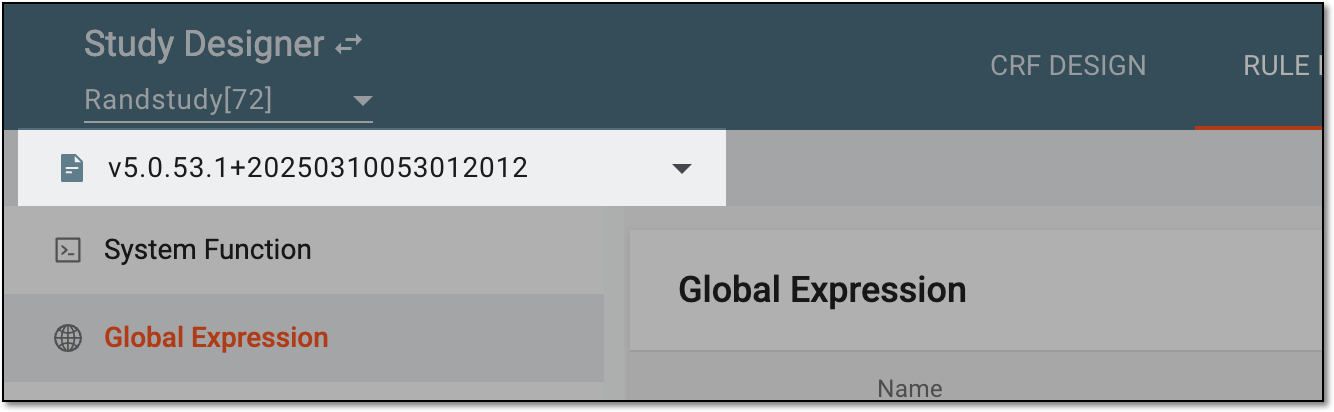 Figure 2. Selecting unlocked CRF version
-
In the Global Expression table, select Delete
 next to the needed global
expression.
next to the needed global
expression. Figure 3. Selecting option to delete global expression
-
In the confirmation dialog that appears, select
 .
.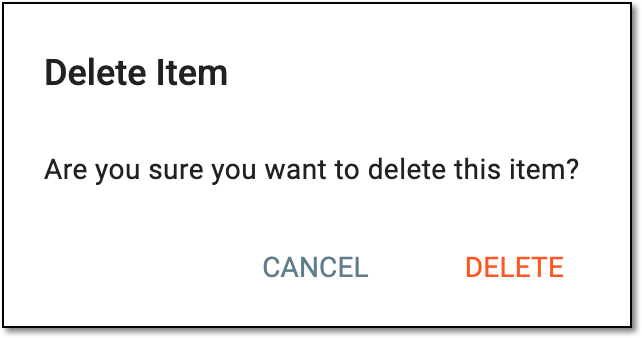 Figure 4. Deleting global expression
Important
The warning notification appears if the global expression is still referenced somewhere on CRF or in automation events, thus, making the deletion impossible. Make sure to remove all references before deleting a specific global expression.
Once confirmed, the global expression is deleted.