Analyze operation history for documentation configuration
With the Documentation Config functionality, you configure the details of autogeneration, structuring, naming, and autostoring of various files generated or obtained during processes such as study site, organizations, and staff management, monitoring activities, financial management, and so on.
In CTMS, the system records all the changes in configurations for the site, staff, and participating organization documentation, for monitoring visit documentation, and for financial management documentation. This ensures traceability, audit readiness, and compliance to regulatory requirements.
-
Access the study management page in one of the following ways:
-
In the CTMS application header, select the DASHBOARD tab and then select the study dashboard of your interest.
 Figure 1. Accessing study management from dashboard
-
In the CTMS application header, select the STUDY MANAGEMENT tab. Then from the Study Data List table, select the study name of your interest.
 Figure 2. Accessing study management from study data list
-
-
On the study page that opens, in the left pane, select Documentation Config.
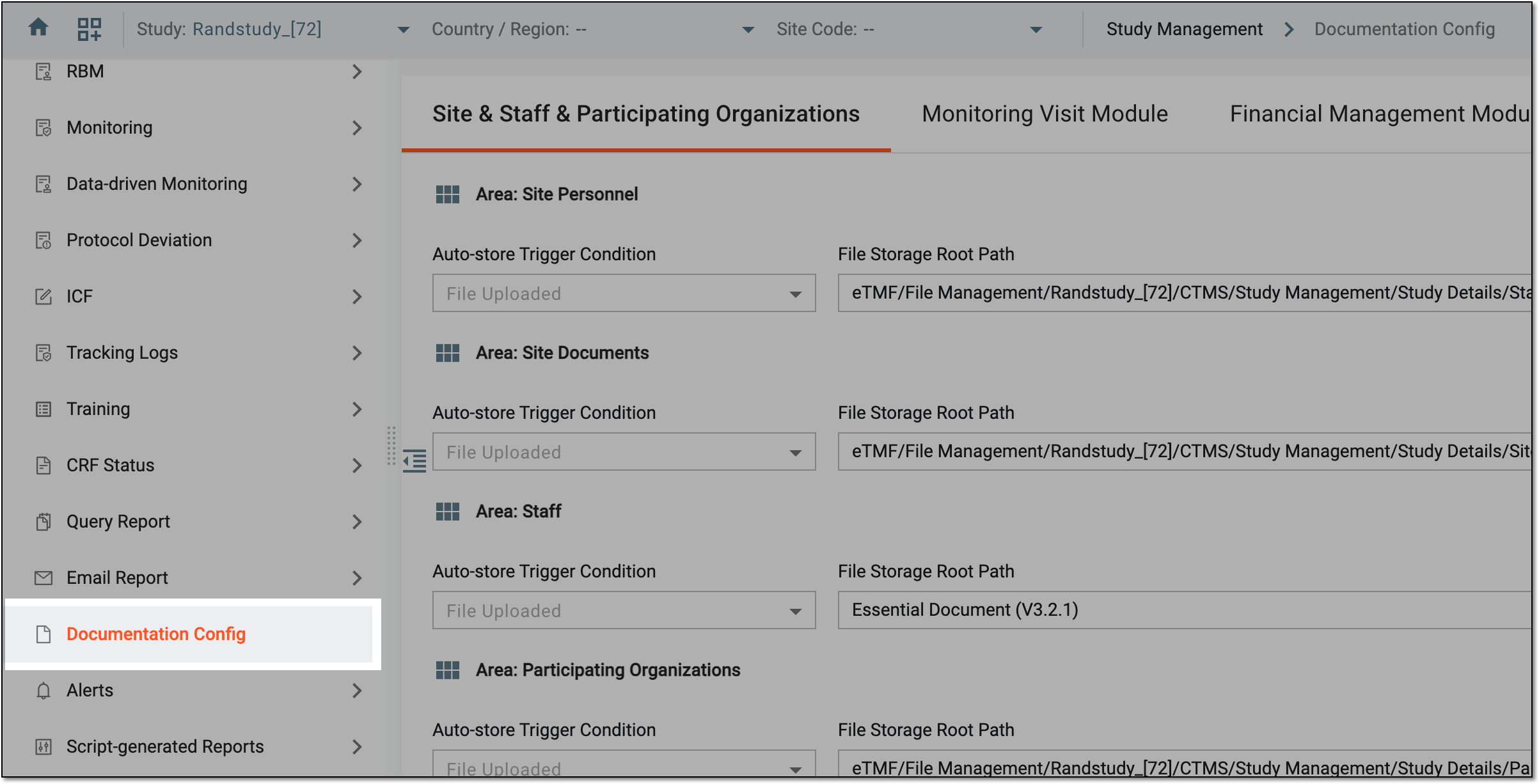 Figure 3. Accessing documentation configurations
-
On the page that opens, from the workspace toolbar, select Operation History
 .
. Figure 4. Accessing operation history for documentation config
-
In the Operation History dialog that appears, view the complete history of configuration changes for the trip report files.
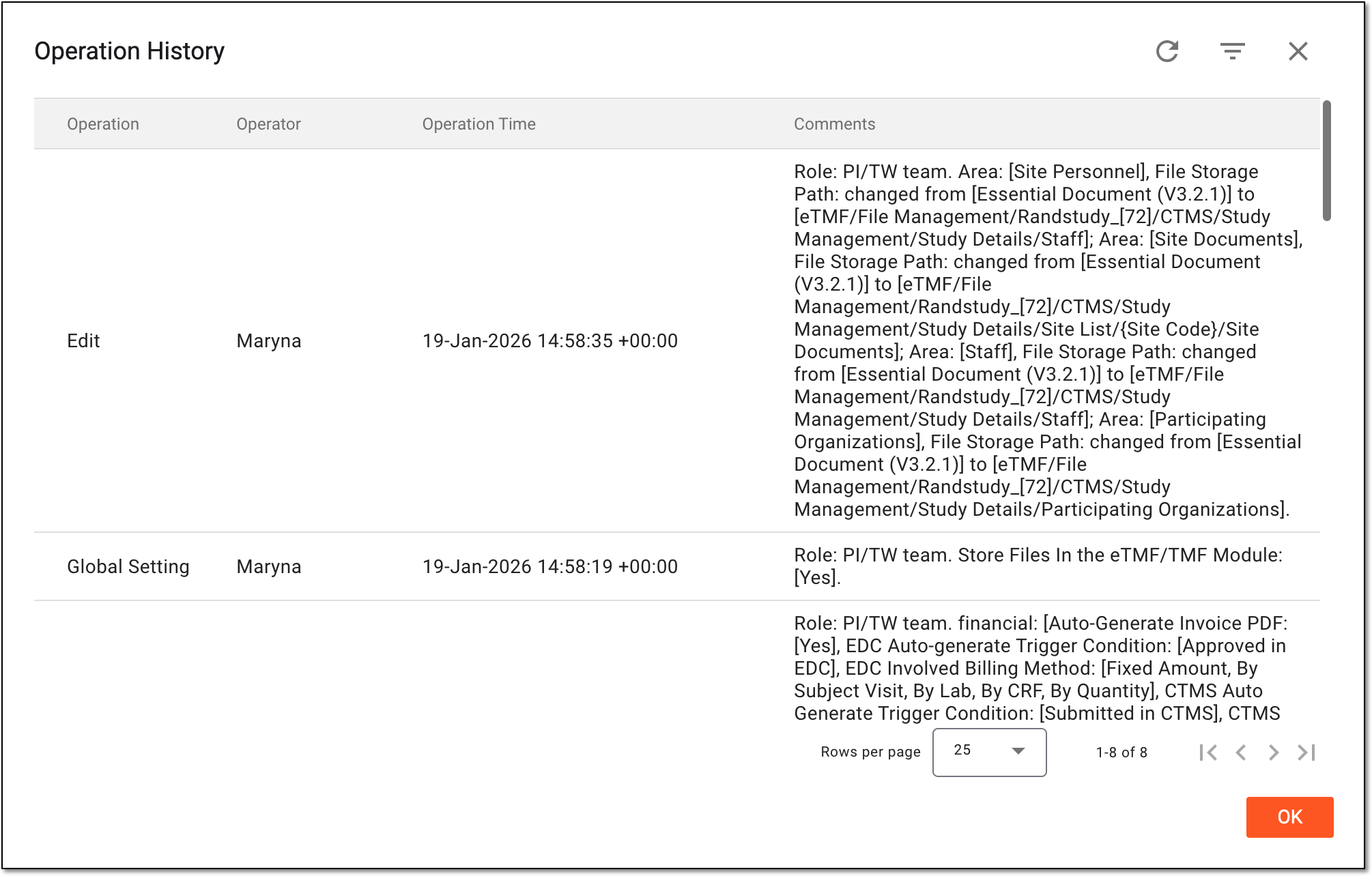 Figure 5. Analyzing operation history for documentation config
You have analyzed the history of all operation made under the Documentation Config module.You can select  to close the dialog
and return to Documentation Config.
to close the dialog
and return to Documentation Config.