Delete data element
In CTMS, you can delete a data element from the dictionaries of the Reference Data subtab. You may be required to delete a data element if it is no longer needed due to the changed study protocol requirements or due to some other reason.
Important
You can only delete the data elements added manually by users and inactivated. The data elements predefined in the system by administrators cannot be removed even when inactivated.
-
In the CTMS application header, select the LIBRARY tab.
-
On the page that opens, from the left pane, select the Reference Data subtab.
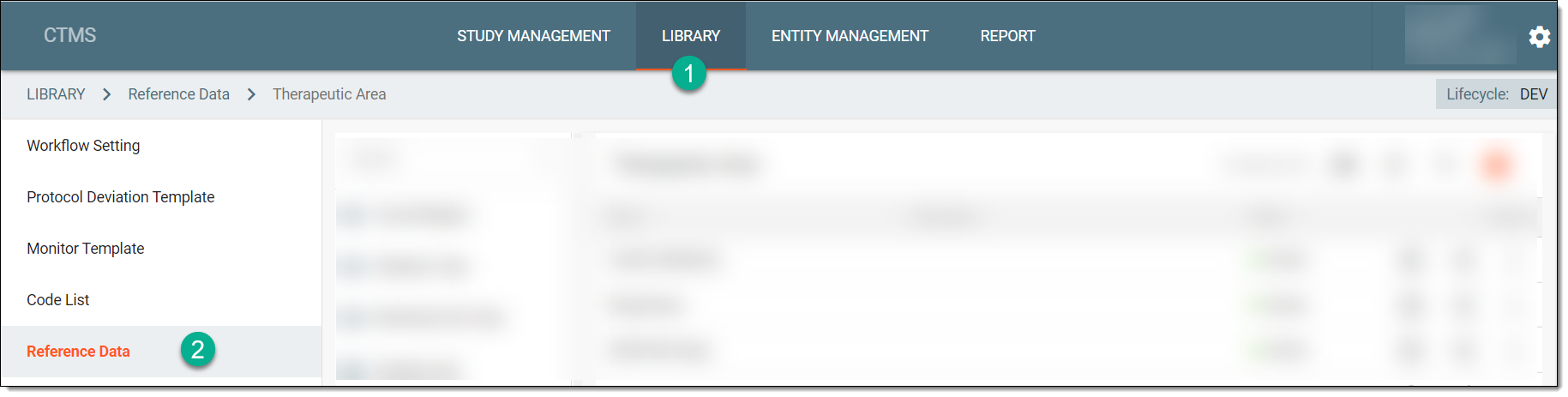 Figure 1. Accessing reference data
-
From the pane displaying the list of available dictionaries, select the required one.
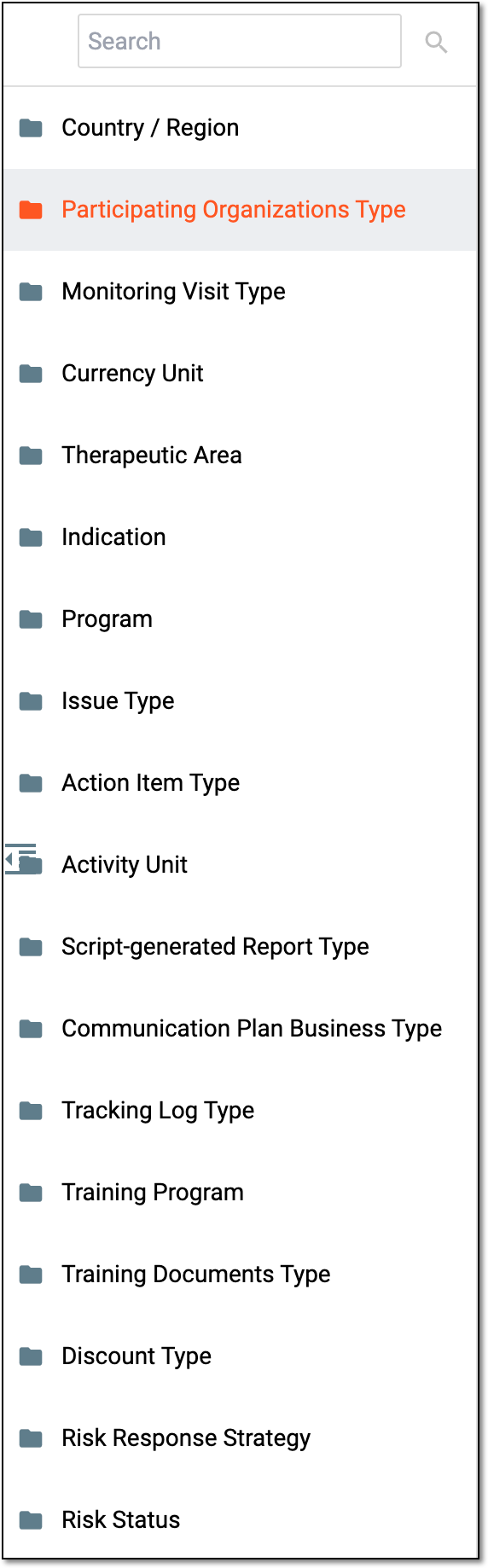 Figure 2. Selecting dictionary
Tip
You can find the required dictionary by entering its name in the Search field.
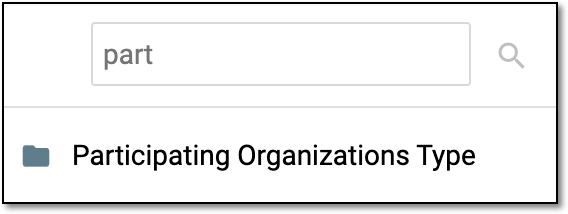 Figure 3. Searching dictionary
-
From the list of data elements that appears, locate the required one. Then next to it, from the Actions column, select More
 > Delete
  .
.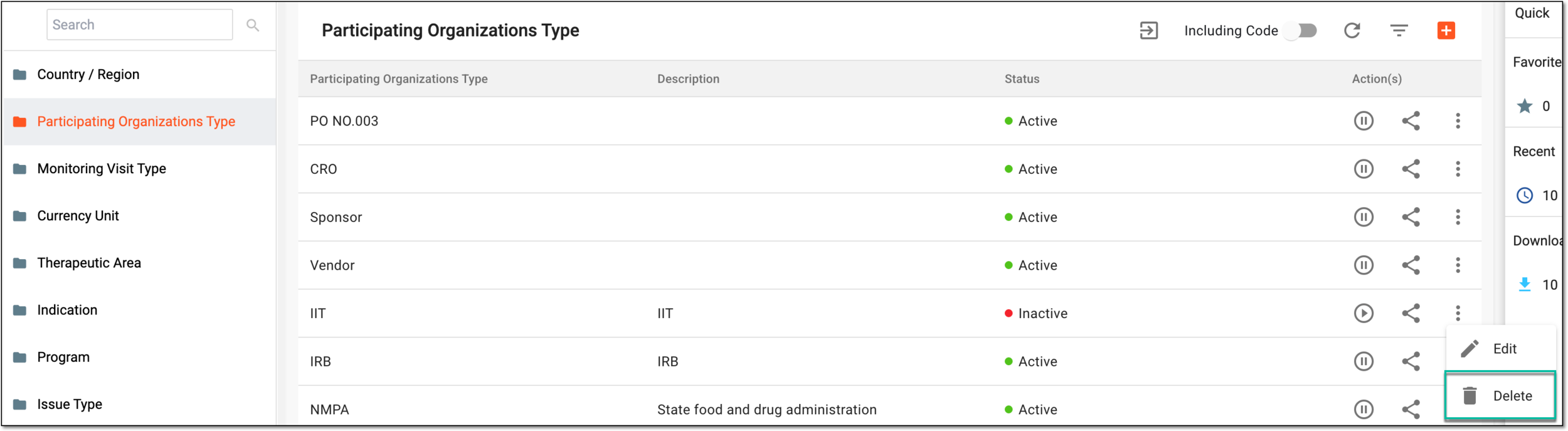 Figure 4. Selecting option to delete data element
-
In the Delete Item dialog that appears, confirm the action by selecting
 .
.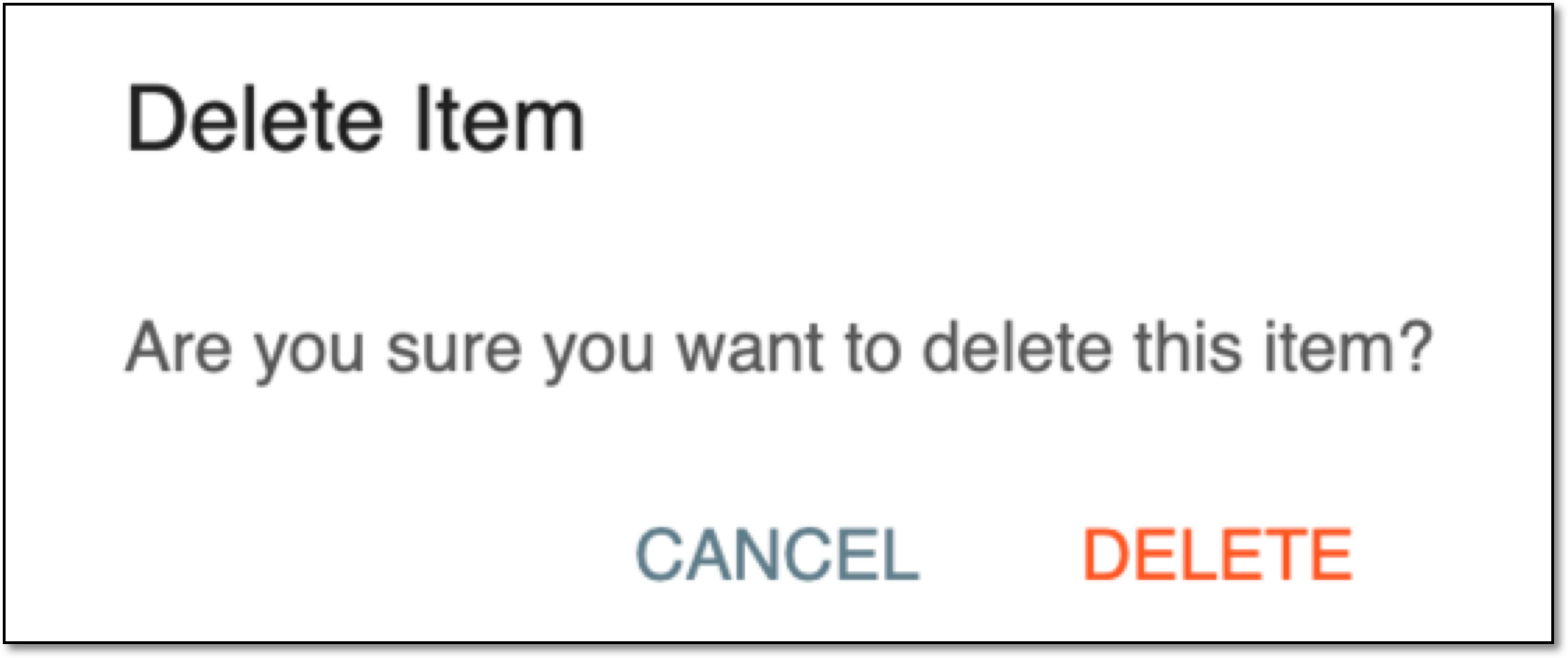 Figure 5. Deleting data item
Upon confirmation, the data element is deleted from the dictionary.