Edit data element
In CTMS, you can edit a data element in a dictionary. You may require editing a data element if it represents wrong information, has an error, requires change due to updated protocol requirements, and so on.
Important
You can only edit the data elements manually added by users. The data elements predefined in the system by administrators cannot be modified.
-
In the CTMS application header, select the LIBRARY tab.
-
On the page that opens, from the left pane, select the Reference Data subtab.
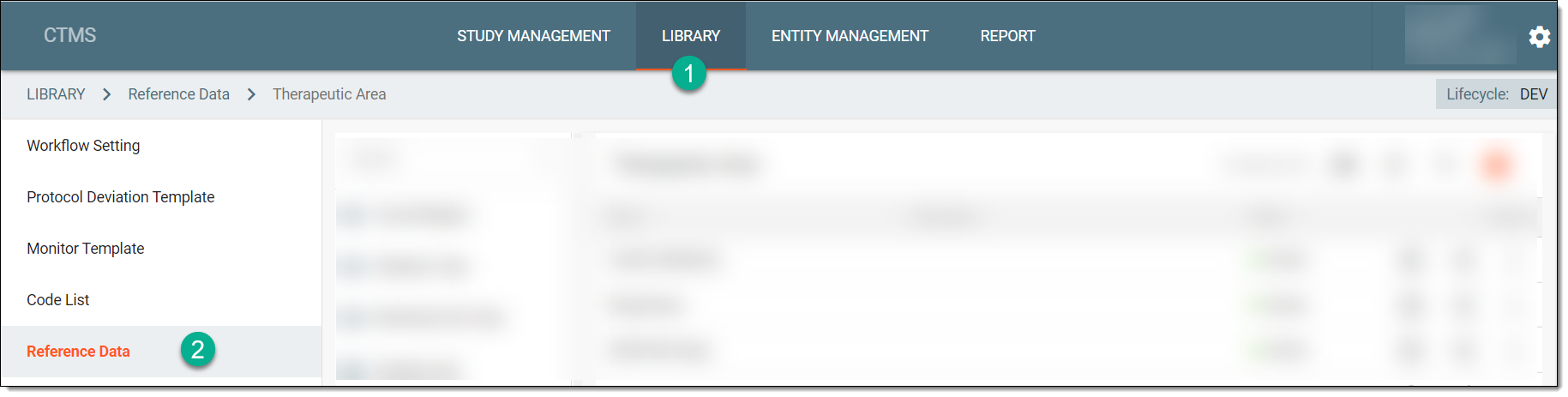 Figure 1. Accessing reference data
-
From the pane displaying the list of available dictionaries, select the required one.
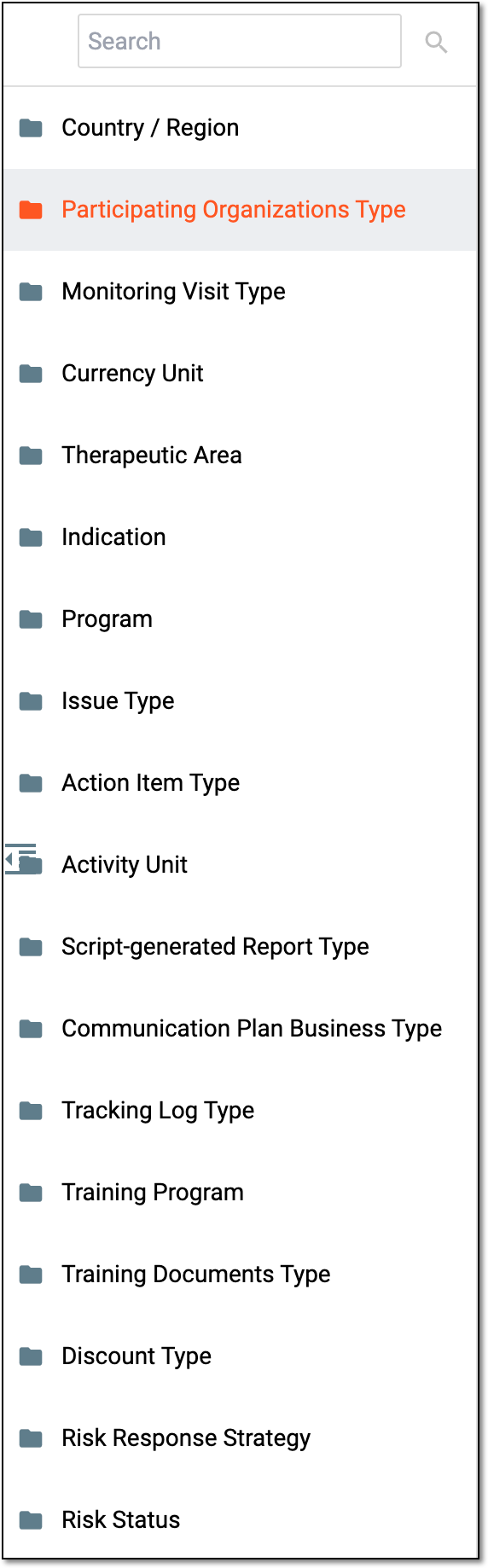 Figure 2. Selecting dictionary
Tip
You can find the required dictionary by entering its name in the Search field.
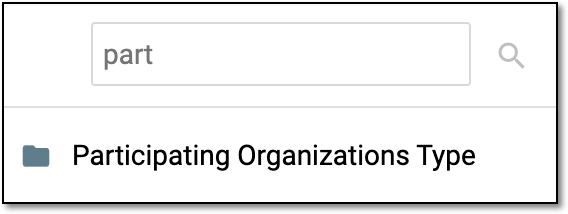 Figure 3. Searching dictionary
-
From the list of data elements that appears, locate the required one. Then next to it, from the Actions column, select More
 > Edit
  .
. Figure 4. Selecting option to edit data element
-
In the Edit dialog that appears, modify the details as required and explained in the respective table of the Add data element section.
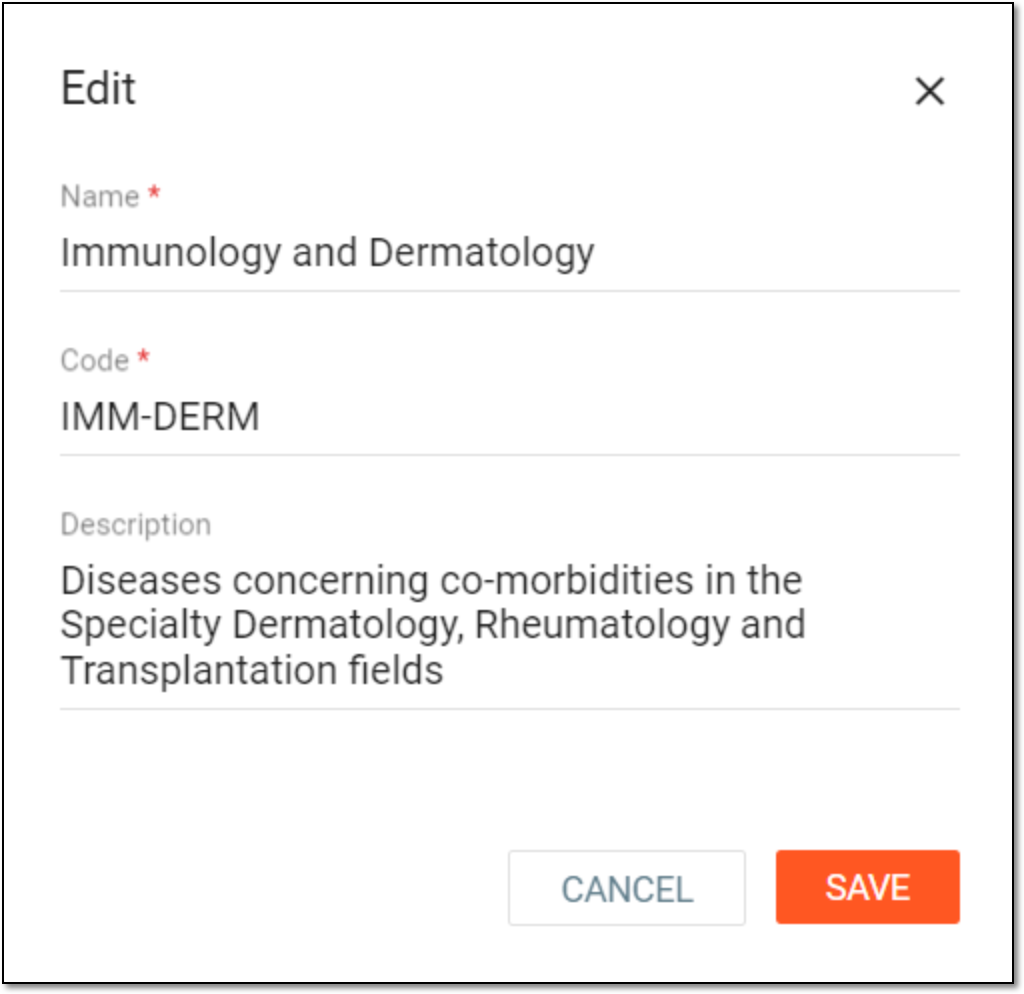 Figure 5. Editing data element in dictionary
-
Select
 to save your changes.
Upon saving, the data element is edited.