Interaction with PV UI
The PV user interface (UI) is generic and looks similar to most of the CONFORM eClinical applications. In the Introduction to eClinical > Cross-eClinical UI components section, you may find a designation and description of all the common UI blocks.
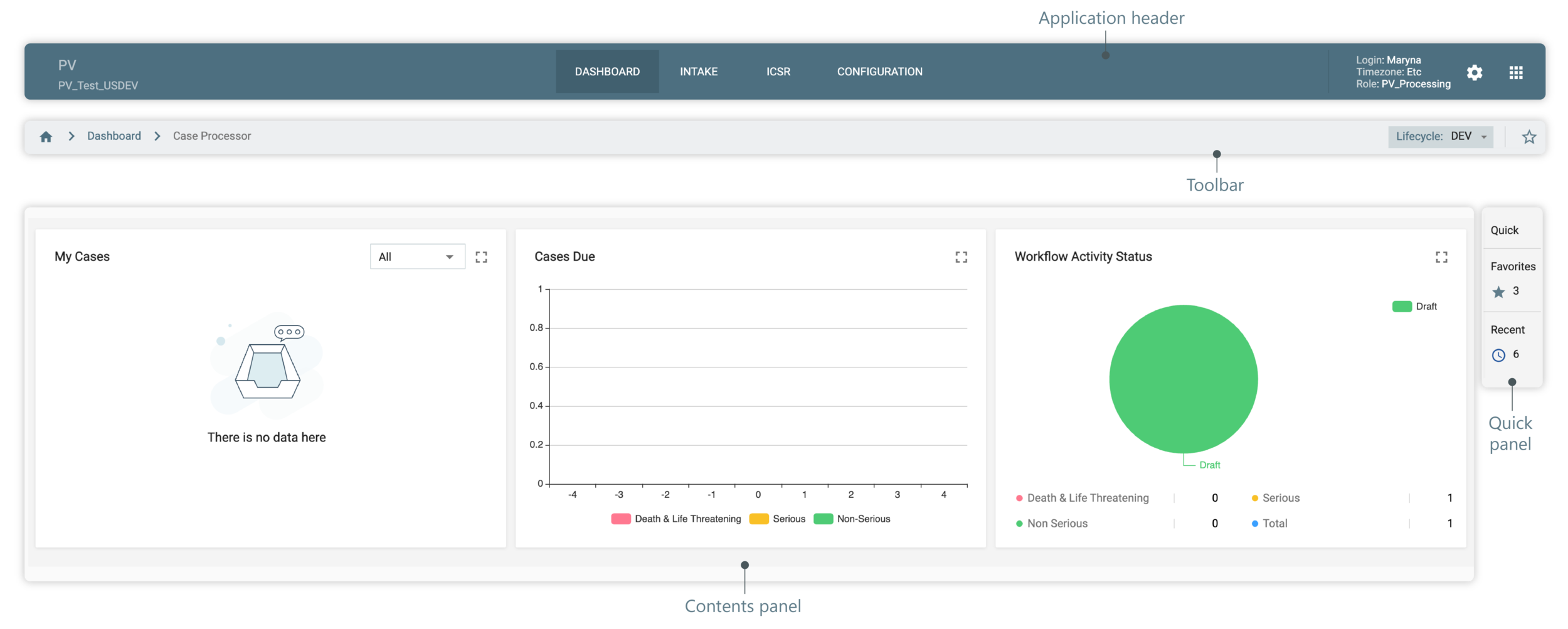
Figure 1. PV UI structure
One unique feature of PV is advance search filters and their maintenance. In the following sections, you can get familiar with how to save and use advanced filter sets for search of ICSRs and E2B R3 imported files.