Cross-eClinical UI components
All of the eClinical applications share almost the same user interface (UI), such as an application header, contents panel, toolbar, and so on. However, there may be slight differences between them.
For instance, the number of tabs in the main menu is different among applications, and similarly, the options provided in the application header may vary as well.
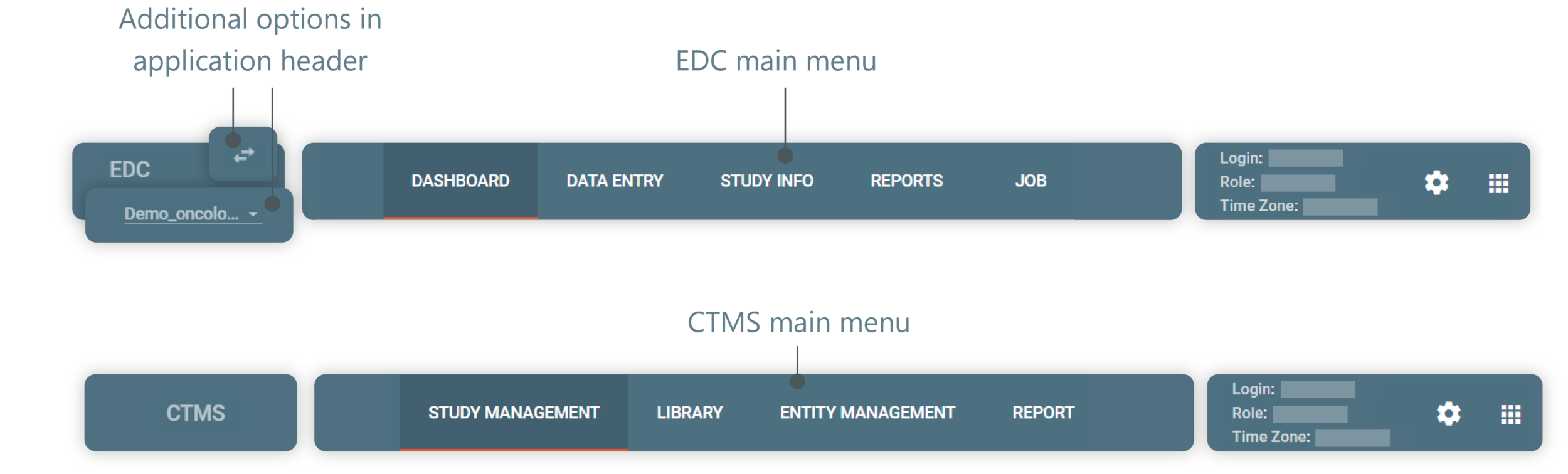
Figure 1. EDC and CTMS main menu example
This section of the user guide explains which general UI elements are available and helps you orient yourself within the user interface (UI) of different eClinical applications.
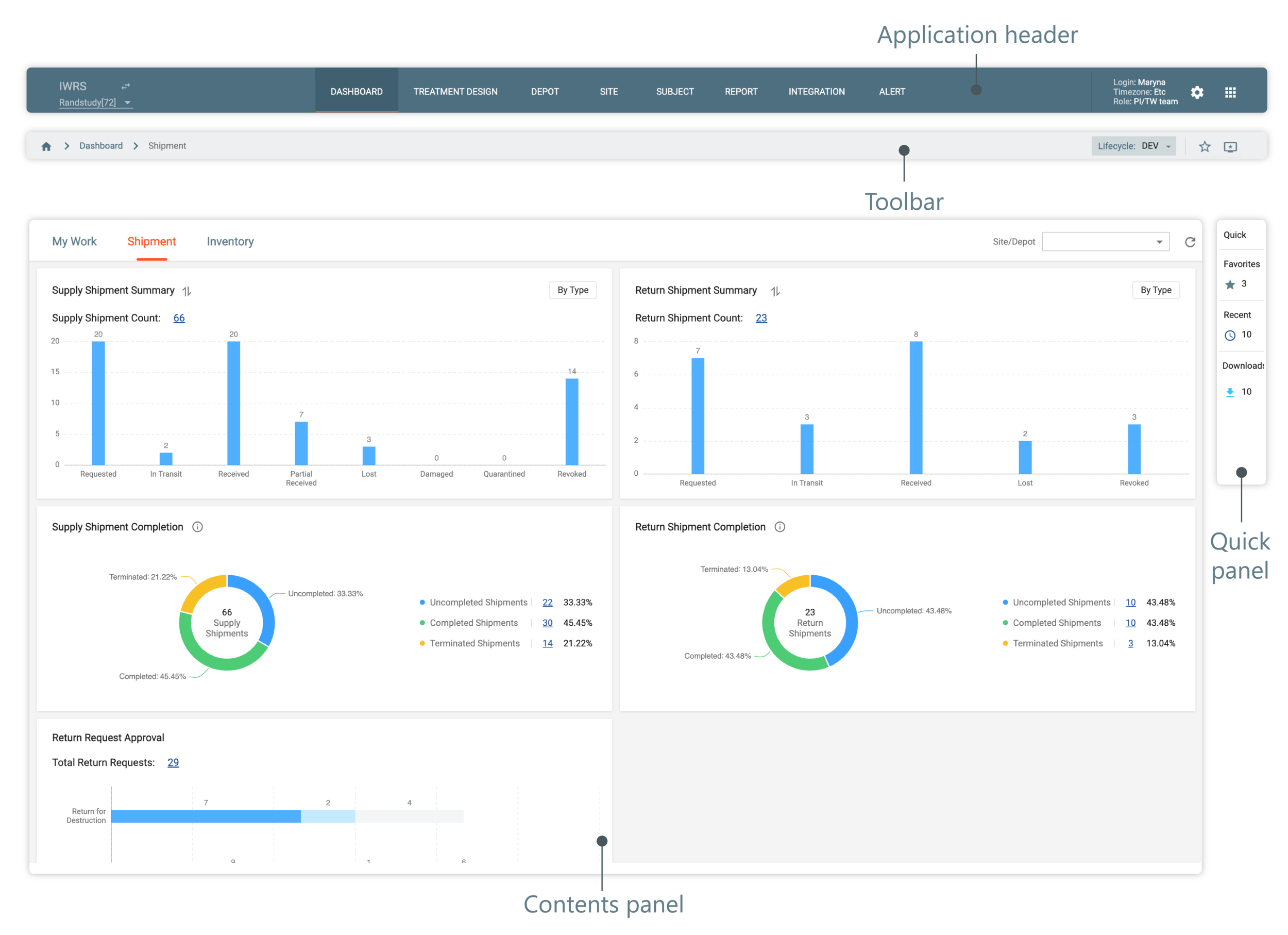
Figure 2. Operational zone
Generally, the operational zone of most eClinical applications consists of the following main blocks: