Quick panel
The Quick panel is located on the extreme right of almost every eClinical application. It incorporates a set of tools that you can use to quickly navigate to specific pages in your current application, see the recent pages you have visited in the application, and so on.
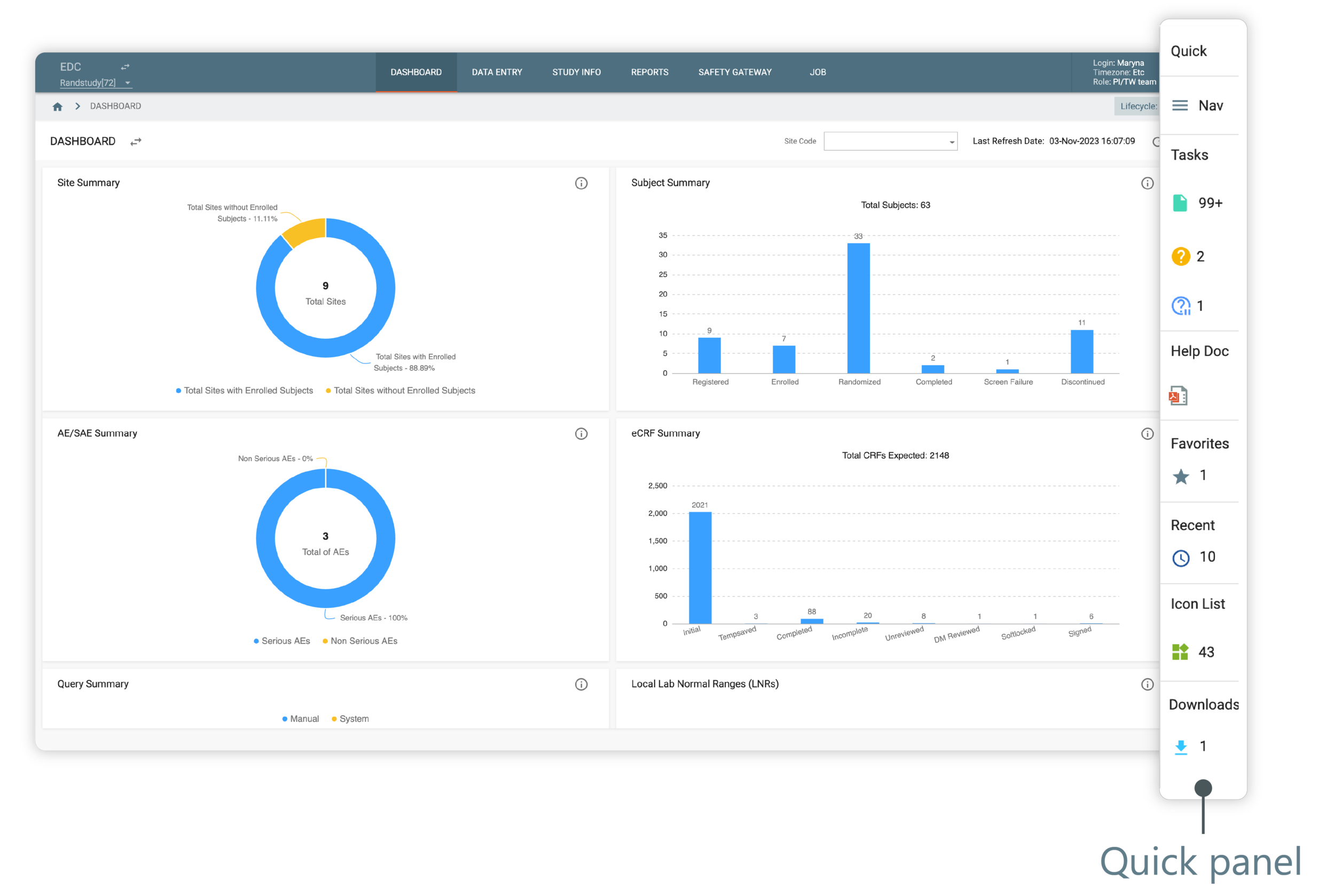
Figure 1. Quick panel
The most common components of a quick panel are the following:
Tip
The Quick panel can have other components as well that are based on the functionality specific to the application. For example, the Icon List in EDC includes all the icons used in an application along with their descriptions, or the Trash component in eTMF lists all the files you have deleted from the application, and so on.