Favorites
The Favorites option of the Quick panel contains the list of pages that you have previously marked as favorites. To open the panel, select  .
.
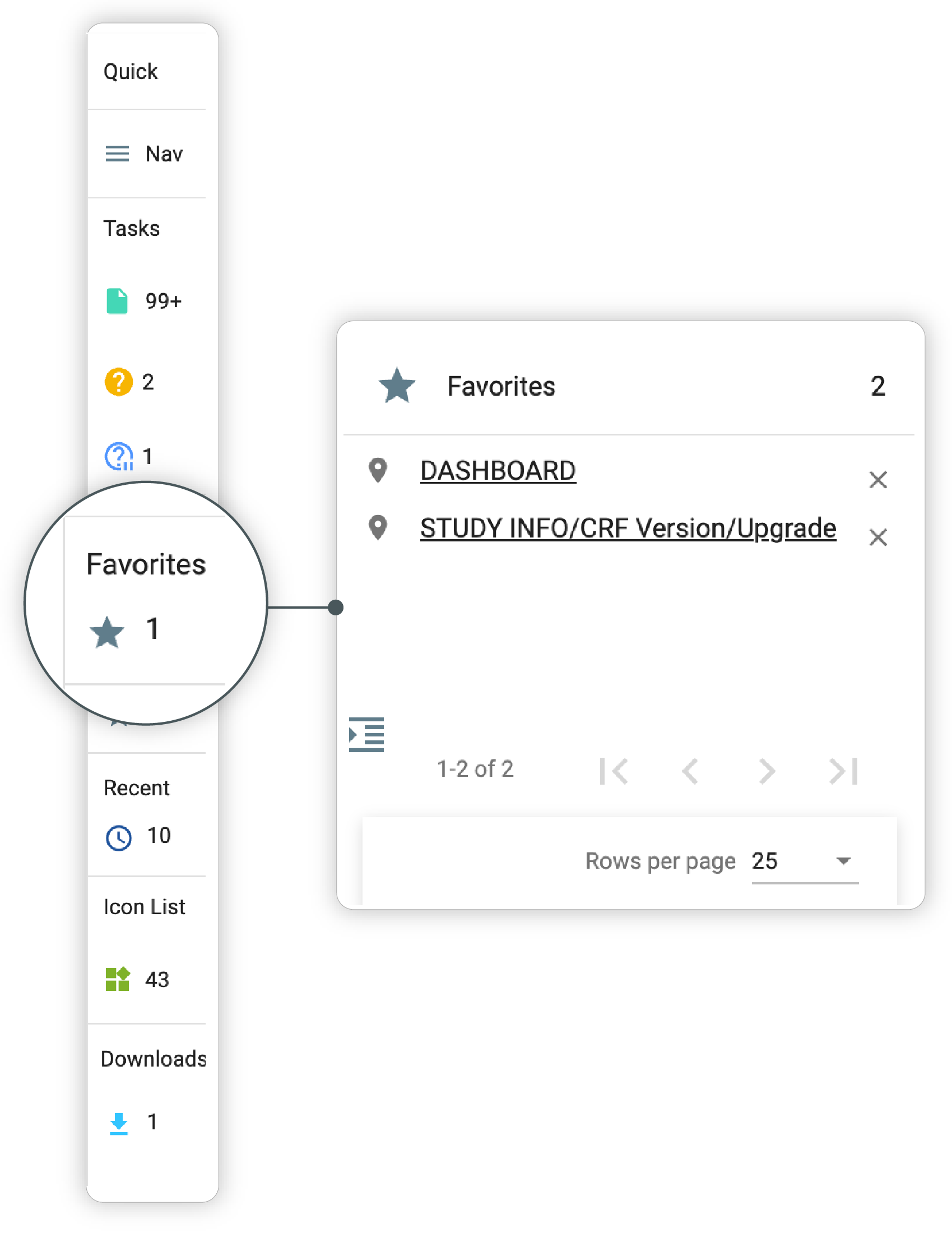 |
Figure 1. Expanding Favorites panel
To navigate to any page from the list, select its name. To remove a page from the list of favorites, select  next to
its name.
next to
its name.
To collapse the Favorites panel, select  .
.