Delete email intake configuration
In PV, you can set up the system to automatically retrieve files—SAE forms—from emails sent to a specific mailbox by adding the email intake configurations. Once the configuration is no longer needed, it can be deleted from the system to keep your study setup uncluttered.
Important
To control the unintended deletion, you can only delete the inactivated email intake configuration.
-
In the PV application header, select the CONFIGURATION tab.
-
On the page that opens, from the left pane, select Email Intake.
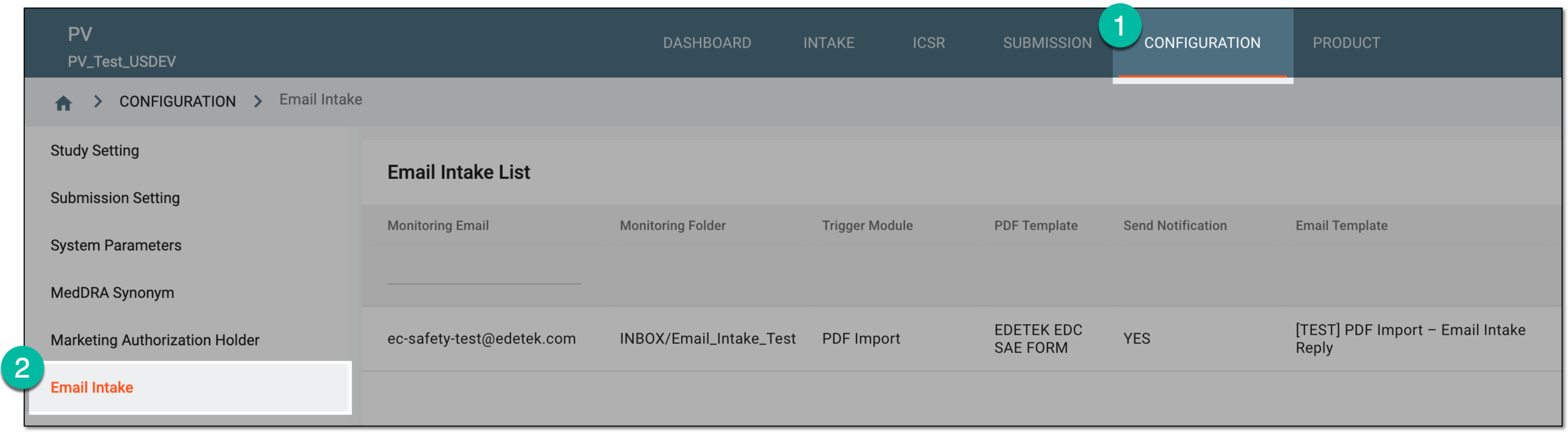 Figure 1. Accessing email intake configuration
-
In the Email Intake List table that appears, locate the inactive configuration that you need to remove. Then in the Actions column, select More
 > Delete
  .
. Figure 2. Selecting option to delete email intake configuration
-
In the confirmation dialog that appears, select
 to proceed with your action.
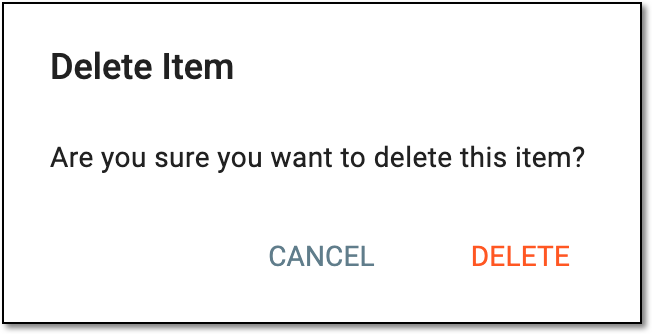 Figure 3. Confirming email intake configuration deletion
Upon confirmation, the email intake configuration is deleted.