Delete dispensing visit
A dispensing visit is a subject's treatment visit to the site at which they are administered a certain medication—dispensing package. If some visit configurations are no longer relevant, you can delete them.
Important
In IWRS, the dispensing visit configuration is version-bound, and you can only delete the dispensing visit setting from the version that has not been published yet.
-
In the IWRS application header, select the TREATMENT DESIGN tab.
-
From the left pane, select Visit Dispensing and Window.
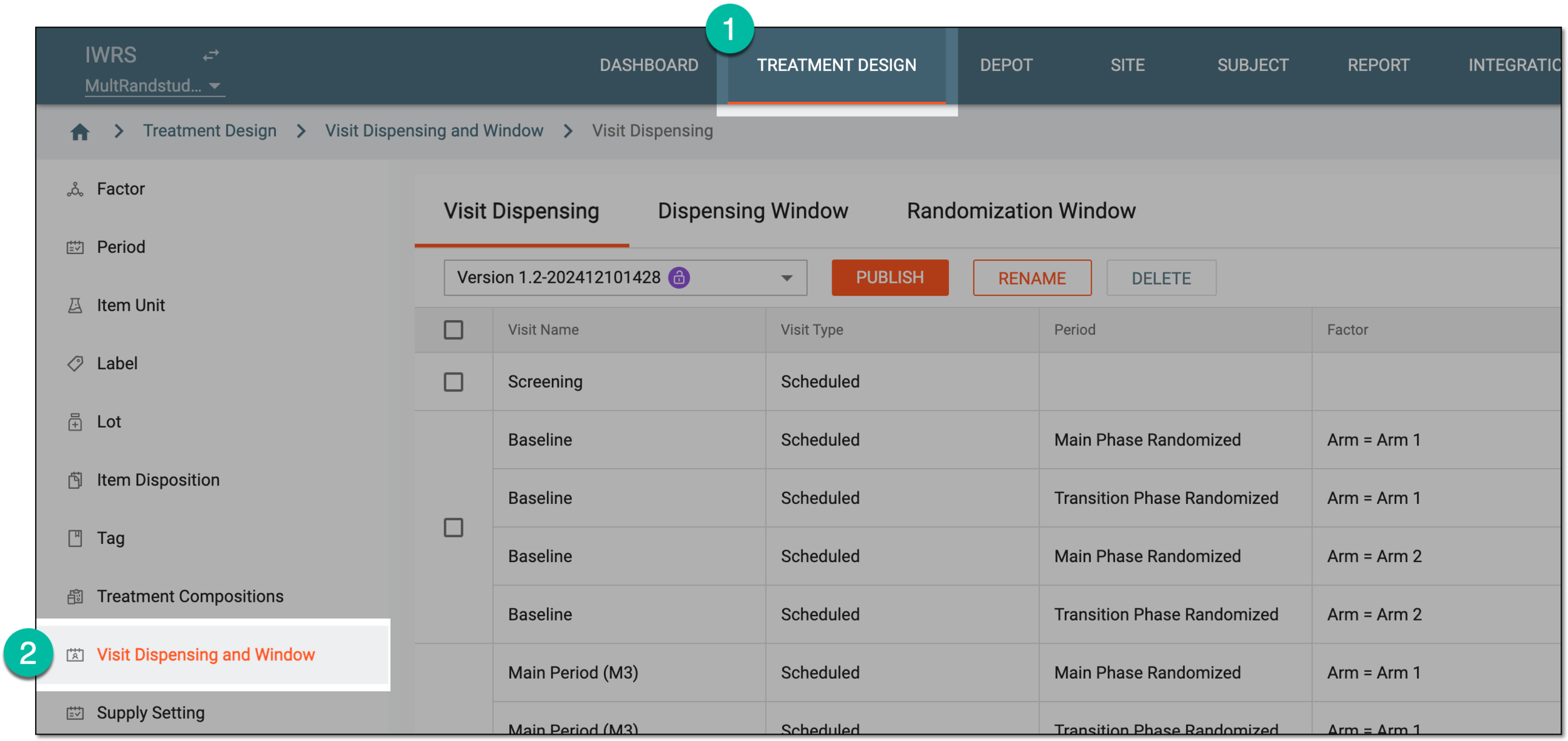 Figure 1. Accessing visit dispensing and window configuration
-
On the page that opens, from the version menu, ensure the unlocked version
 is selected, otherwise, you cannot amend any dispensing visit or window
configurations.
is selected, otherwise, you cannot amend any dispensing visit or window
configurations.If the current version is locked
 , consider adding a new dispensing visit setting version.
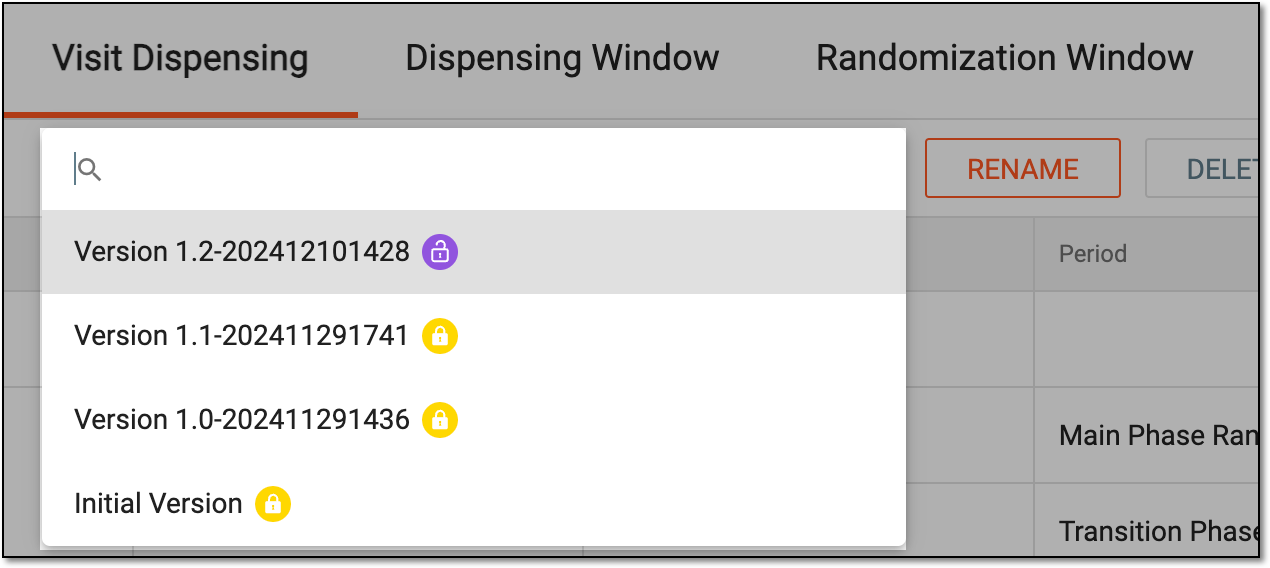 Figure 2. Selecting dispensing visit setting version
-
In the Visit Dispensing table, delete the visits in one of the following ways.
-
In the confirmation dialog that appears, select
 to proceed with the deletion.
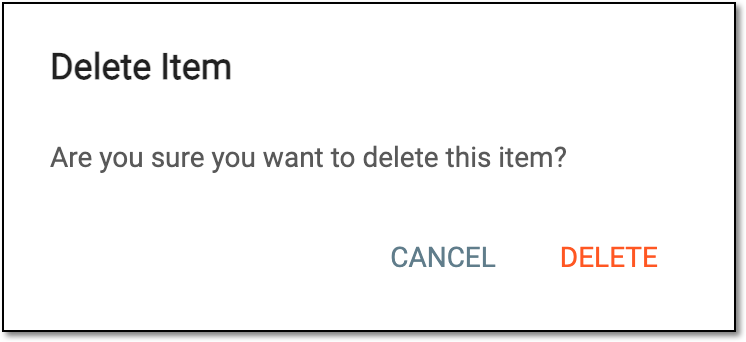 Figure 5. Confirming dispensing visit deletion

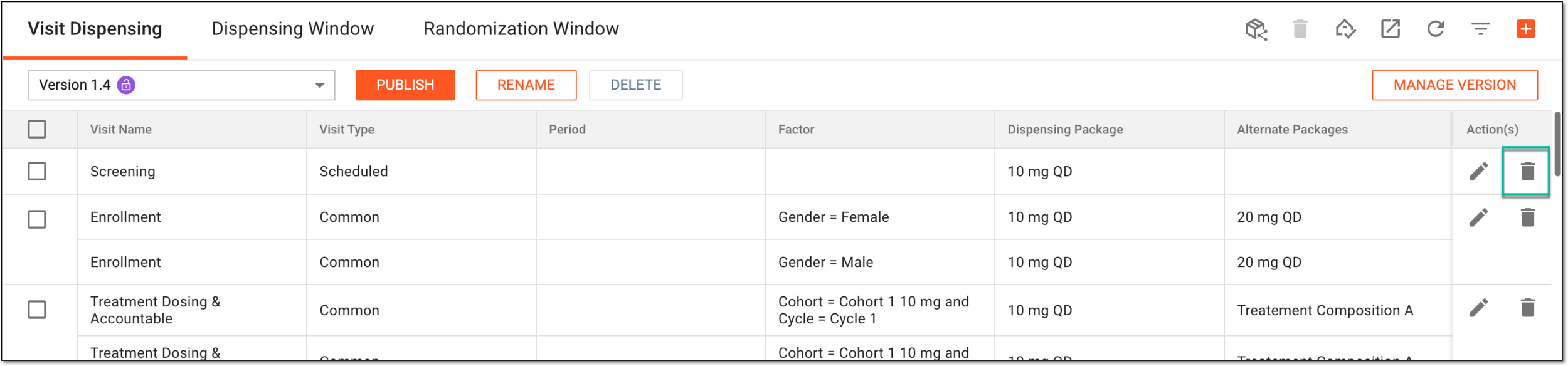

Upon confirmation, the dispensing visits are deleted from the current version of the dispensing visit settings.