Delete data file
The Delete Data File feature in the CODING application provides users with the ability to remove verbatim terms (VTs) that have been previously uploaded to specific domains within a coding batch. This functionality is crucial for maintaining accurate and relevant data, as it helps users correct mistakes or remove outdated information. Whether you need to eliminate files due to an error in the upload process or to update the VTs with more accurate entries, this feature ensures that your coding environment remains organized and effective.
Important
You cannot delete previously uploaded files with VTs for batches created using EDC import. For such batches, the option is unavailable.
In addition, you cannot delete previously uploaded files with VTs for domains where the coding process has already started.
-
In the Medical Coding application header, select the BATCH tab.
 Figure 1. Accessing batch configurations
-
In the Batch List table that appears, go to the coding batch containing the domains for which you want to remove the uploaded file with VTs, and select
 next to it.
 Figure 2. Accessing coding batch domains
-
In the Domain List table that opens, go to the domain from which you want to remove the uploaded file with VTs. Then, next to it, select Delete Data File
 .
. Figure 3. Initiating file deletion
-
In the Delete Item confirmation dialog, select
 .
.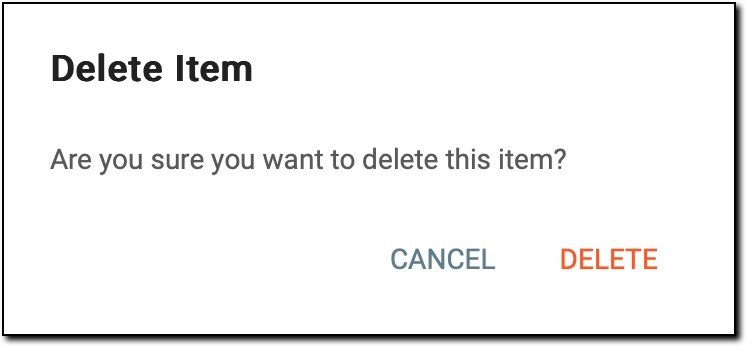 Figure 4. Deleting file with VTs
Once the deletion is confirmed, the file with VTs is permanently removed from the CODING system. This action ensures that outdated or incorrect verbatim terms are not used in the coding process. Additionally, it provides the opportunity to upload updated or corrected files as needed.