Edit email template
An email template is a model created in eTMF to facilitate user interaction with the system, as you can create several versatile templates and then reuse them for different occasions instead of composing new letters every time. You can edit a previously configured email template when you need to update its details or contents to suit your changing business needs and requirements.
-
In the eTMF application header, select the ADMIN tab.
-
On the page that opens, in the left pane, select Email Template.
-
From the Email Template table, next to the needed one, under the Action(s) column, select More
 > Edit
  .
.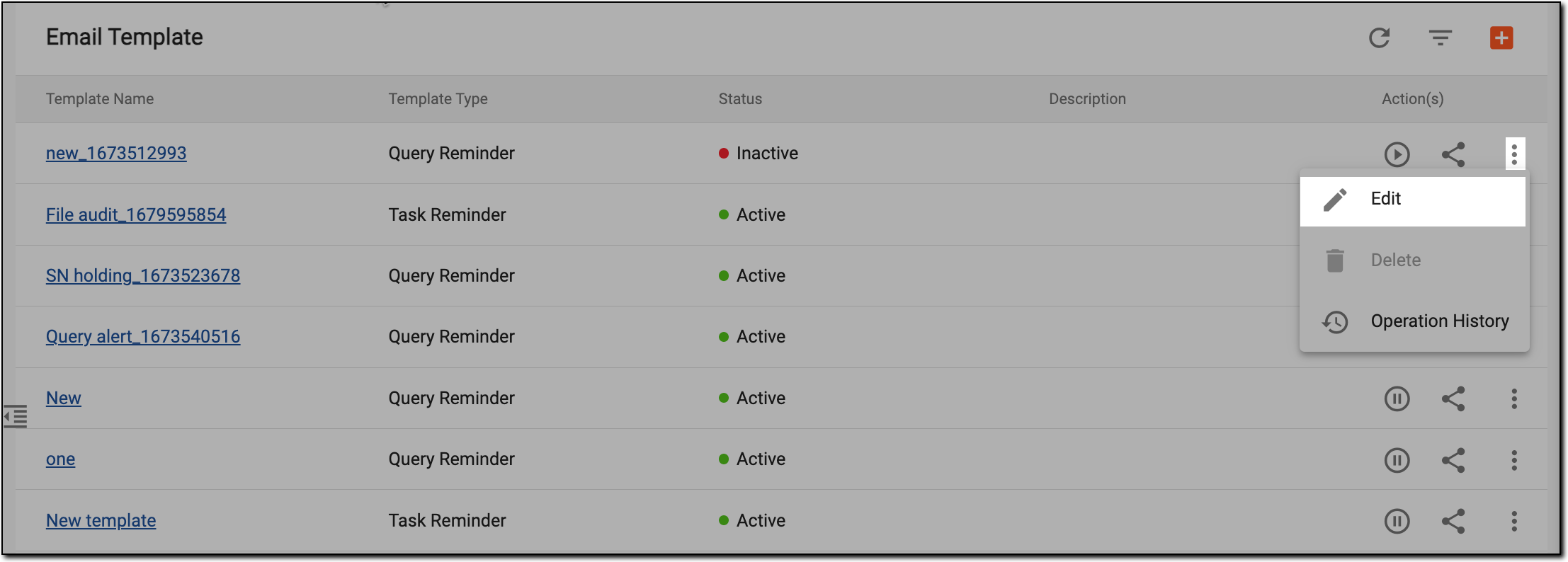 Figure 1. Accessing template editing
-
On the page that appears, modify the details as needed. These details are identical to those explained in the table of the Create email template section.
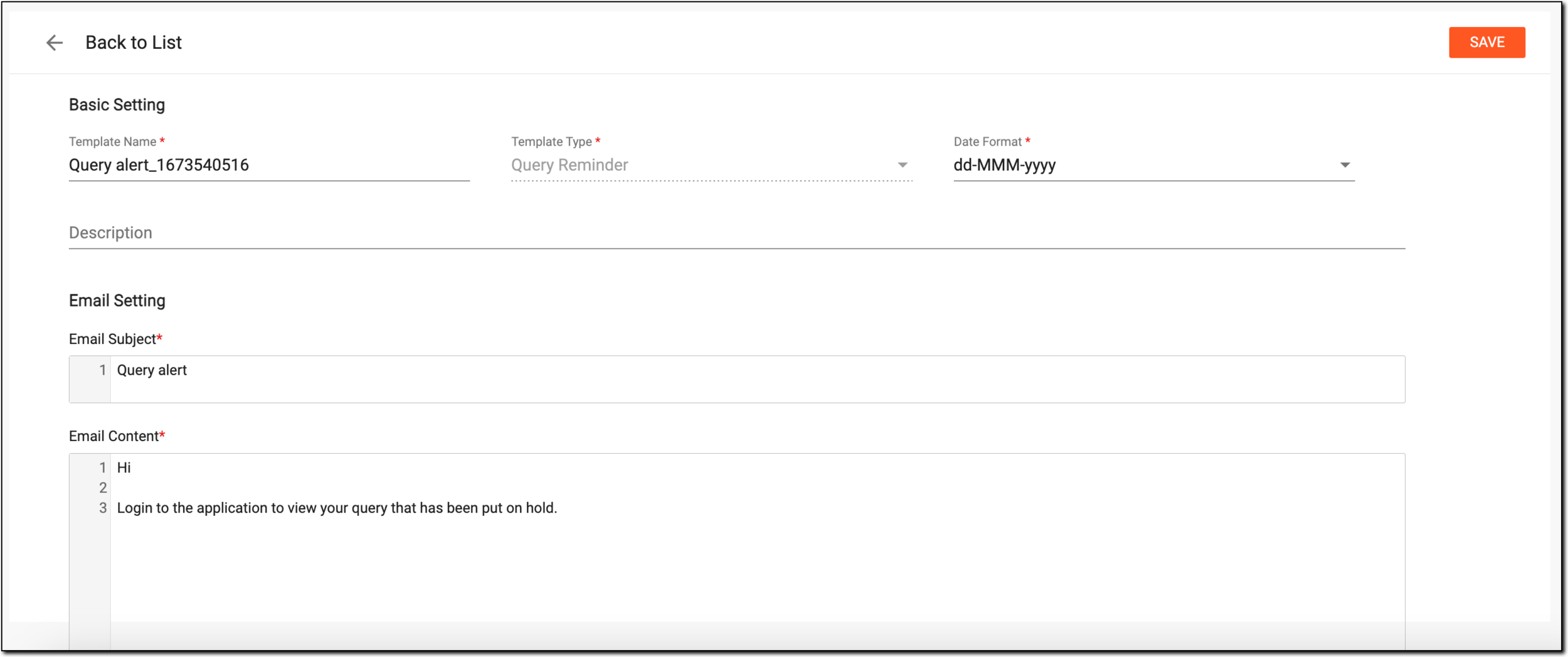 Figure 2. Editing email template
-
Select
 to implement your changes.
Upon saving, the email template is edited.