Configure study progress by visit report setting
The Report Setting tab assists you in specifying certain criteria to display the records in Study Progress by Visit Report. From this tab, you can set the type of completed visits and the subjects' details. This helps you in displaying the required set of details in the study progress by visit report. From this tab, you can specify the total number of completed visits in two ways: scheduled visits and unscheduled visits.
In this section, you can learn how to configure the data displayed in the report.
-
In the EDC application header, select the REPORTS tab.
-
On the page that opens, in the left pane, select Data Analysis subtab to expand the list of of available reports and select Study Progress by Visit.
-
On the page that appears, select Report Setting.
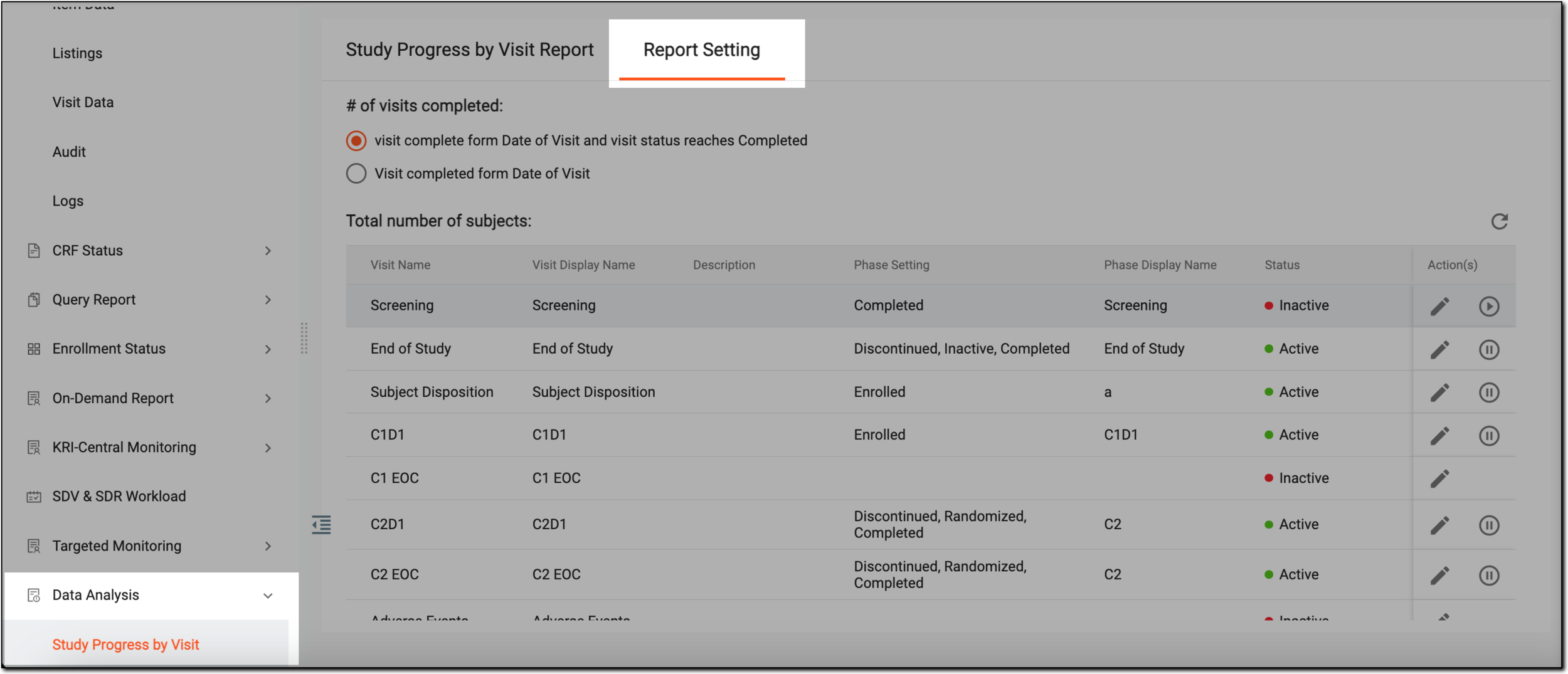 Figure 1. Accessing report setting
-
On the page that appears, under #of visits completed, select either of the two options:
-
visit complete form Date or Visit and visit status reaches Completed: select this option to view all completed scheduled visits.
-
Visit completed form Date of Visit: select this option to view all completed unscheduled visits.
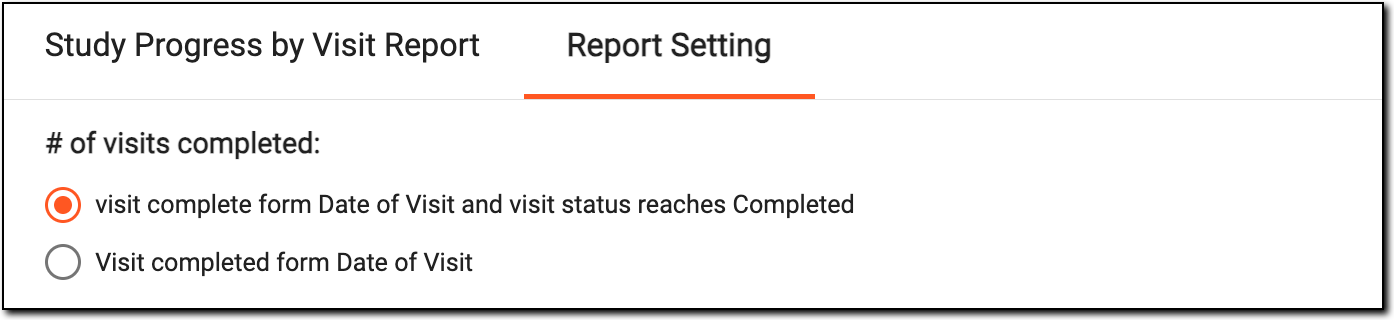 Figure 2. Selecting visits completed
-
-
Once the needed option is selected under #of visits completed, from the Total number of subjects table, next to the needed subject, select Edit
 .
.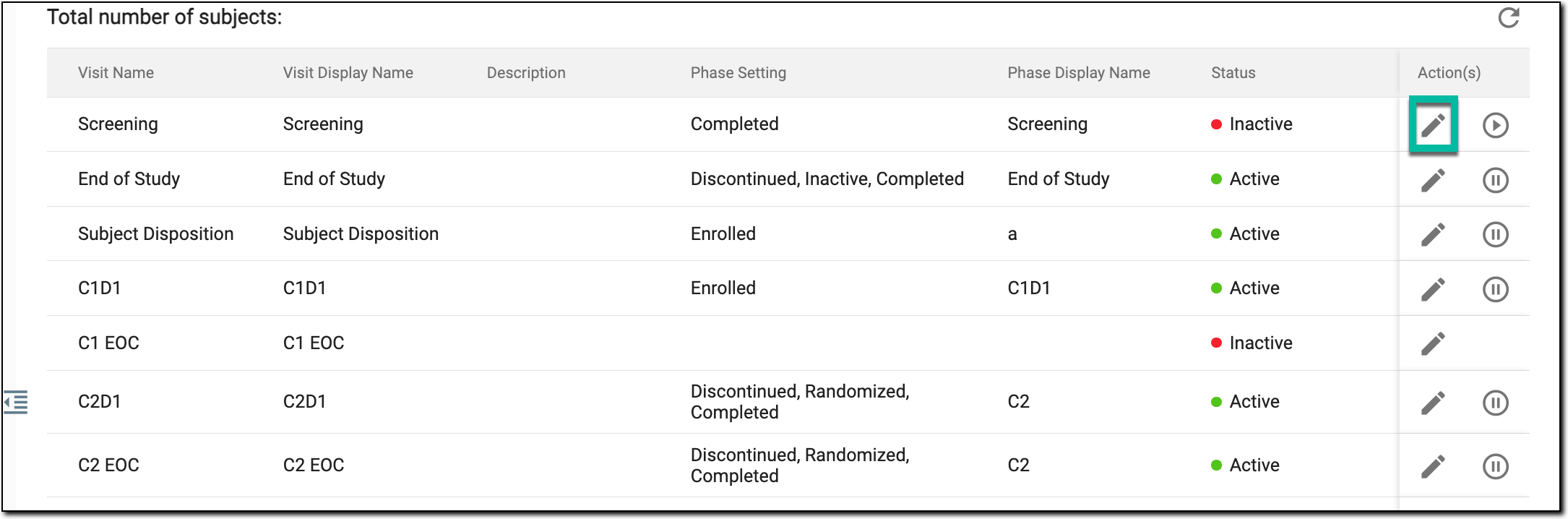 Figure 3. Selecting to edit subjects
-
In the Edit dialog that appears, make the required changes as explained in the following table.
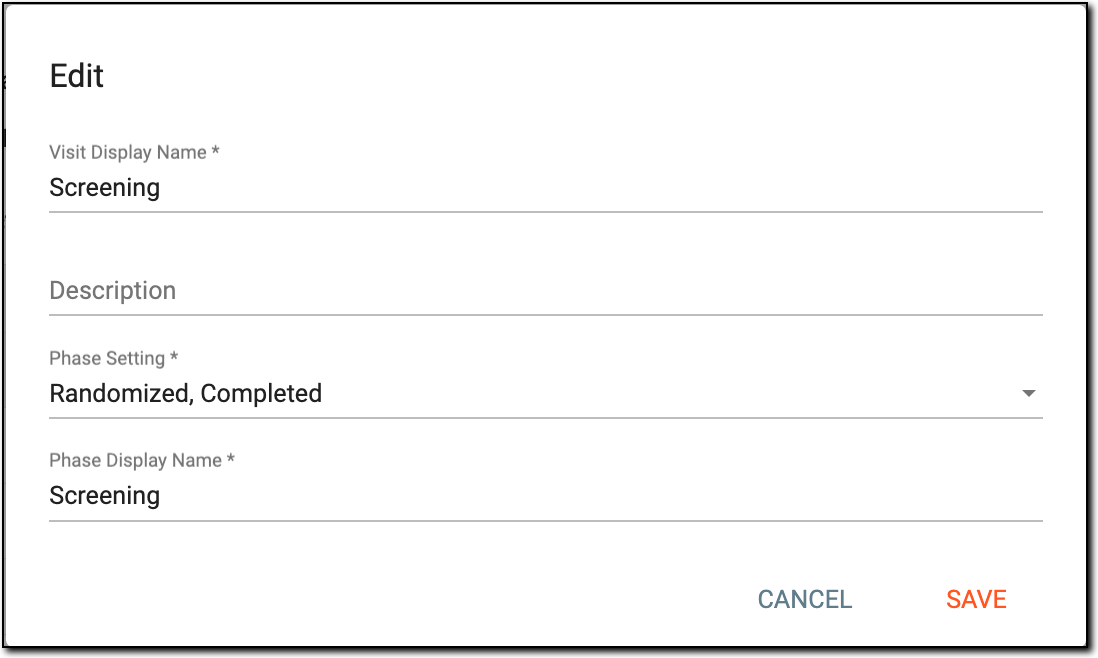 Figure 4. Editing subjects
Element
Details
Visit Display Name*
Enter the visit name you want to display in the Study Progress by Visit report.
The visit name changes only in the report and not the actual name of the study visit.Description
Enter brief information about the visit.
Phase Setting*
From the dropdown list, select the stage of the visits' subject(s), for instance, Completed, Enrolled, and so on.
Phase Display Name*
Enter the phase name you want to display in the Study Progress by Visit report.
The phase name changes only in the report and not the actual name of the phase.SAVE
Select
 to implement the changes made.
CANCEL
Select
 to dismiss without making any changes.
Once completed, based on the number of completed visits and subjects, the Study Progress by Visit report is updated.