Introduction to ADMIN
ADMIN is an administrative application of the eClinical suite designed for setting, provisioning, and controlling user access to all eClinical applications and their features. The application can be accessed only by EDETEK administrators or the organization’s designated personnel for initial and fundamental settings of eClinical applications for a specific client per their request.
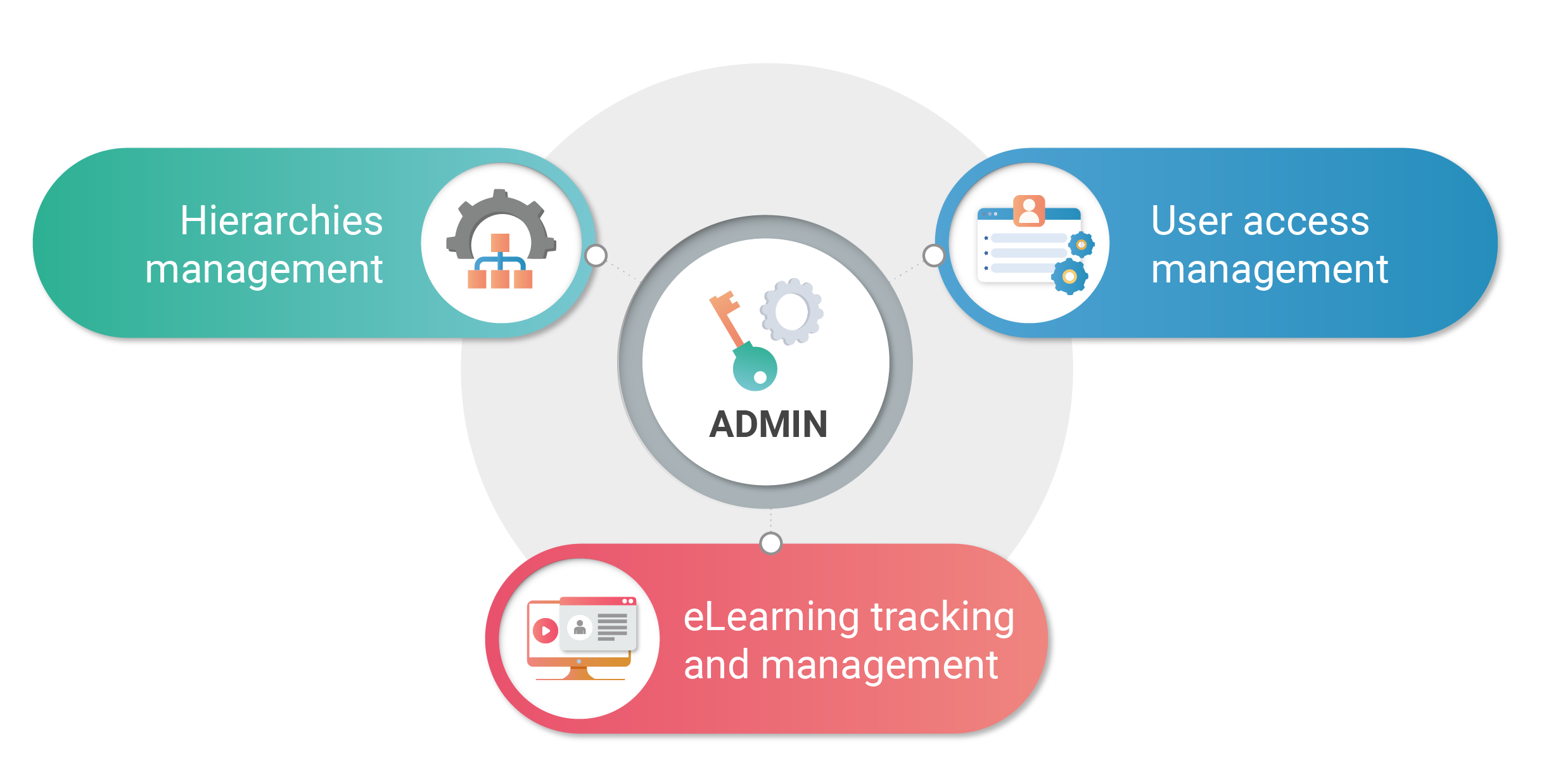 |
The cross-eClinical configurations done via the ADMIN application include the following:
-
Initial configurations of the hierarchy tree in different environments—development, test, or production—for the client's organization. The hierarchy typically consists of such elements as sponsor, study, site, and depot. The sponsor and study can be created via ADMIN, and the sites and depots are populated from the CTMS application.
-
Configuration of the eClinical applications' access for users per their business roles within the organization against the internal company's requirements.
-
Management and traceability of eLearning materials completion and configuration of user exceptions for learning requirements.
-
Configuration of the authentication procedure for eClinical users.
The following sections can broaden your understanding of ADMIN:
-
Interaction with ADMIN UI: this section provides a high-level understanding and specifics of the components of the application user interface.
-
Hierarchy configuration: this section provides insight and instructions on how to create and manage clinical study hierarchies.
-
User management: this section provides insight and instructions on how to create and manage system users, including assigning roles to them.
-
User group management: this section provides insight and instructions on how to create specific groups of users, manage their hierarchies, and assign users to these groups.
-
Role management: this section provides insight and instructions on how to create and manage user roles in the eClinical system to control access permissions, blinding capabilities, and more.
-
User role management: this section provides insight and instructions on how to manage user roles and assign users to them.
-
Reports: this section explains the reports available in the ADMIN application, their significance, and specifics. Here, you can also find the details of the study decommissioning procedure handled via ADMIN.
-
Configuration: this section explains the single sign-on (SSO) and two-factor authentication (2FA) configuration for users.