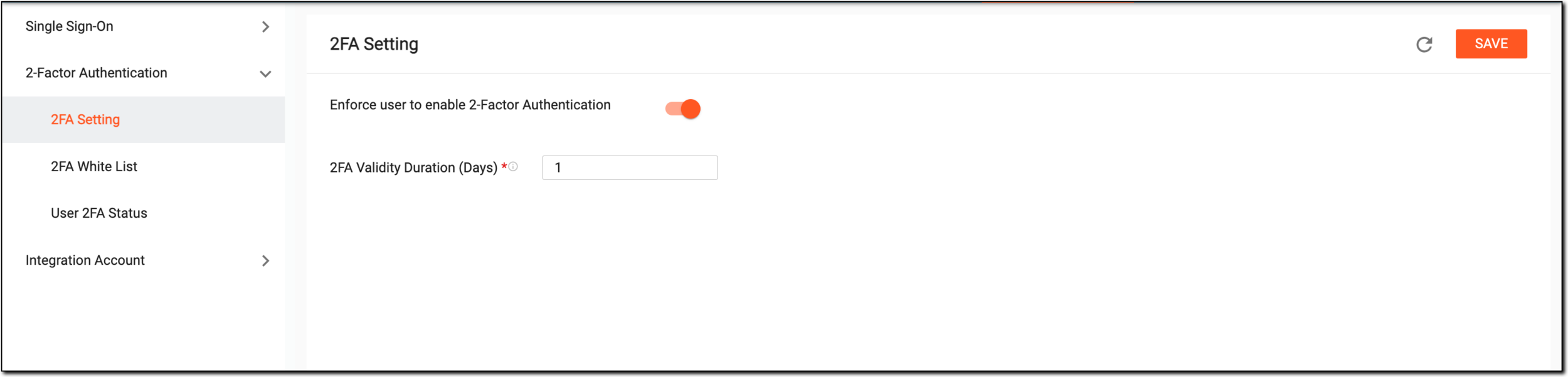
Two-factor authentication configuration
In the ADMIN application, under the CONFIGURATION tab, you can enable the two-factor authentication to authenticate the eClinical system users. Two-factor authentication is defined as a security configuration where a user has to complete two authentication processes to successfully access the application. When this feature is enabled, upon login, the user needs to enter the password and also fulfill another factor to verify their identity.
For instance, the user can be authenticated from their email or a mobile device authentication application, such as OKTA.
You can manage the two-factor authentication in ADMIN by performing the following actions:
-
2FA Setting: to view and edit 2FA settings.
-
2FA White List: to view, edit, add, activate/inactivate, and delete users from 2FA white list.
-
User 2FA Status: to view the details of the 2FA status of a user.